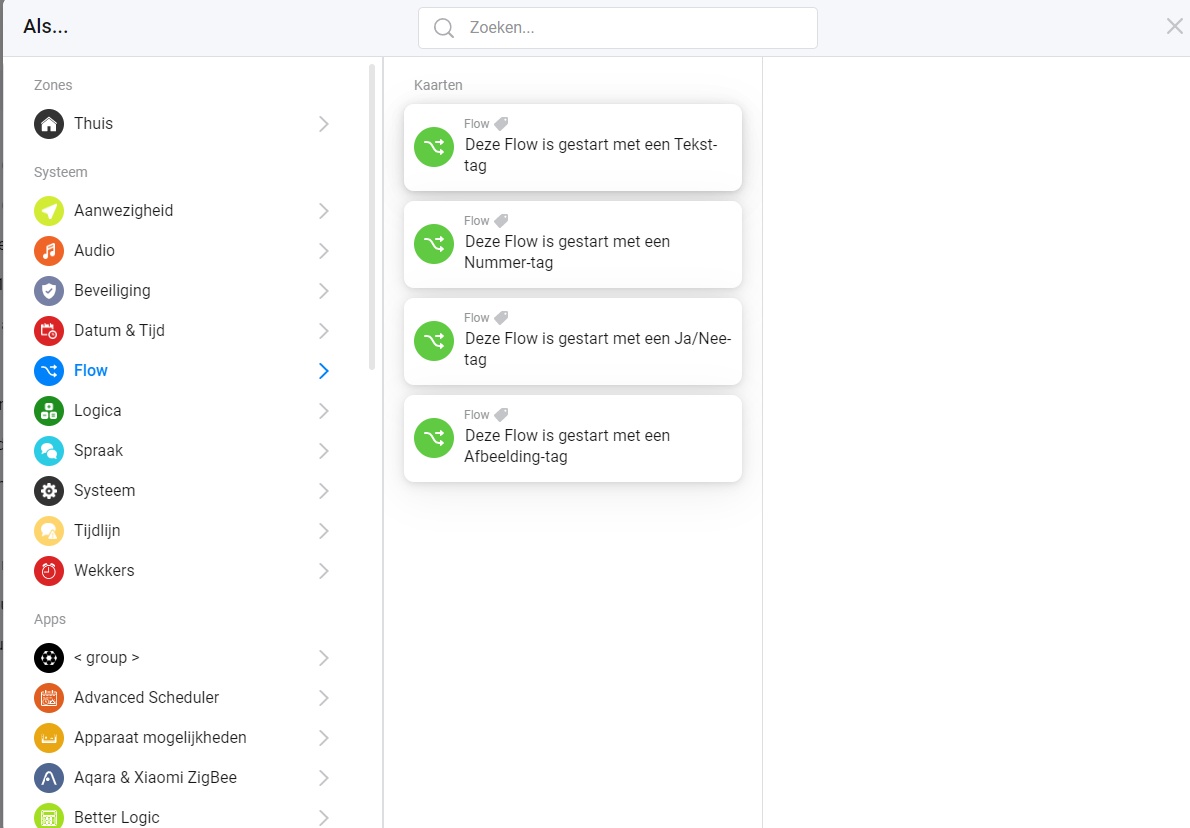
I use an “if power changes” as the starting point but an “AND” after that, that “AND” has a better logic card that checks a specific status, so you can have:"
power changes and the dishwasher was off (so set status to on now, its running)
power changes and the dishwaser was on (so set status to “cooldown” now, it seems to have finished cleaning but is still “on”, the amount of time after that timestamp is fixed so set a countdown;
when power changes, the status is cooldown and the countdown is finished then it must be finished, so set atatus to off again and tell me its done (the dishwasher itself beeps within 10 seconds of that notification_
And yes: My dishwasher allready beeps when its done but this is WAY WAY COOLER !!!
Haha yeah, way cooler to setup Homey flows. But still don’t get why the 3rd would ever trigger, since the power never changes again after it starts the cooldown right?
Ah okay, so yeah if the power does change it would trigger again and there is no issue, for example my dishwasher beeps for 2 min after it is done, then turns completely off, so there won’t be any power change afterwards. I’ll just keep using my old flows with the separate when trigger then, Don’t fix it if it ain’t broken haha
Understand… still some kind of loops would also be nice… Sometimes you need something in a loop… I am now doing that by making use of statusses… I mainly use it combined with automation triggered by power usage, so "when power changes"is always my start, that makes loops work, but a “real loop” would be even nicer I think !
You could fake it… instead of looping back set a variable or increase a number and create a second flow that looks for such a change…:
our of the primary loop: set variable to “loopback”
secundary loop: check if variable is set to “loopback”, if so then make variable empty again and restart primary flow.
in understand the “then” part, so if all conditions are true, then execute the 4 actions on the right, that means if only 3 conditions are true no action will take place.
but the else part would ONLY fire if ALL conditions are false and i guess you want an else whenever the then is false.
do you understand what i mean?
you have x different states of you conditions and only one state leads to execute the then, x-1 states leads to else which is only fired in 1 single state.
I have not been able to test this one out, its basically just my old flows combined into one (and those worked), but lets see if I understand:
For what you have circled withe the red line:
When this part of the flow is reached the logic thinks the car is in cooldown mode, next step should be that charging is finished. If after the timer runs out the car has started to use power again then it was not finished but the car apparently decided to pause charging (maybe it got to hot or something), in that case the status should be “Aan” (meaning its charging).
In other words: The bottom flow should EITHER finish the charging cycle (THEN) or just put the car in charging mode again (ELSE)…
I get you… I would be better off just saying “ANY” at the "ELSE"here instead of ALL right ?
but you inspired me to restructure my advanced flow.
i started with having triggers multible and conditions only once, but now i changed like you to have each trigger only once, but conditions can be more often in one flow. feels better…
Does “any” work in both ways ? I figured it worked “left to right”, any condition met would lead to the flow continuing, it also works the other way around? So all actions will be taken ?