I have a big problem since yesterday :
Whenever I try to use a label/tag in an advanced flow, the web app crashes…
I tried to change browser, computer, to reboot Homey Pro, nothing changes !
For example, when I click on the gray label here :
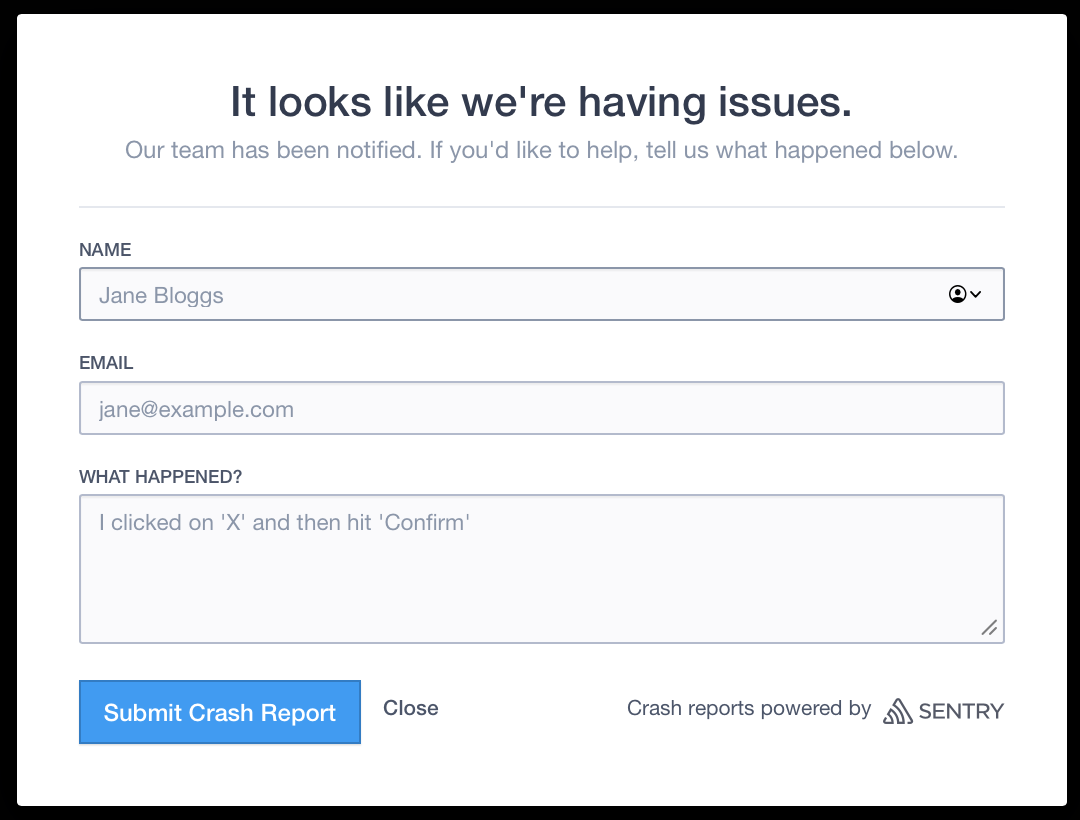
I got this :
Any ideas ?
It works fine here
Have you tried another browser?
“I tried to change browser, computer, to reboot Homey Pro, nothing changes !”
Oops, didn’t read that part
Since when do you have this issue? I think you should report it to Athom in that case
Which Homey Pro-version (e.g. 2023, 2019) do you have?
What firmware version is your Homey running?
Do you perhaps have the FlowChecker app running?
I have this issue since yesterday.
I sent a message to Athom support. But I have to confess I trust the community more than the Atom support ! 
@SunBeech : I do have the Flow Checker App running… Is it that app that may cause this trouble ?
Can you check if disabling FlowChecker resolves the issue? There was a prior bug in that app that caused issues with editing Advanced Flows in the web app.
I uninstalled the Flow Checker app, restarted Homey Pro… same ! 
Thanks for trying to help me !
Sorry… I left this questions out :
I have the Homey Pro (early 2023), and the firmware version is 12.8.2
Too bad; Was worth the try .
What if you clear the cache of your web browser, so that you force the web app to fully reload (though I know that you already tried a different browser)?
Other than that, I am out of ideas. Like others suggested above, you’d better reach out to Athom, via https://homey.app/support/.
Ok…. I think I found what caused the crash…
The guilty app is the “Mon suivi conso Enedis” App that conects french electricity meter to Homey so that energy consuption loads in insight.
I will contact the App developper !
Thanks for your help anyway !
Good to hear that you found the culprit  !
!