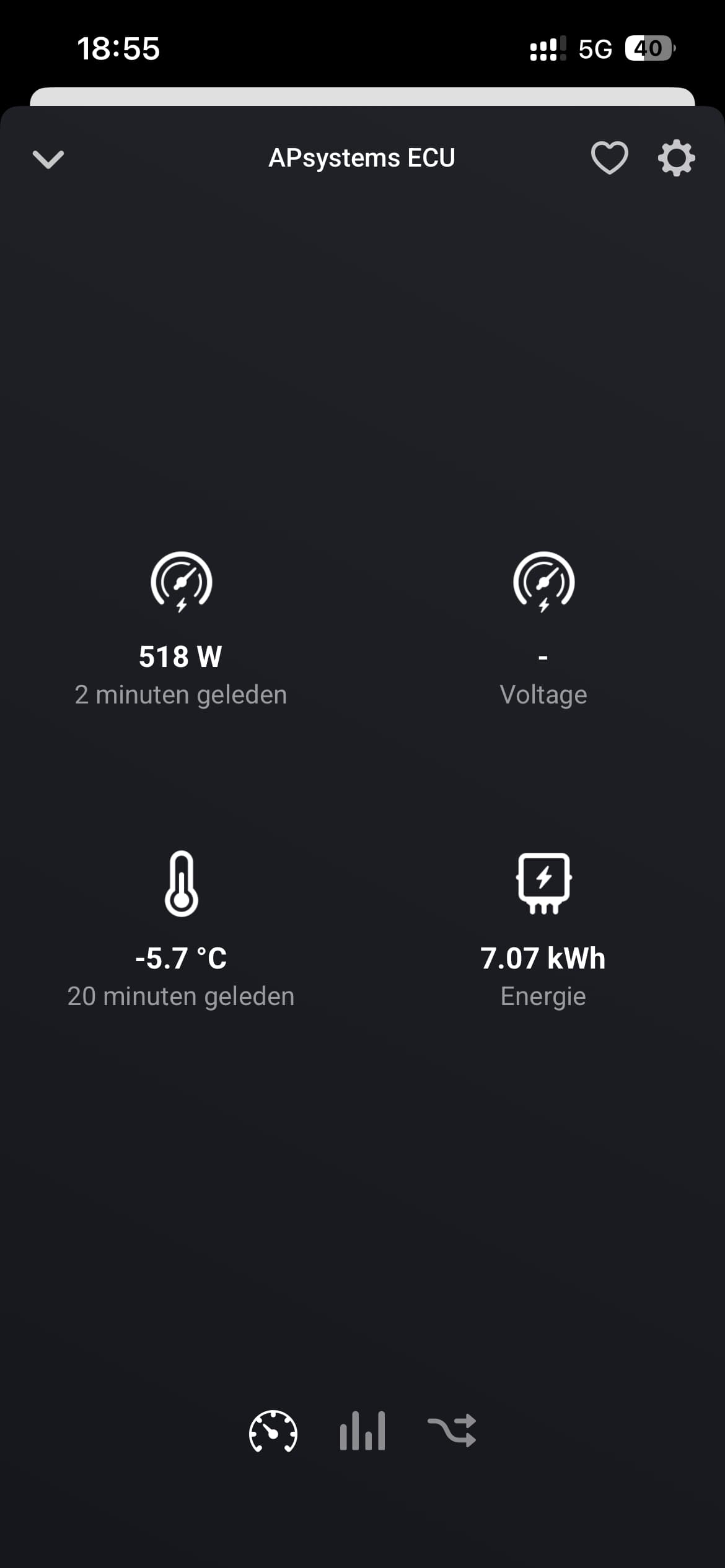
I got it working!  Just had to fiddle a bit with the IP address when switching from a wired connection to Wi-Fi. Somehow it then creates a different IP address and also a different MAC address (which isn’t the one shown on the ECU sticker).
Hi Steven, I just connect mine to the WiFi, which Ip adres did u use to get it working ?
Thanks and best regards Peter.
Hi Peter, the IP address would be different in every household. Look into your router for something like EMA
Look in to your router and find the IP with the namen ESP….. That is the wifi ip from the ECU.
Tip: fix this IP in your router
Had a stuck app this morning. A reset of the app solved it. Will do a diagnostic next time when stuck.
Regarding poll time, I think official is every 3 minutes?
This morning, the app also stopt working on my Homey, but restarting the app (and the ECU) didn’t help in my case…

I’m currently using the Home Assistant app, in addition to this new app.
In the Home Assistant app, I can also see the energy yield of each solar panel.
Is this something that could be implemented?
Hi Dick and Steven, I’m in eventually I’ve got it working and found the IP address inbetween all my devices I’ve got the right one now  and fixed the IP address in my Modem so that it won’t change anymore.
Zie net dat de waardes 46 min geleden voor het laatst bijgewerkt zijn🙁
Thanks a lot for all your effort,
Best regards Peter.

I have to make adjustments in the software to get more info from a diagnostic report. For now I can see that the inverters were offline/ didn’t send any data.
The lifetime data will come from the ECU, so that was displayed.
Since also HA didn’t report anything, it must be something with the ECU. All inverters stopping at the same time is unlikely.
That should be possible, but for now I will try to get it working without errors and crashes 
From what I’ve seen, the ECU only reports every 5 minutes. I want to find a balance between retrieving data and putting the load on the Homey

I’ve added some more logging in the code, for diagnostics and released a new version. Now I hope I’m able to see the data coming from the ECU and see why the power is zero, or in another case, extremely high
Hi Johan, if the temperature is correct, are you saying that you produced 72kW at that moment? It seems a lot, unless you have 180 solar panels.
Hi Dick, I have 12 panels and a maximum of 4000W. The information is incorrect, but it works fine after restarting the app. However, the temperature information continues to be incorrect. I also don’t see any information about the voltage.
I still have to figure out things… that’s why I changed the code so the diagnostics have more content. I only know since yesterday what the result is when you send a diagnostic report from the app. Remember this is not my work, just a hobby 
What type of inverters do you have?
Hi Dick, here an update about my system, since 12 this afternoon I deleted the ECU-R from Homey because it was still stuck and added it again, now it’s running smoothly since.


The only question I’ve got is why I see the voltage drops because it’s hardly unlikely that that happened

And what is the graph Energy usage mean because it should only generate electricity not using it, or am I wrong.
Thanks again and best regards Peter.