Device ID: bf9b4e81382ef0a315wwkg
 Hi!
Hi!
I have a Tuya Air Conditioner (2.6KW) connected to Homey via the Tuya Cloud app (Jurgen Heine’s community app). I want to request full DP Instruction support for this device type in the app.
 My problem:
• When using “Standard Instruction” mapping, only Power (On/Off) actually works.
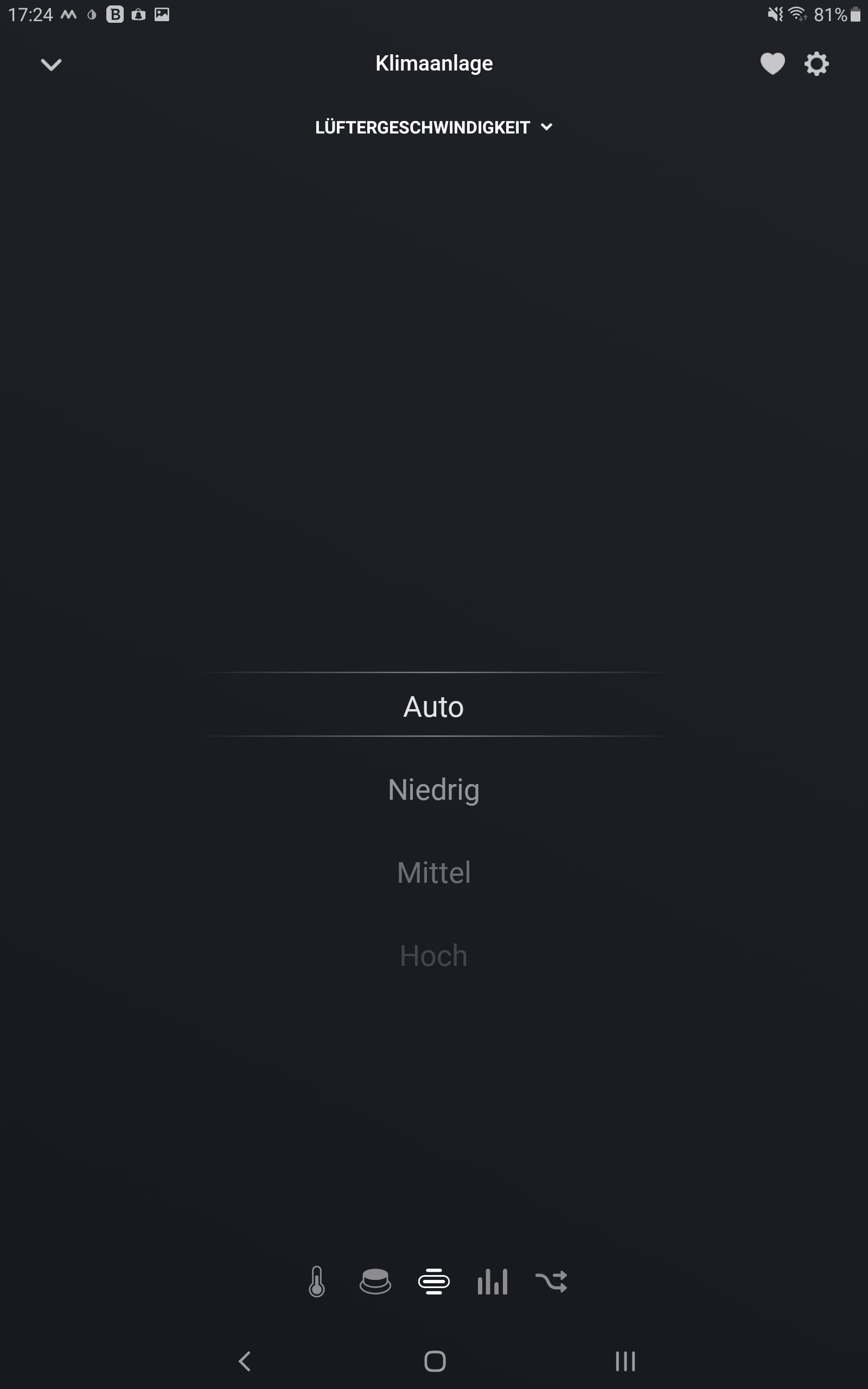
• Target Temperature, Windspeed, Current Temperature, Modes (COOL / FAN / DRY), Sleep, Timer, C/F switching etc. appear in Homey’s UI but do not work.
• When using “DP Instruction” mode, all controls appear in Homey’s UI but nothing works at all (not even On/Off).
What I want:
I want all available DP Instructions to be supported in the app, and shown as individual capabilities/controls in the Homey device. I want to control these directly in the device tile (no need for Flows to send raw DP instructions manually).
Device Info:
- Device Name: Air Condition
- Device ID: bf9b4e81382ef0a315wwkg
- Product: Air conditioner 2,6KW
Tuya Developer Platform DP → Standard Instruction Mapping:
DP Instructions available on device:
1. Power
- Code: Power
- Function Name: 开关
- Data Transfer Type: Send & report
- Data Type: Boolean
- Remarks: Power
2. temp_set
- Code: temp_set
- Function Name: Temp Set
- Data Transfer Type: Send & report
- Data Type: Integer
- Range: 16–86°C (step 1)
3. temp_current
- Code: temp_current
- Function Name: Indoor Temp
- Data Transfer Type: Report only
- Data Type: Integer
4. mode
- Code: mode
- Function Name: MODE
- Data Transfer Type: Send & report
- Data Type: Enum
- Range: [ “COOL”, “FAN”, “DRY” ]
5. windspeed
- Code: windspeed
- Function Name: FAN
- Data Transfer Type: Send & report
- Data Type: Enum
- Range: [ “1”, “2” ]
6. C_F
- Code: C_F
- Function Name: 温标
- Data Transfer Type: Send & report
- Data Type: Enum
- Range: [ “C”, “F” ]
7. Timer
- Code: Timer
- Function Name: 定时
- Data Transfer Type: Send & report
- Data Type: Integer
- Range: 0–24 (hours)
8. coutdown
- Code: coutdown
- Function Name: 剩余倒计时
- Data Transfer Type: Report only
- Data Type: Integer
9. Alarm
- Code: Alarm
- Function Name: 故障类型
- Data Transfer Type: Report only
- Data Type: Bitmap
10. SLEEP
- Code: SLEEP
- Function Name: 睡眠
- Data Transfer Type: Send & report
- Data Type: Boolean
Expected result:
- When adding this AC via Tuya Cloud, I want Homey to show all these DP Instructions as real device capabilities (on/off switches, selectors, sliders) so they can be controlled without Flows.
- Ideally, “Standard Instruction” mapping should support everything above automatically.
Why?
• Today, only Power On/Off actually works in Homey when using Standard Instructions.
• The other controls appear but have no effect.
• In DP Instruction mode, all controls appear but nothing functions at all (even Power fails).
• This is very hard for normal users. I had to manually read these DP codes from Tuya Dev Console and hard-code them in Flows. I want this to work out of the box!|
 Please consider supporting this device type fully.
I believe the mapping is straightforward since all DP definitions are already known and shared here. This would make the Tuya Cloud integration much better for AC units like mine.
Thank you so much!