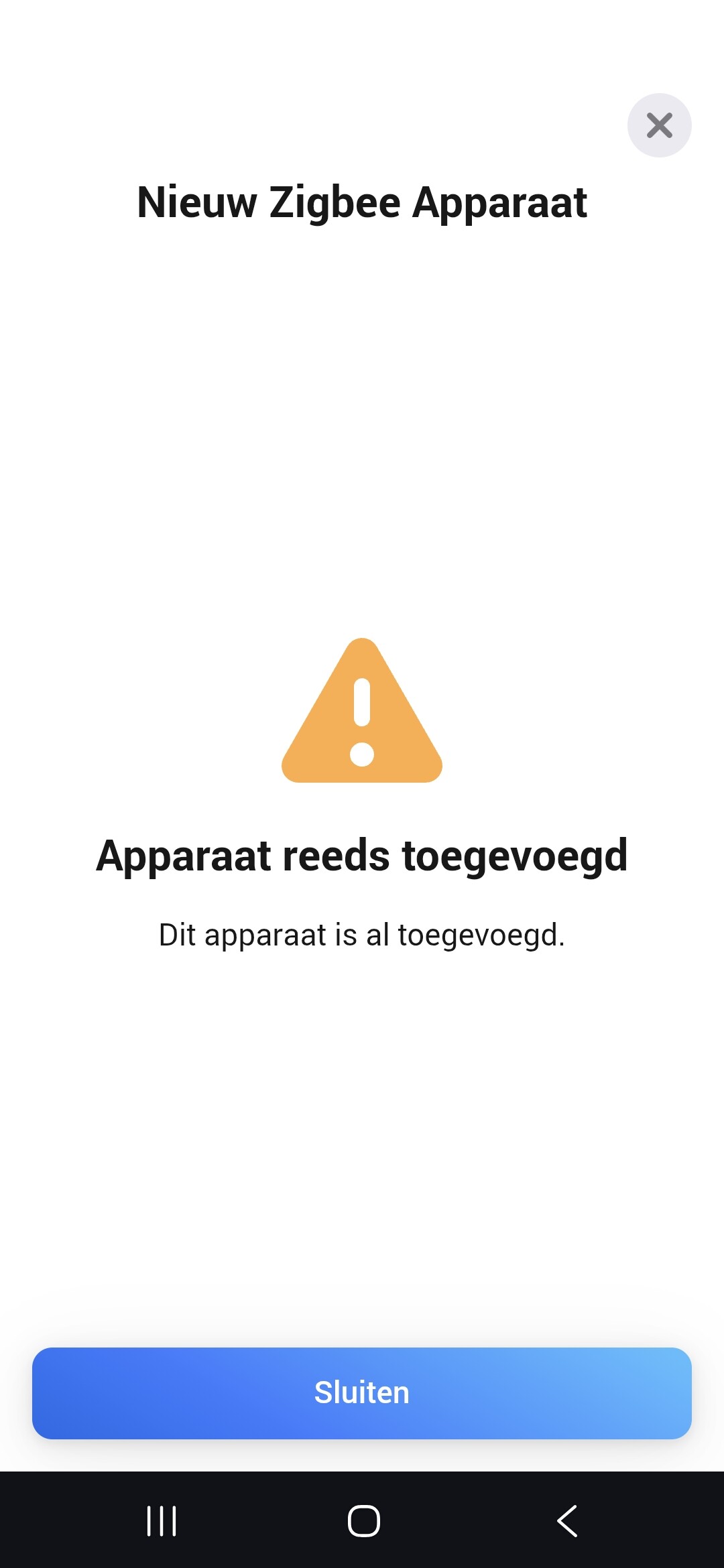
I am new here and already added a lot of 433 (KAKU) devices, also my Somfy rolluiken/shutters. I have also added successfully 2x Sonoff S60ZB zigbee wall sockets. However I got a brand new 3th socket, I plugged it in and when adding new device, select Zigbee (ass Sonoff app or SonoffZigbee app does not have the S60ZB device supported), it results in: device already added!
Its brand new and I cannot add it, but its not in the Homey yet. What can I do?
let me try this. Also: resetting the S60ZB device is not clear. In the manual is mentioned: hold button 5sec. However this is also for getting in to pairing mode…
So…what is resetting the socket then…. who knows. I already tried holding 5sec, 10s and 15s. Not helping.
Try to repair the other two plugs that you have already linked, via the Repair option in the device tile’s Settings > Maintenance section. So, do not remove them, but repair them (in order to not break existing flows). After the repair try to add the new/third plug.
Not a direct solution, but did you reach out to the developer of both SONOFF apps for Homey to request support for your plug model?
I am going to try that. Also removing/deleting the device from Homey I can try for all S60 sockets, I have no flows yet.
Second; I have also mailed 2x sonoff app developers to add S60ZB as these are not yet officially mentioned somewhere. I always added these by the regular homey zigbee method.
After deleting the 2 sockets from homey, unplugging some time, and then reconnecting, I could connect and pair 3 sockets.
However I have now 2 temp sensors (sonoff SNZB-02D), that I needed to reconnect because the new socket in on the same floor now. But now adding this temp sensor gives the message “already added”!
But thats a lot of work, I have like 8-9 SNZB sensors, and 2 now extra that I cannot pair. And 3x S60ZB sockets (those I can ping bytheway).
I have 1 SNZB sensor I cannot ping now… its from the pool outside, maybe due to the new socket pairing I have to pair that sensor also again… (IF it will not give a “already added” message)
I was hoping the Homeypro23 + Zigbee stuff would make my old and frustrating HomeWizard+ics2000 life way more easy…. am I wrong again ?!
It’s always difficult to pinpoint what is going wrong in this kind of situations. This is not normal behavior.
Some other thoughts:
The Zigbee mesh network should be self-healing, though this can take some time (hours) and requires that devices are active. What might help if you power down Homey for 15 mins, power it back on and let it sit for a while. In the meantime activate your temperature sensors by pressing its button. This will also activate its Zigbee antenna and make it try to connect to the Zigbee network. That might reroute its connection.
If you choose to remove the sensors (which will impact all flows that are based on them) there is this script available that replaces the old with new device IDs in flows after removing/re-pairing the device: [HOW-TO][Pro][Cloud] - Tool to FIX (advanced) flows after removing and re-adding devices flows after removing and re-adding devices. I don’t personally have experience with it, but I see that other community members have and were able to fix their flows.
You could reach out to Athom for support, via Support | Homey . Maybe they can see what it going wrong ‘under the hood’.
I have bougt a couple of S60 zigbee plugs and installed them on my Homey Pro. Installation was easy, these plugs are known in the new devices section. However, while Watt metering and reporting works fine, the kWh readings remain zero. What can i do to get this running? Perhaps de-install the Sonos app or install the plug as a generic zigbee device?
I’m inclined to get rid of these devices but on the other hand this should be working. ThirdReality plugs work fine for me.
Thx for all reactions, making clear to me that there is a genuine problem with these plugs. I have reported this to Sonoff and to the Homey app developer. Both reacted that they will investigate . . .
In the meantime i will exhange my Sonoffs for 3rdReality ones.