In this thread we can discuss running Homey Self-Hosted Server on Amber Pro
Installation
Learn how to Homey Self-Hosted Server on Amber Pro | Megathread - #2 by martijnpoppen
Known Limitations
None at this moment.
In this thread we can discuss running Homey Self-Hosted Server on Amber Pro
Installation
Learn how to Homey Self-Hosted Server on Amber Pro | Megathread - #2 by martijnpoppen
Known Limitations
None at this moment.
Login into AmberPro
Click on Pro Tools
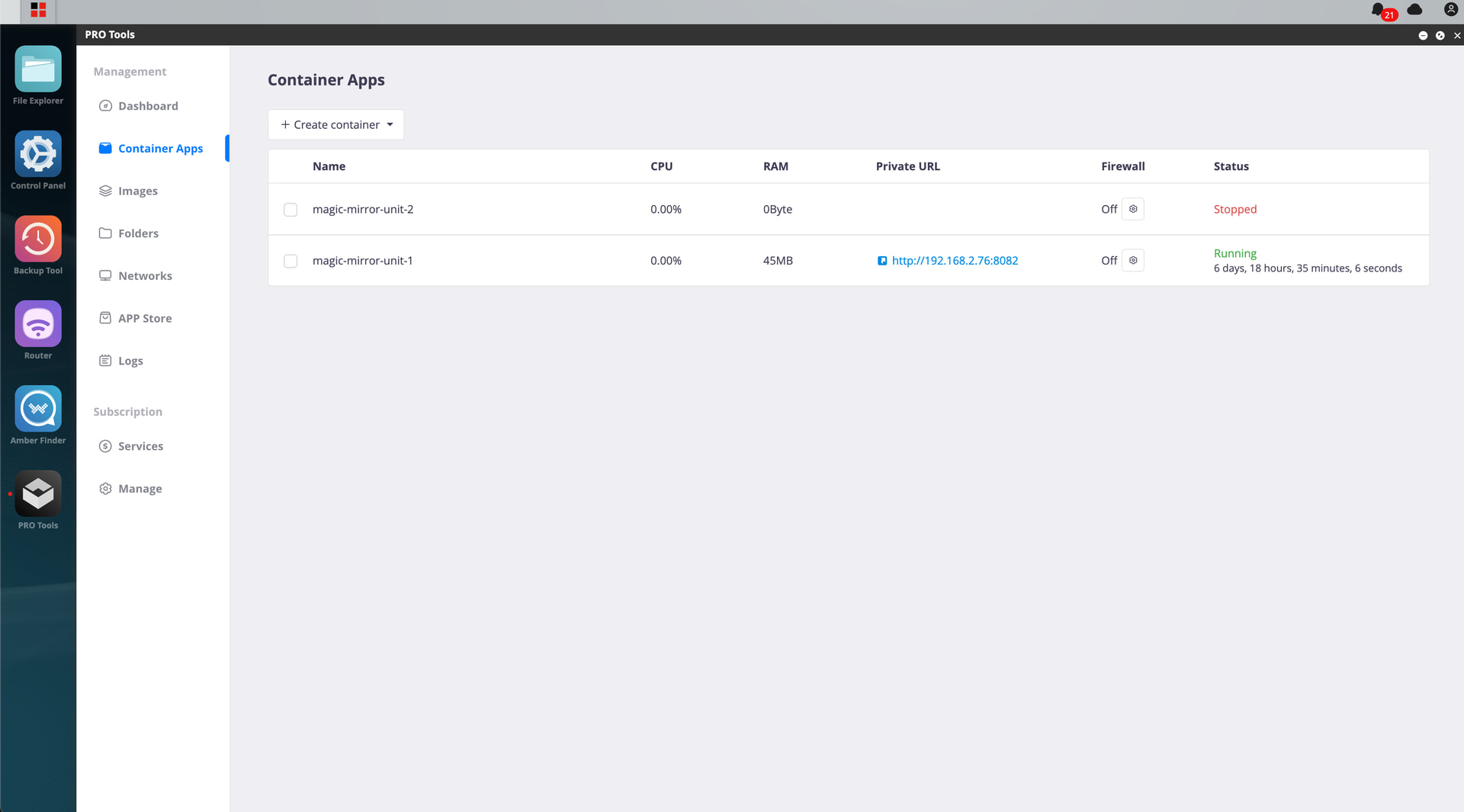
Go to Container Apps
Click on Create container
Click on import from Yaml file
Select homey-shs.yml
click add
Leave all fields (changing host port is optional)
version: "3"
services:
  homey-shs:
    image: ghcr.io/athombv/homey-shs:latest
    container_name: homey-shs
    ports:
      - "4859:4859"
	network_mode: host
    volumes:
      - /AmberPRO/homey-shs:/homey/user
    restart: unless-stopped