In this thread we can discuss running Homey Self-Hosted Server on Windows.
Installation
Learn how to Install Homey Self-Hosted Server on Windows.
Known Limitations
None at this moment.
In this thread we can discuss running Homey Self-Hosted Server on Windows.
Learn how to Install Homey Self-Hosted Server on Windows.
None at this moment.
Is it needed to use the Homey Bridge to get zigbee/z-wave? I have zigbee and z-wave dongles that I would love to just plug into the SHS instance and use those like i did in Home-Assistant
update your Mobile app to v9.6.6 in the Play or App store
Homey Mobile App Changelog | Homey
Yes,
or Homey Pro using HomeyLink HomeyLink | Homey
or one of the other supported bridges
or even Home Assistant | Homey with your Sticks
Is there a reason why Homey-SHS on Windows should run inside a Virtual Machine, instead of using Docker Desktop on WSL2?
I just started the docker-container on WSL2, exposed port 4859, and was able to connect and register the self-hosted instance of homey. On a first glance, everything seems to work fine. Although, I didn’t really test all features, because I have no method of connectivity yet.
I am curious. Is it possible to run Homey-SHS on WSL2, or will there eventually be problems?
If this works, it could be a great addition to the installation page!
My Configuration:
# homey-shs.yml
services:
  homey-shs:
    image: ghcr.io/athombv/homey-shs:latest
    container_name: homey-shs
    restart: unless-stopped
    privileged: true
    volumes:
      - ./homey-shs:/homey/user
    ports:
      - "4859:4859"
Things I changed:
In the Homey App, I just entered the IP-address of my windows machine and it worked.
I must note, My Windows Defender Firewall has a rule to allow all TCP and UDP traffic from outside to my Windows Machine (The rule is called “Docker Desktop Backend“). I can’t remember adding this myself, so I believe this must be set by default.
Control Panel → System and Security → Windows Defender Firewall → Advanced Settings (required administrator permissions) → Inbound Rules
I am curious about the possibilities!
(For me, personally, running Homey on Windows inside Docker Desktop is just for some testing and tinkering)
changed network from bridge mode to NAT and it worked.
Networking, mdns and Matter won’t work correctly under WSL.
Hi Emile,
is there an option to directly install homey on a Windows 11 machine without having the run VMWare or VirtualBox?
I would like to use a dedicated pc to run homey en buy the Homey Bridge for the signee, z-wave, etc.
A dedicated PC for Homey should run Linux + Docker, not Windows…
So enough reasons you don’t want it on W11 + WSL + Docker 
Should it be possible to install SHS on a Samsung tab that also (and only) is used as wall Dashboard for Homey?
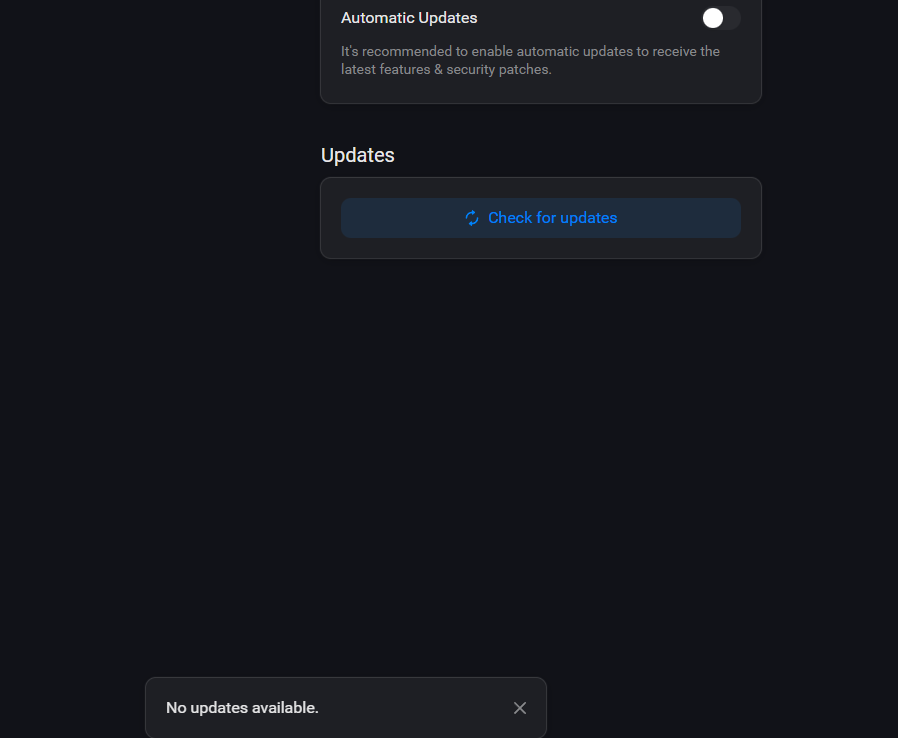
How to update homey self hosted on windows computer running on wmware?
When trying to update from the app there is a link going to a how to , but could not find out how to actually do the update .
I just asked a similar question using win11pro and VmWorkstation and all i get is a error below
ok, i hit enter and got the access to the terminal window in VmWare,
I checked out the docker info: then used the docker update command and still no luck, did i miss something??
ok .. good old Ai said to do this using docker and the command i typed in.. ended up having a extra space before .io  After that was finished the SHS showed no updates
docker pull ghcr.io/athombv/homey-shs
Heya,
just installed everything on the virtuel server on windows. everything is setup correctly but for some reason it wont let me connect to the server and even see the server when adding it.
Do you have the option to add a SHS?
Otherwise you might have to update your Homey app (to at least v9.6.6) first…
yea got the option cant ad in manually and it cant find it.
it bassicly isnt showing up in the network
did you follow this instruction?
https://support.homey.app/hc/en-us/articles/23975204834844-How-to-install-Homey-Self-Hosted-Server-on-Windows
uhu yep also tried both
What Network option did you choose in VMware Workstation?