-
Login into AmberPro
-
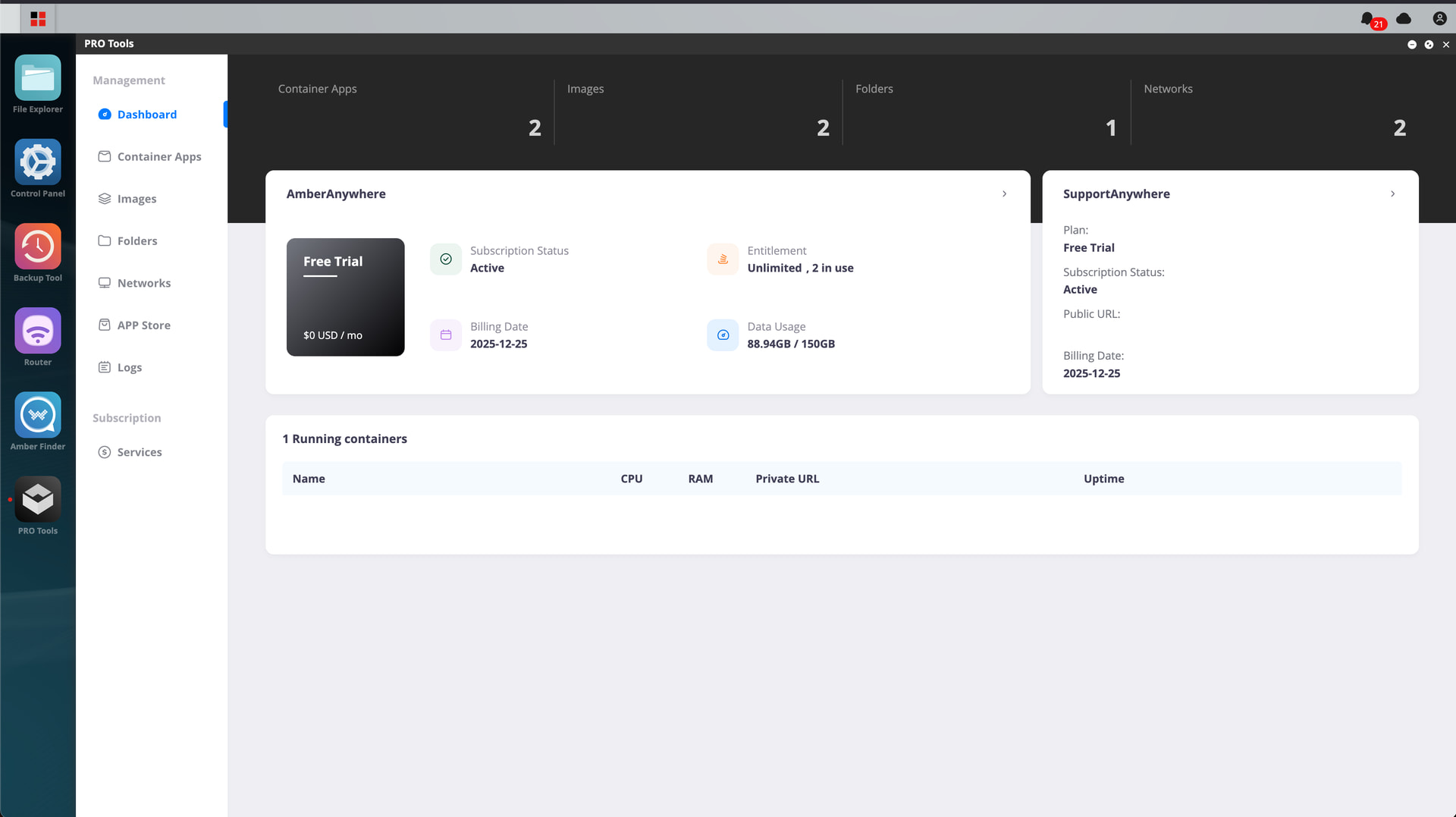
Click on Pro Tools
-
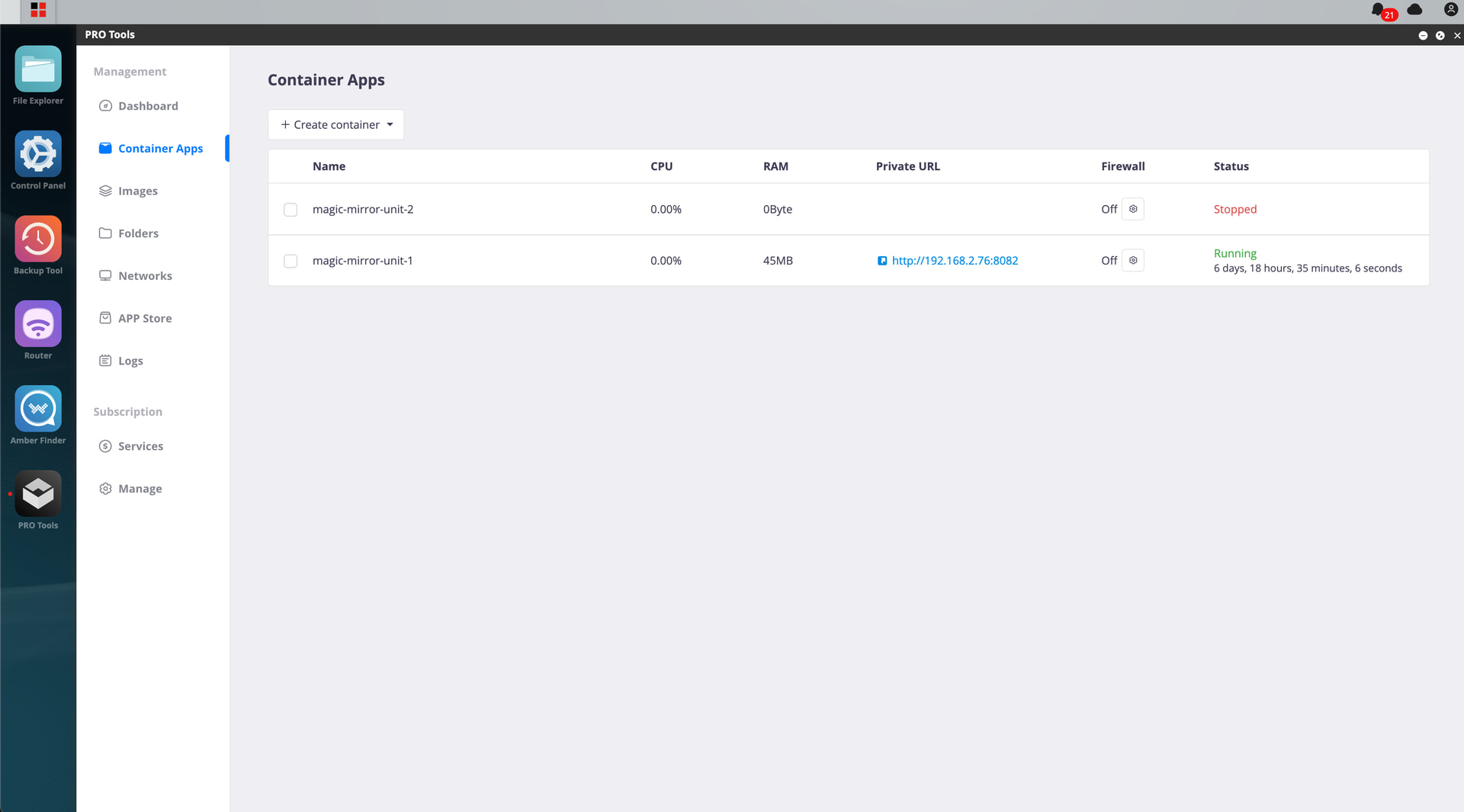
Go to Container Apps
-
Click on Create container
-
Click on import from Yaml file
-
Select homey-shs.yml
-
click add
-
Leave all fields (changing host port is optional)


- Click add
- Homey-SHS will boot up
homey-shs.yml:
version: "3"
services:
  homey-shs:
    image: ghcr.io/athombv/homey-shs:latest
    container_name: homey-shs
    ports:
      - "4859:4859"
	network_mode: host
    volumes:
      - /AmberPRO/homey-shs:/homey/user
    restart: unless-stopped
