Hey,
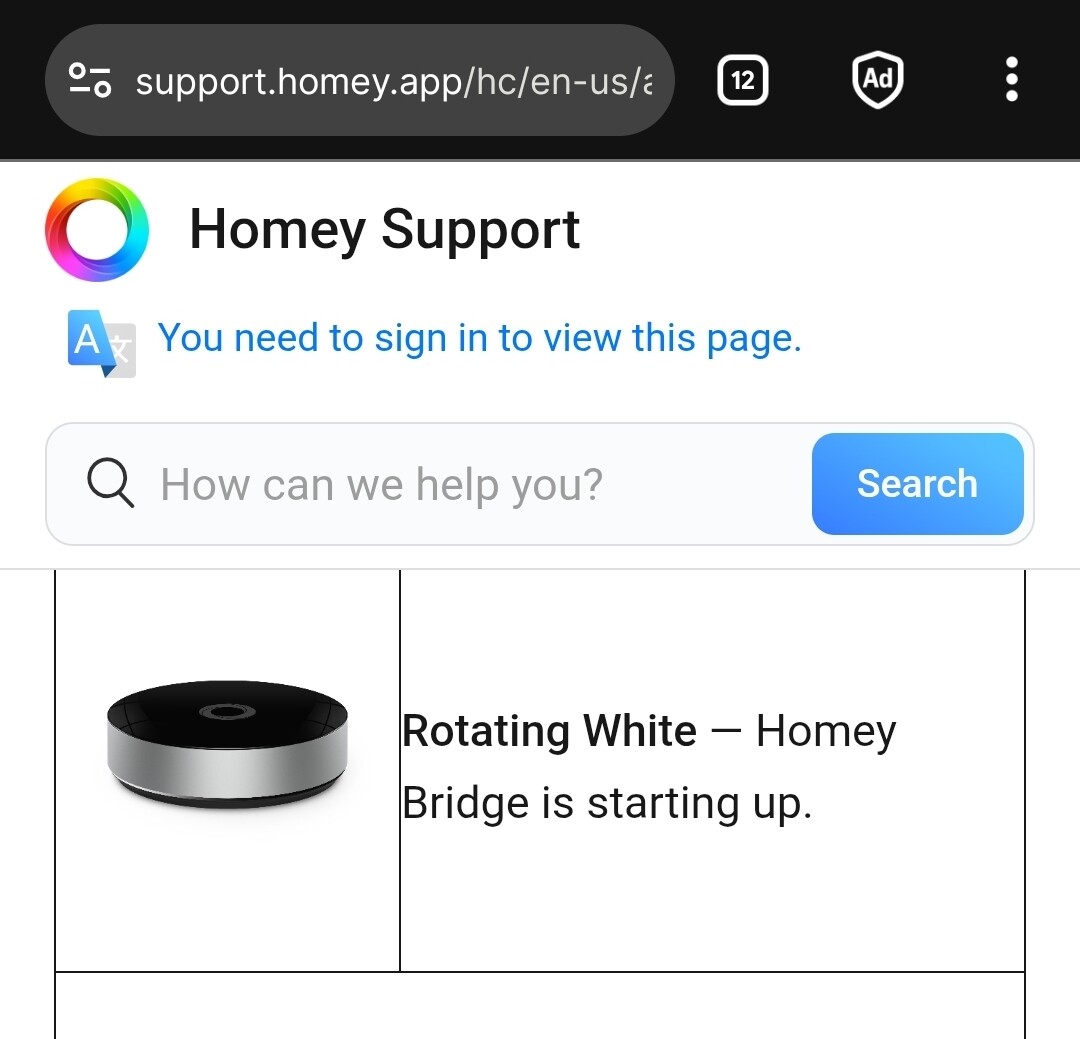
Got my first homey bridge yesterday, tried to add it to my homey shs, started the update and it failed.. now it is stuck with the white ring.. thought I bricked it and got a new today, same problem…
Anyone got some tips?
Hey,
Got my first homey bridge yesterday, tried to add it to my homey shs, started the update and it failed.. now it is stuck with the white ring.. thought I bricked it and got a new today, same problem…
Anyone got some tips?
after the update in the app, it said it was rebooting, and after that it said it failed, and now it keeps rotating white, wifi is stable, and have an specifik wifi with only 2.4GHz but it have only been connected to my wifi for 1 minut, and never seen it since. tried many different ways sugested from google and forums, on how to reset, but since the first one didnt work, i assumed it was bricked so i ordred a new, and today i got the new one but having the same problem?
Have you changed the USB adapter? I read in another forum post about someone who was also having issues with the power adapter of their Bridge.
Yes, both the cable and powerbrick..
Try using another network (maybe an old router). If that still doesn’t work, then you should contact Athom support:
To reset it, once it was connected to wifi, you’ll need to start it out of range of the known wifi.
This makes it “give up” after a while trying to connect, and then resets itself.
Then it should be possible to add it again to SHS. (if applicable: first remove the bridge as ‘device’ from SHS).
.
Two bridges having exactly the same issue is very sparse..
Have tried turning off my wifi, so then it should jump in to the setup mode, but still rotating white..
any idea on how long with out seeing the wifi before it should reset?
Just weird that two brand new homey bridge are doing the same 
Keep it unplugged for 10 minutes and then plug it back in, maybe it fixes the issue. If it doesn’t, then I would recommend to contact Athom support:
A few minutes I guess? Probably the LED shows when it can’t connect to a known wifi SSID.
Breathing Red — Homey Bridge cannot connect to the Wi-Fi or the internet.
https://support.homey.app/hc/en-us/articles/360018783339-Setting-up-Homey-Bridge