The Homey app for Mac is not working at all. Firstly it is not possible to login in an existing Homey installation??? I tried setting up a new account which failed completely! The app accepts userid/password and then hangs asking for newsletter subscription… I am using latest versions of MacOS and Homey app. MacOS 14.4.1 is running on MacBook Air with M1 processor. What is strategy of Homey on MacOS???
Regards, Thon
There never was one, the app that runs on macOS is the iPad app (which is working fine for me, but I already had it running before the latest updates).
You can also just install the web version as a PWA through Safari which looks and feels pretty much like an app and shows up in the dock.
Hi Staeff, thx for your reaction. I just wondered why the Mac App Store offered an Homey app which is not working on my MBA with M1 processor. Indeed Homey as a PWA looks fine. Regards, Thon
The iPad app (which is the one that gets offered by the Mac app store) works just fine on my M1 Mac Mini.
Why are you creating a new account when you already have an existing Homey installation?
Hi, Robert. Well very simple, logging in into my existing account did not work at all! So I tried something different and tried “creating” my account again on the Mac which is not logical I admit. Still strange that this is also not working. Let’s ignore this app from the Mac app store anyway, PWA is working fine.
There is no official Homey App in the MacOS App Store available, as @robertklep already mentioned… 
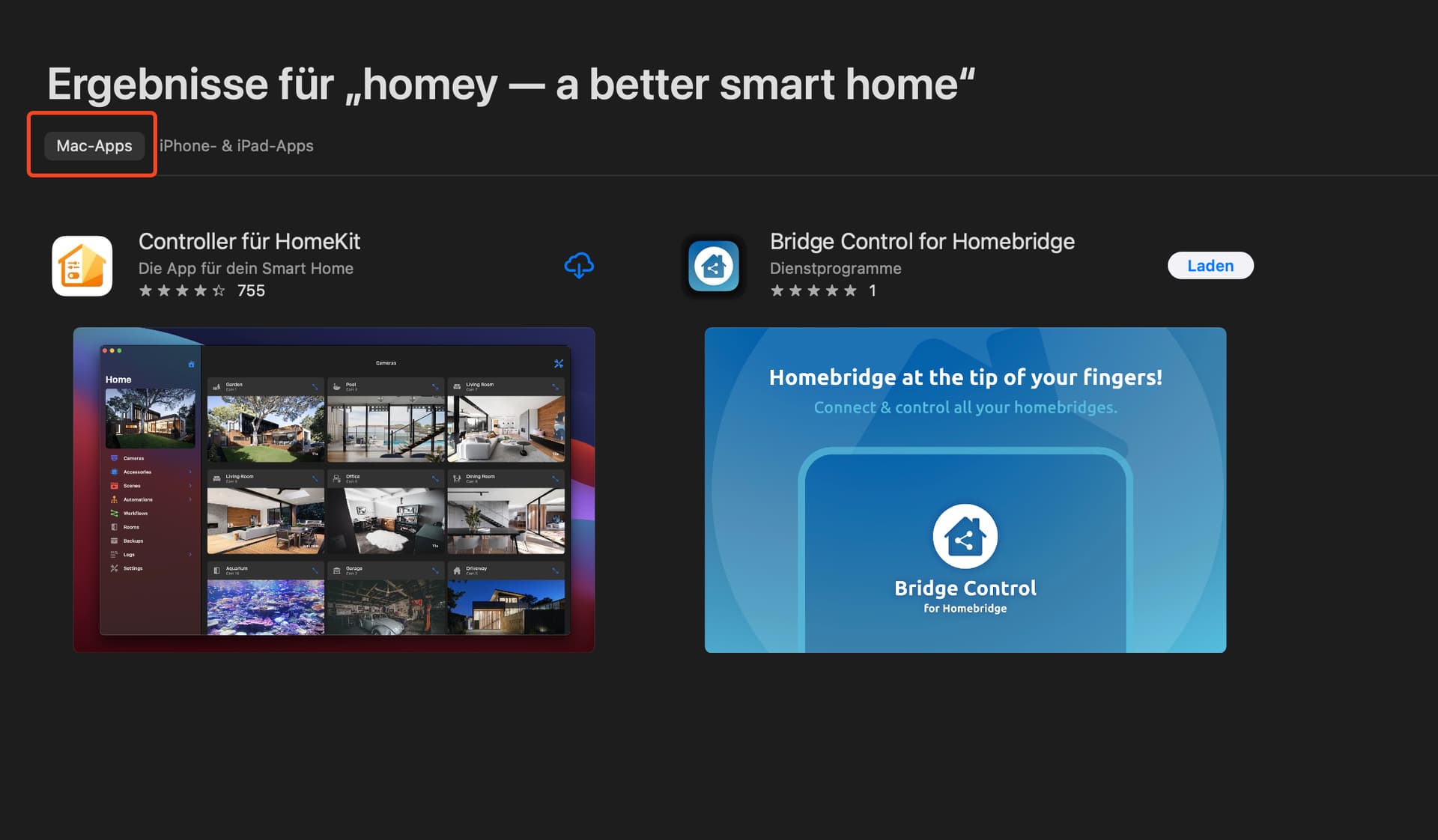

But installed the iPad version on my MBP with M1 Pro and it works without any problems. Also the login with 2-FA works smooth.
Why don’t you use the Homey Web App?
I know it is not supported, but it seems some of you got it running?
I can download it and it starts, but no window appears - and it seems to be stuck, it cannot be quit:ed (#Quit is gray in menu). Any ideas?
I’m on MacOS Sonoma 14.5
I only got it working by removing the app-related directory in ~/Library/Containers/, but that might be a bit tricky.
If you’re up for it, fire up Terminal and execute this command:
grep -l 'app\.homey' ~/Library/Containers/*/.com.apple.containermanagerd.metadata.plist | xargs dirname
This should return one or more directories files that should be removed (or, better, moved to for instance your desktop). No guarantees, and if you break your Mac I’m not responsible 
Awesome, that did the trick - thanks!
@robertklep Your command return more then 200 results. Are you sure this all those should be removed (or moved)? I have the same issue as @clindh where the the app dosen’t show up.
I’m running a Macbook on Apple M1 Max with macOS Sonoma v.14.6.1
No, I’m not sure, I’m just sharing what worked for me 

