I just bought the Govee christmas sparkle string lights and want to connect it to homey through matter. I installed the govee app and tried to add a matter light. But there is no way to get it to connect to homey.
I can get it to connect to Google home, but that’s not what I want.
When it never asks for a wifi pw, it probably is Matter-over-Thread indeed.
I couldn’t find anything more specific than “Matter” on the product specs page
I think the key of the issue is in this part of the kb article about Matter:
Also, if you have already paired it with Google Home using the Matter code on the device, you can’t use that same code for Homey again. You need to somehow get a new Matter code from Google Home, or do a full device reset first, then try to pair it with Homey.
get Google Home to give you a new Matter pairing code, and use that with Homey (I don’t know Google Home so can’t say where exactly you can find such a code)
do a full device reset, don’t pair it with Google or anything else, and use the original Matter pairing code with Homey. Before that, read this page on the difference between “Connect via Homey Pro” and “Connect via Android/iOS”.
Tnx, as a new to the whole matter stuff, i am still trying to figure it out.
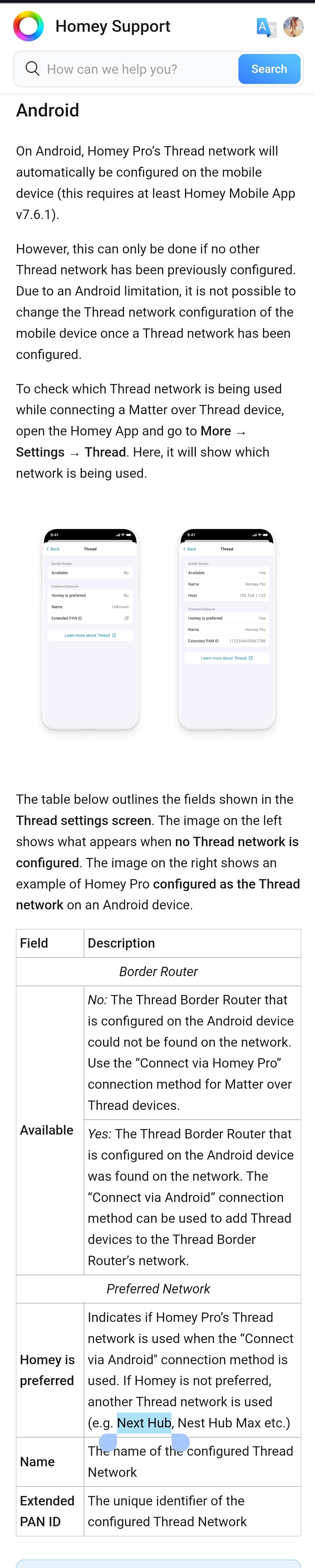
I will first try to reset the whole thing and try to add it to homey again. This is my preferred method. But i have the idea that this won’t work because my preferred thread network is not my homey, but some nest hub in my home. And if I understand correctly, this can’t be changed.
If this won’t work I will try to add it to Google home, and then add it to homey with a new matter code I get from Google.
Guess I was hoping that it all worked a bit more seamless…
That is a possible fix, but maybe not the most optimal channel;
Thread uses the same frequency band as zigbee does. 2.4GHz wifi signal can interfere when the channel isn’t set to a fixed number.
AFAIK Homey picks the best channel when adding the first Thread/zigbee device. Wifi 2.4GHz should be set to a fixed channel up front.