Awesome stuff @robertklep very much appreciated.
Thanks for the answer and the effort you put in on maintaining apps and contributing to the community 
Try this: Homey Developer Tools
Hello,
I use the Sofabaton X2 as a Klikaanklikuit RF remote and this works with homey. Sofabaton x2 learns the commands the normal way and homey recognizes thies commands. I use the commands in sofabatons startup and shutdown sequences in activities,
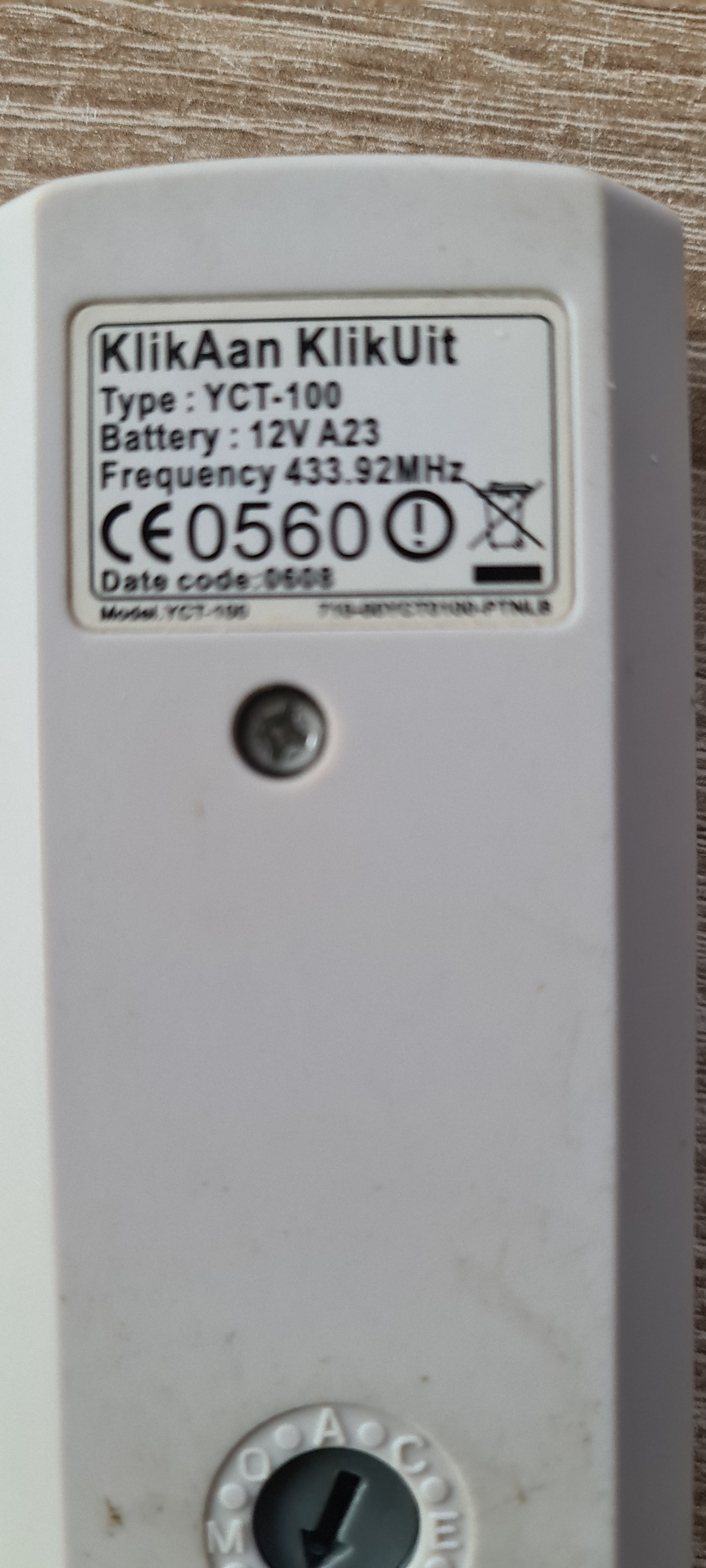
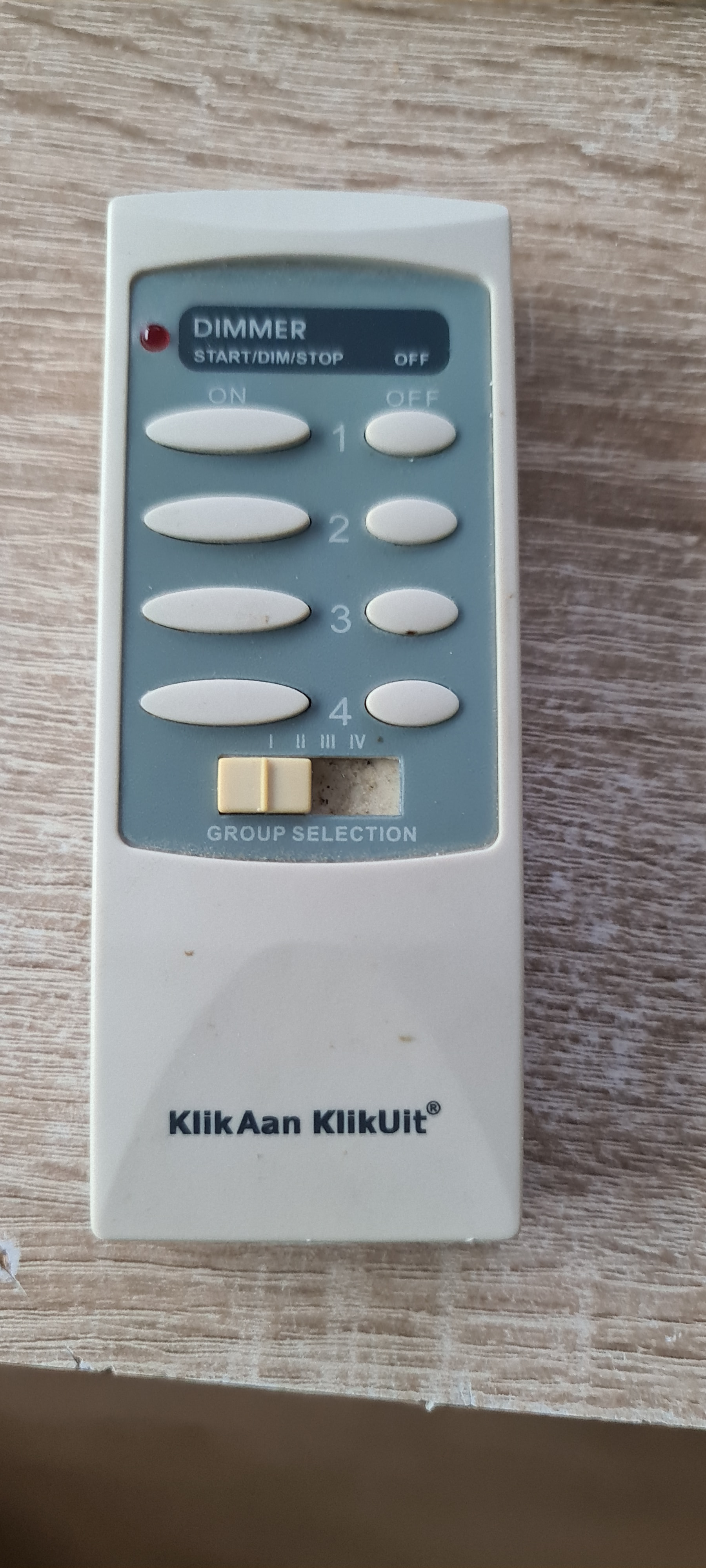
In homey you choose the klikaanklikuit YCT-102.
Now i have 32 “buttons” to choose from. Plenty to set lights en curtains and so on.
@Tom_Pereboom Thank you for your answer.
But if this is a answer to Alexandre_Hotton, his question was from October 2024.
Don’t know if you noticed that. Just saying.
Sorry that i was a bit (lot) late, but maybe somebody else would like to know. And i just discovered this a few day’s ago
