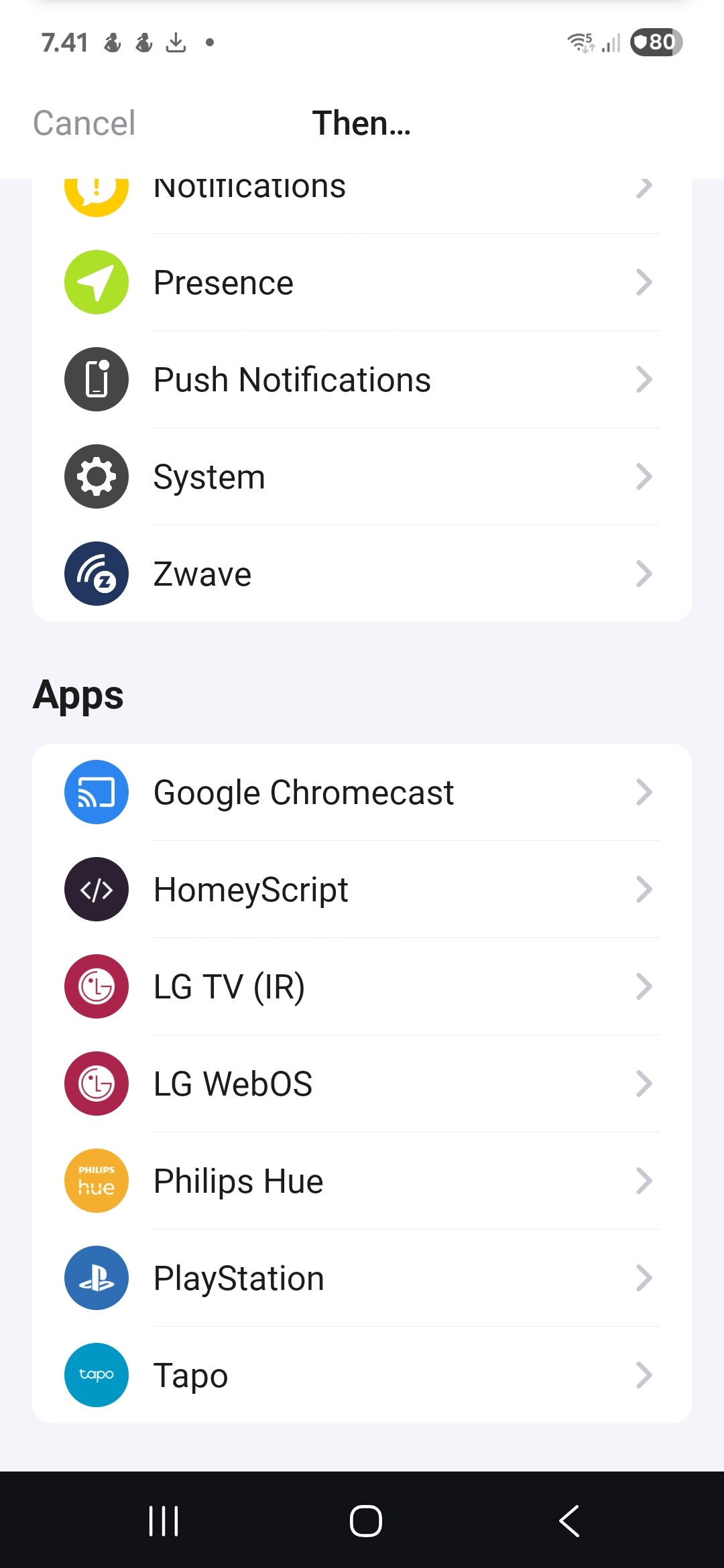
I have a flow that should switch on a Hue plug and a Tapo plug. See attached image.
- If I activate the flow manually, it works fine, and switches both plugs.
- If it is activated automatically, it switches the Hue plug, but may not switch the Tapo plug.
- If I activate corresponding device group (those 2 plugs) with voice command, the command switches the Hue plug, but usually does not switch the Tapo plug. Repeating the command once or twice will switch also the Tapo plug.
Delay one of the cards with 1s.
This makes the cards not fire at exactly the same time.
(standard flow fires all action cards at the same time, contrary to what you might expect. Oddly enough, Homey can’t handle that when there’s (too) many signals involved)
The Tapo plug tile is not displayed in Homey Pro, as the 2 plugs are grouped to work as one device. So there is only the tile for the combined device.
When manually testing the flow, the Hue plug always works, and the Tapo plug only sometimes works. It takes a few repeats to get also the Tapo plug to react.
In the flow the Tapo plug is on Tapo card, not on Hue card.
As stated above, the 2 plugs are grouped in Homey Pro as a group, that is shown as a tile.
If you didn’t already, try the Tapo community app, this uses a local connection instead of internet (Tapo cloud has a limited number of on/off commands);
It supports P115.
That’s an interesting suggestion: Such a flow would perform the same action than the Google Assistant voice command, that usually fails to switch the Tapo plug.
That flow cannot be created in the Flow page, but has to be created on the combined device tile itself.
To my surprise this new flow has succeeded in turning on both plugs on all three times it was started either automatically or manually.
Untill it didn’t. It now failed to switch the Tapo plug.