"Fallback baseload notification' every day at 06:00 am (Homey Pro 2023)

Hello all,
I have since 30th December a notification that says: Fallback baseload. It is since than every day at 06:00 am.
On the 30th of December there was another notification: “Baseload night invalid: sustained high consumption, strong consumption oscillation’.
On the 31st of December also: Baseload night invalid: strong consumption oscillation

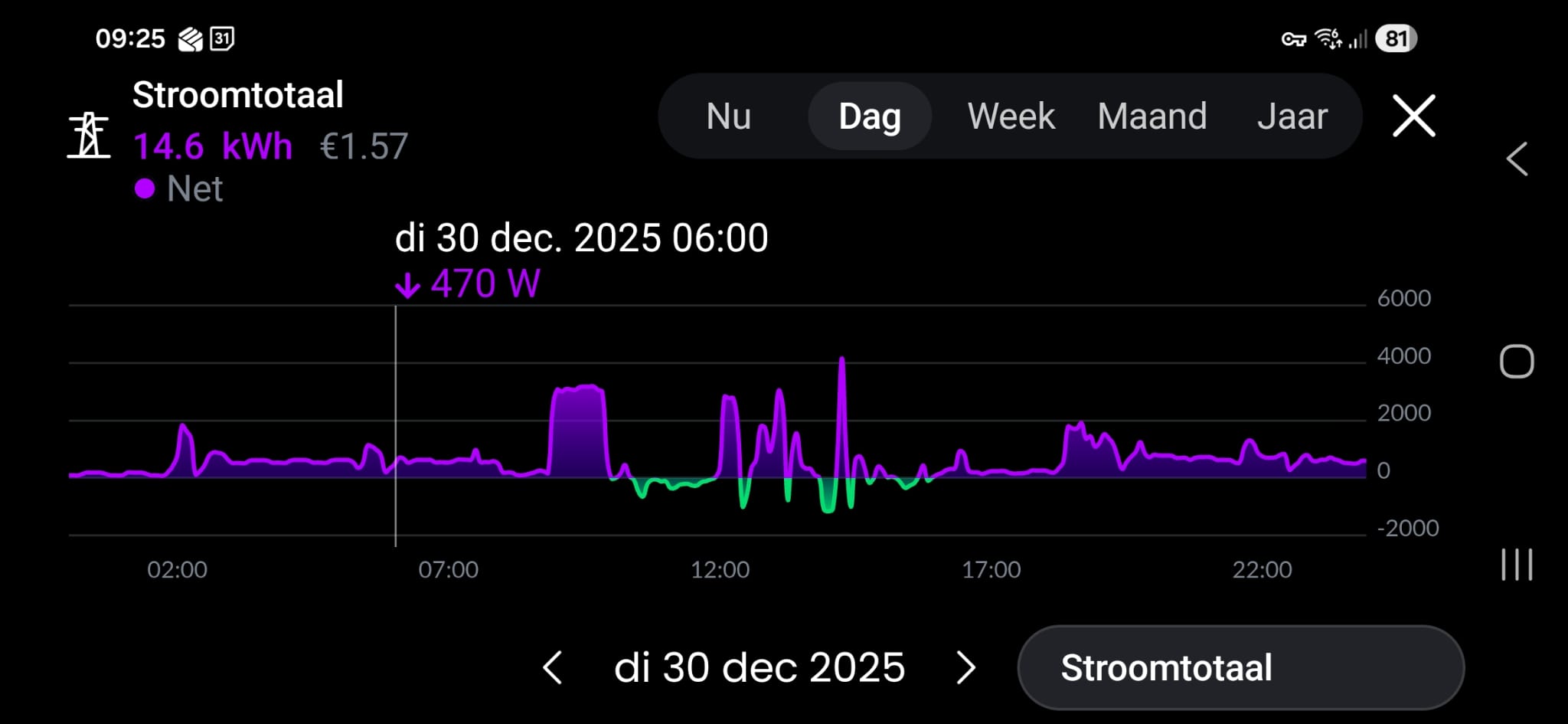
But, in my energie graphic there is no high consumption of immense consumption drop.

Does anyone have a clue?
Thnx in advance,

It likely comes from a Homey app. If you open the mobile app, you can see the icon of the app that sent it.

You can also open this page to check which app sent it.

It looks like it’s coming from the built-in ManagerEnergy.

@Tammo the charts in Homey only show averages, oscillations or short peaks will not show up as they get averaged away.

1 Like

Energy can only send battery notifications. It will also show the Energy icon, not the generic icon used for apps.

Or is this different on the newer Homey Pro models?

I don’t know, but I can find references to “baseload” and “fallback” in ManagerEnergy.mjs.

Thnx, I looked at it and it was sent by Homewizard app. This is the one measuring al the power that is used en produced (at my home power connection). Homewizard is also the 2 black graphics I placed.
But it looks like nothing special happened.

1 Like

Then you should ask in the HomeWizard app topic:

1 Like

This is early 2023 model.
I do not have a home battery (if this is what you mean). I do have solarpanels but no output these days.

I don’t know, but I can find references to “baseload” and “fallback” in ManagerEnergy.mjs.

Thank you. This is to complicated for me :blush:

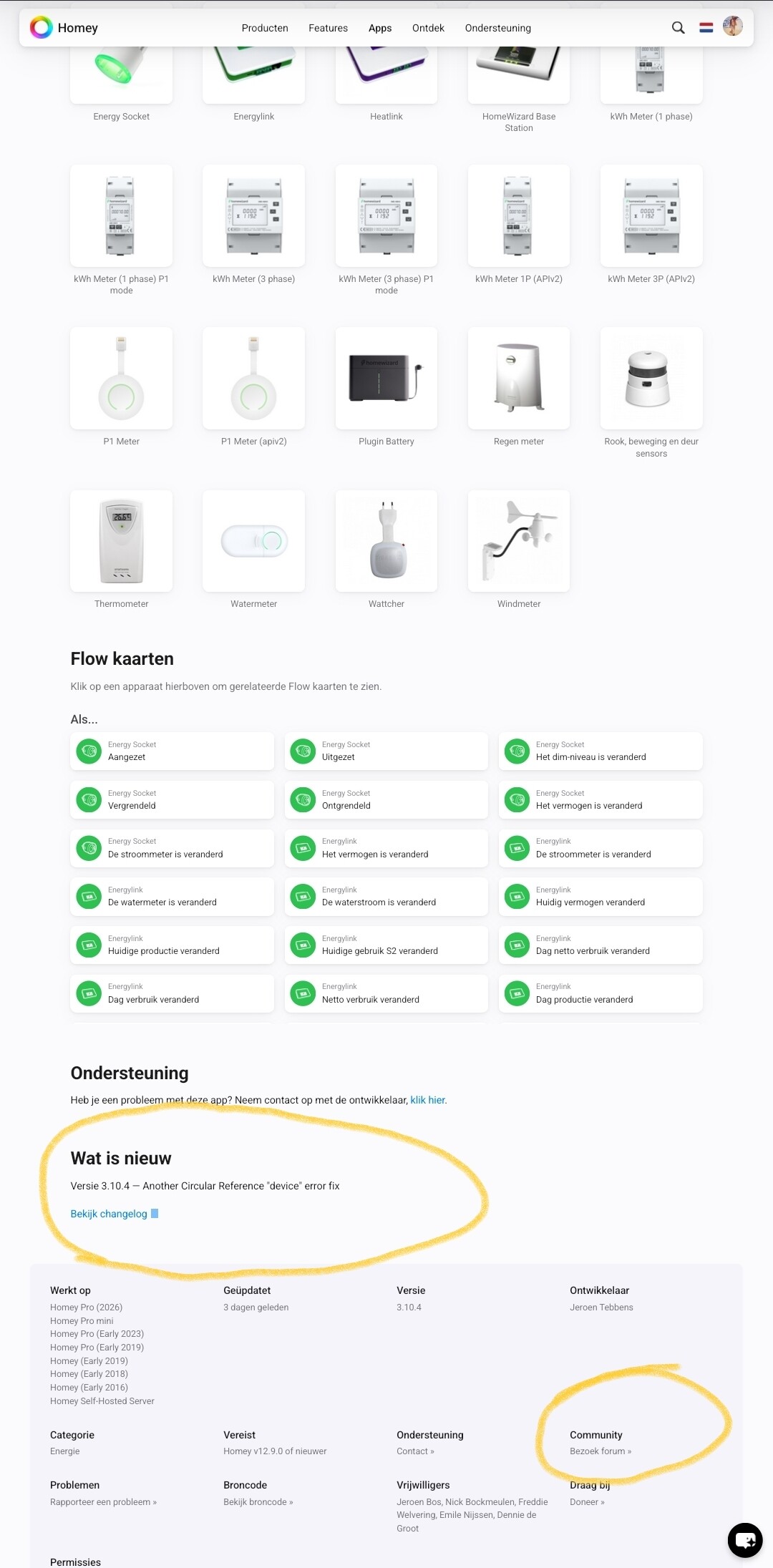
As stated, it is a new (beta) feature of the Homewizard app. You can turn these messages off in the settings for your Homewizard P1 meter in the Homey app.

It’s that you can view the source code of the Homey system in the self-hosted server. But you should ask about the notifications in the HomeWizard app topic.

It is not the notification that is the problem, I was wondering if I was having a problem of which I was not aware of.

I did find an update of the homewizard app. So I updated it.

Yes, I will ask in the Homewizard app topic.
Thanks for helping me :+1:

Hi, I have the same. If you find the answer, please let me know.

Same here… Every day at 6:00.

@waterstof @Yves_Stroobants
This is a new feature of the Homewizard app, and you can disable it per device settings, or disable timeline notifications for the Homewizard app.
All info can be found in the Homewizard app topic, and in the app changelog.