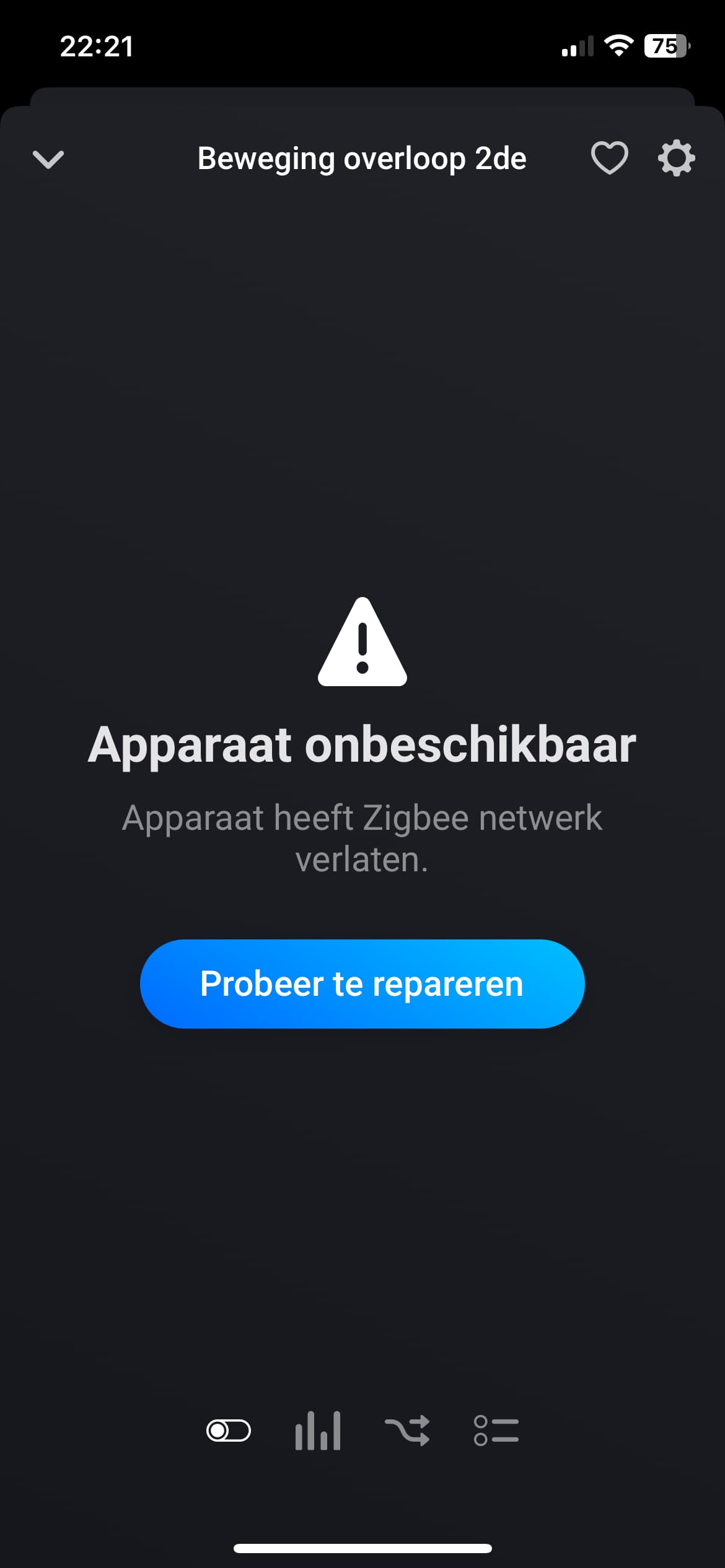
Device reported as having left the Zigbee network but is still working

I have a Hue motion sensor which I use without the Hue Bridge. For the second time in two weeks Homey reports the device ‘has left the Zigbee network’. The device is however still functioning fine. All movement is registered and associated flows are executed as expected. My Zigbee network is strong (multiple Zigbee routers and range extenders) and I have multiple other Zigbee devices (Aqara temperature sensors) in close proximity to the Hue sensor which are all are working fine.

The first time the sensor apparently left the network I repaired it in the Homey app and paired without any problems. I can obviously do that again but I find it very strange that it’s being reported as having left the network while it still works.

Any ideas?

First I’d like to recommend to report this behaviour @ Athom Support | Homey

If it works, it ain’t broken; if it ain’t broken, don’t fix it :crazy_face:
But it’s not OK of course.

On the Zigbee developer tools the zigbee device still shows as reporting it’s status regularly.

I’ll report the behaviour to Athom Support.

Many users have already reported this problem. It’s probably a problem with Homey itself or with the firmware, so please contact the support.

It was a firmware issue and it has been resolved in firmware 10.3.1

I’ve been dealing with this issue for a long time now.

I was happy to see the relases of new firmware but the bad news is that firmware version 10.3.1 has not fixed the problem for me.

I just had two devices leaving the network. It mostly concerns philips hue devices ( RWL021 and SML001). Could the ‘philips hue without the bridge’ app be causing this? I have 4 routers in my network and no wifi channels are close to the zigbee channel. As reported before the devices are still active.

image

Thanks,
Jo

Probably not, but why not ask in the app topic for the PHWTB app.

You are aware zigbee ch.11 and wifi ch.11 are not using the same frequency?
In fact it’s a good choice for least interference.

1 Like

I repeat myself, please contact Athom support.

The problem has reappeared. The Hue sensor has once again left the network according to Homey but continues to work. So the firmware has not solved the problem it seems.

I’ll contact support again.

I have been struggling with similar issue: HUE Dimmer switches spontaneously and continuously - and increasingly often (!!) - leaving the zigbee network. Can fairly easily be reset and then functions for a while. But strangely, sometimes when supposedly disconnected from zigbee network, the I and O buttons still work, however not the dim up/down. Sometimes it just does not work at all. VERY strange and VERY annoying! The troubled dimmers are all connected to Homey via ‘Phillps Hue without the bridge’ – have some still on my old/existing Hue Bridge that remains fully functional so dare not change anything!

You can try submitting a support request: https://support.homey.app/hc/en-us/articles/360015784034-Submitting-a-support-request

These issues point to problems in Homey’s core, which handles all the low(er) level Zigbee stuff like handing connections and receiving device events.

Having this issue for… well years now I guess.
Buttons and sensors keep leaving the network but actually keep on working.

Very annoying because you can’t see the device details, luckely the flows still work…

I’ll open a new ticket

I’ve never had this problem before, but I’ve just had exactly the same problem with two FRIENT Smoke Alarms. My box is version 2023, up to date, I added the two devices yesterday and today they display this ridiculous error, while they continue to record the temperature (and I hope to report a possible fire!!!). This bug is ridiculous and obviously remains unfixed by Athom!

Sorry, do as you please, but I would never rely on Homey (and wireless sensors) for life threathening situations. I think it’s naive to use Homey for (those types of) security purposes.

Homey is designed to control lights. That’s exaggerated, but it’s just not a 24/7 errorfree reliable controller.

Athom thinks it’s a good idea though > this best-buy-guide sentence shocks me:

What if someone dies relying on Homey…


It’s one of those seemingly unsolvable bugs unfortunately.
But you should report to Athom homey.app/support

1 Like

I understand your point of view, but in any case, here in Switzerland, 98% of single-family homes have neither an intrusion alarm system nor a fire alarm system. There’s just NOTHING. So homeowners who have a Homey are tinkering with such systems, knowing full well what they’re worth, considering that they’re instead of NOTHING.

Hello,

Same issue for me…

I have two Philips Hue Outdoor Sensor. One of them is unavailable:

But via the Developer Tool, I see that it’s still “seen”:
image

And I can both Ping it and Interview it successfully


  "ids": {
    "modelId": "SML002",
    "manufacturerName": "Philips"
  },
  "endpoints": {
    "ieeeAddress": "00:17:88:01:06:48:92:0f",
    "networkAddress": 63010,
    "modelId": "SML002",
    "manufacturerName": "Philips",
    "endpointDescriptors": [
      {
        "status": "SUCCESS",
        "nwkAddrOfInterest": 63010,
        "_reserved": 22,
        "endpointId": 2,
        "applicationProfileId": 260,
        "applicationDeviceId": 263,
        "applicationDeviceVersion": 0,
        "_reserved1": 0,
        "inputClusters": [
          0,
          1,
          3,
          1030,
          1024,
          1026
        ],
        "outputClusters": [
          25
        ]
      },
      {
        "status": "SUCCESS",
        "nwkAddrOfInterest": 63010,
        "_reserved": 24,
        "endpointId": 1,
        "applicationProfileId": 49246,
        "applicationDeviceId": 2128,
        "applicationDeviceVersion": 0,
        "_reserved1": 2,
        "inputClusters": [
          0
        ],
        "outputClusters": [
          0,
          3,
          4,
          6,
          8,
          768,
          5
        ]
      }
    ],

I am using the App “Philips Hue without the bridge”… As suggested, I tried to open a ticket - as I don’t want to fix something which is broken in the UI only but still works behind the scene (I still get the “movement alerts” each time I move in front of the sensor)…

But I am either redirected to some documentation (how to update Philips Hue Without The Bridge" or to the @johan_bendz 's GitHub · Where software is built

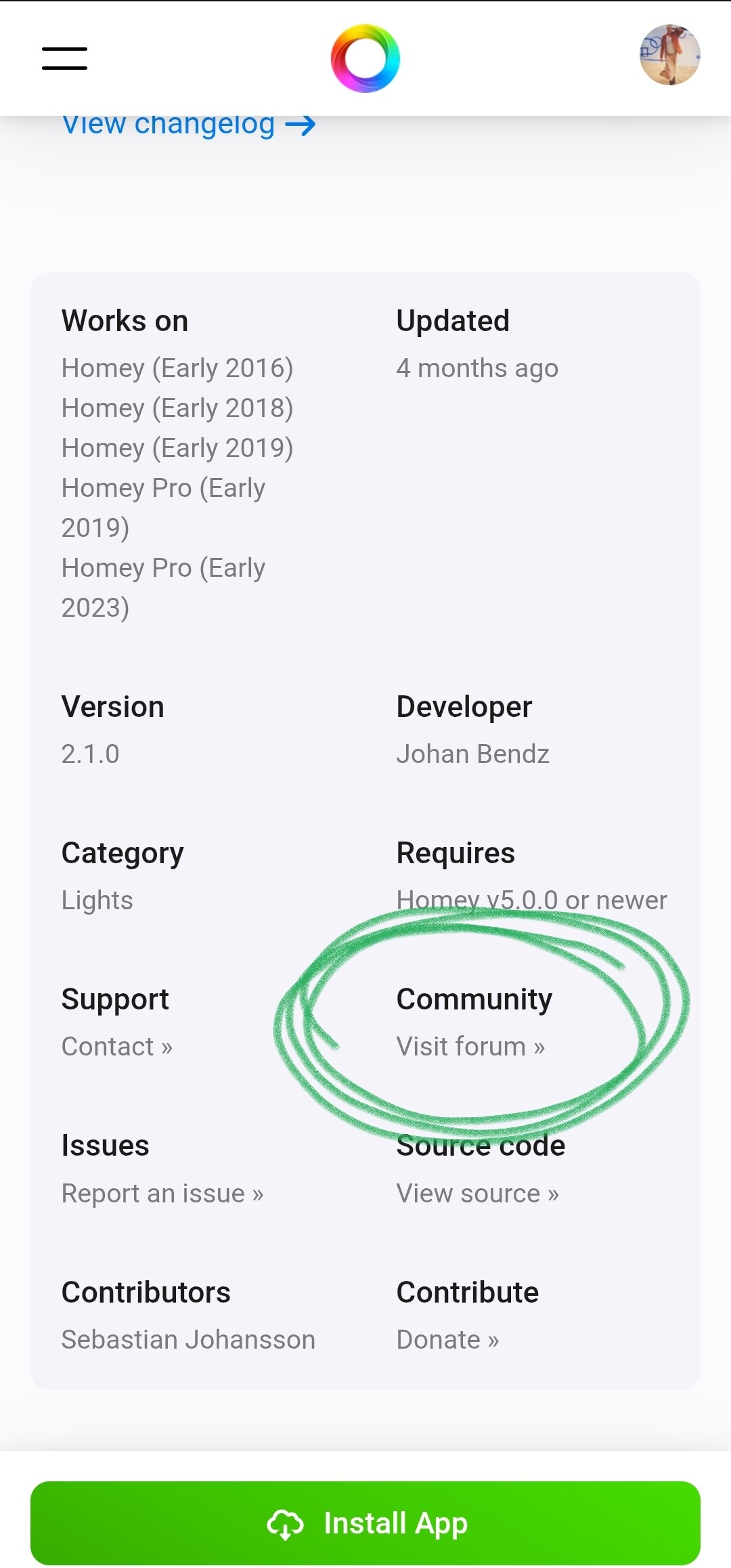
Try the app forum topic:

Thx (I again forgot these small links in the footer… I could IMO be in a section like the one above Assistance - or even in that section… ) .

I will do in case Johan_bendz ask more details on the issue posted on his Github.

They will still work as a normal smoke alarm even if not connected to the network. I have 5 Frient smoke alarms and Homey “lost contact” with 4 of them during the last week. Still reporting temperature, but Homey thinks they left the network.

Personally, I have two of them and they too have left the network a long time ago. I think the problem is with Frient and not Homey, because I have a lot of Zigbee equipment that has never left the network and hasn’t for years… The only thing I’m wondering is whether Frient alarms - despite having left the network - continue to work in flows? For example, a flow that sends notifications in the event of a fire alarm? It would be very interesting to know…