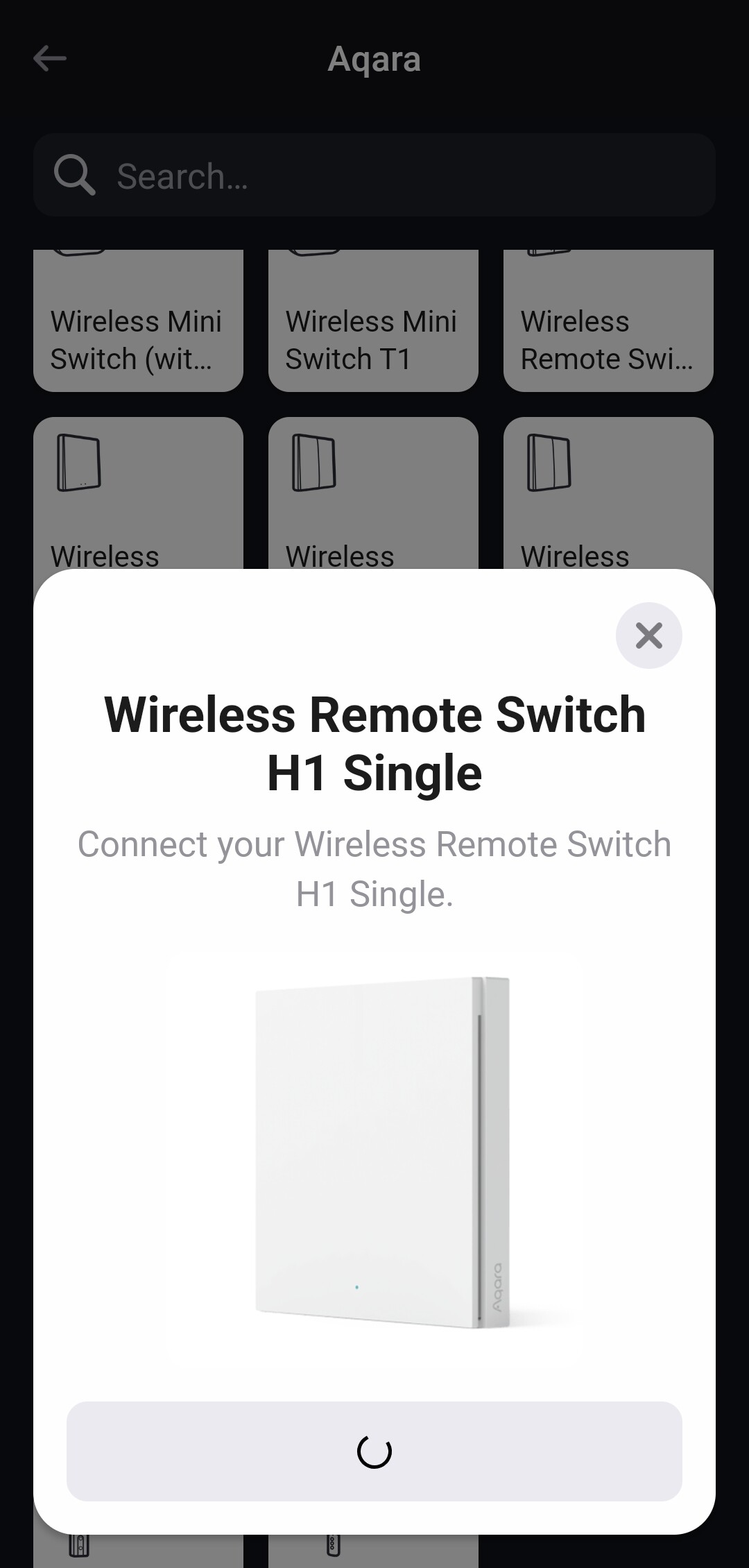
When ever i try to add new device
It stuck on this screen
Try to un install and than new instalion of homey app, not working.
And after 30 sec it give me timeout….
Even if i try other devices… same problem.
When ever i try to add new device
It stuck on this screen
Try to un install and than new instalion of homey app, not working.
And after 30 sec it give me timeout….
Even if i try other devices… same problem.
You are a quite frugal with Information about your environment. Which other devices refused to be included? Did you do the PTP (make homey powerless for at least 10 min)? A few days ago I managed quite effortless to include an aqara single H1 EU wallswitch. No SW changes since then. Using homey pro FW 12.8.0 and aqara 1.13.0.
It doesn’t matter what device i try, it dosent work and stuck on that screen
I try to plug off the homey for 30 sec, not 10 min.
U think it will help?
Give it a try. Quite a number of users gave the advice to wait 10 min. Guess the have their reasons.
Please don’t double post
I tried the 10 min break from power… if to be honest more than 1 hour… and same
Even today i wanted to add shelly plug
.. and i still didnt able to add it since morning… i try again later
Maybe the howto’s for Shelly devices can help? It’s all in the 1st post of the Shelly app topic:
I was doing it the right way…
Just the problem with my homey prevent me fromm adding it, same with the aqara switch.
About an hour ago my homey decided to work with me and ket add the shelly ( in the same way, just it didnt stuck this time) so i know for sure its problem in my homey… maybe factory reset?
Shelly zigbee? Or has Homey issues with pairing just anything?
To me it’s a big difference if solely zigbee is problematic, or any protocol.
Anyways, in the other double but not double post  , I posted some more possible fixes for you to try.
The problem is even befor i get to the protocol
Dossent matter wifi/zigbee
I press add device
Then type shelly- the device i want to add- than it stuck…same for aqara, shelly, or anything else… and from tome to time it worked and i able to add new device… like the 2 shelly plug, i try from yesterday and i was successed today
You might want to reach out to Support | Homey.
Did something change in your setup that you can link to when the problem started?
I first noticed it about 2 mounts back but it was on something small wich i havent pay much attention to but when i try to attach the aqara devices i realized i have another problem.
Since your problem is not related to a specific protocol/connection type or brand, I think it’s best to reach out to the Athom support team for help.
I spend the last few days try to understand y and when its happening… found nothing 
I try and contact them
Ty all so much for ur answer