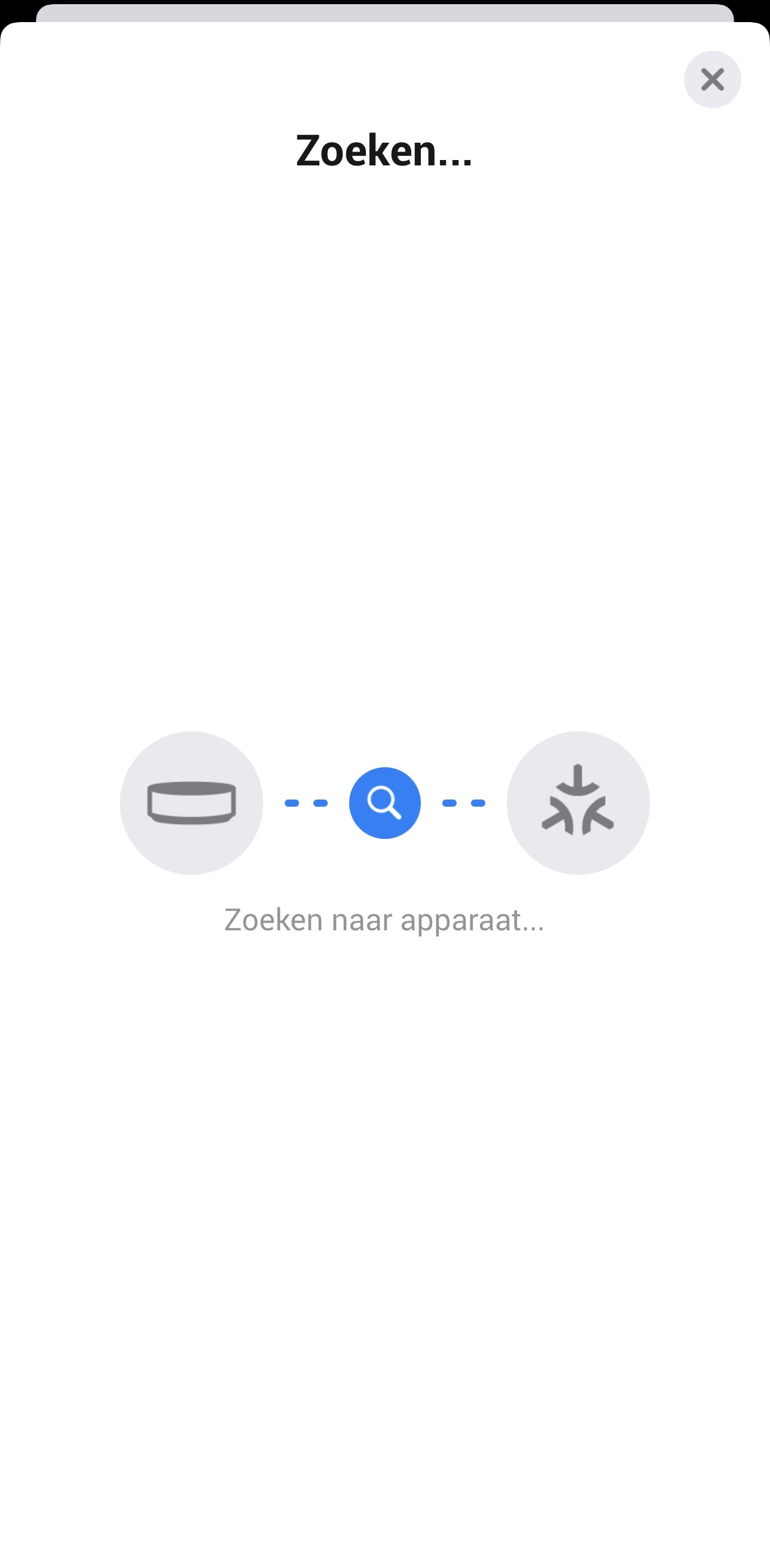
When trying to add a matter device to homey pro mini. I can find it using the app and assign a name to it (in the default iOS matter interface), yet after the message “The device was added successfully” I’m stuck on this searching for device screen. If I leave it for several minutes it eventually times out and the matter device is not added to homey. It’s the same for both my Meross matter plug and my Tado X matter temp sensor. I’ve tried moving the device closer to homey (within 20 cm) and adding them using a different device (iPad vs iPhone) yet nothing seems to work. Am I missing something?
Have you added the matter devices to other bridges? If yes, (at least for Tado X added to the Tado X bridge) you have to make a new QR-code. In the Tado app you can do that by choosing settings, Rooms and Devices (| think, in dutch it is Kamers en Apparaten), and then in the desired device: choose connect Matter device.
I hope you also reported to homey.app/support in the meantime?
Are you aware of the fact Homey isn’t used as Thread border router when you use iOS devices to add Matter-over-Thread devices to Homey?
You’ll need an ‘apple’ device acting as Thread border router.
A Matter-Over-Thread device will onnect to the Thread network configured on the device (phone/tablet). For iOS users, this requires having a Thread Border Router active on your ios device. Curently, Homey Pro’s Thread network cannot be added to i0s. So, a third-party Thread Border Router (e.g. Apple HomePod is required (read more on Apple’s support page).
I had the same problem, sometimes it works, sometimes not, or the connection was not stable. After some tries and research I found the reason in my network configuration (I use UniFi and VLANs) where some settings were missing. I wrote a blog, maybe it also solves your problem (I think you can skip the Watchguard part), even you do not use the same networks devices than me: Network configuration for Thread/Matter – Blog Florian Rhomberg
I have reported a similar issue also with a mini pro to support. My Switchbot hub added first time but then lots of the devices (not all) dropped out at the same time one morning, Other users with different devices also highlighted similar issues I also have an Apple TV.and have tried loading devices from there, with mixed results. If I look at thread on the homey mini it tells me it is on the 5ghz Wi-Fi but not the 2.4, that didn’t make a lot of sense as it is hardwired to a single UniFi AP.