I think the image says it all. Yes, this is for SHS, buy my Pro and Pro Mini also report triple digit temps outside. Actual temp is 43° F thankfully.
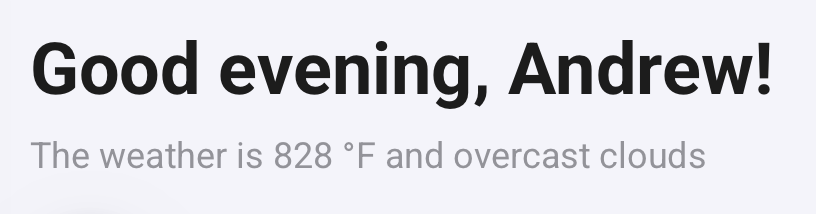
We are aware of this issue and this will be fixed in the next update 
And here I was thinking Global Warming was getting really out of hand. 
I had the same issue on the homey pro and the Homey SHS. Though I need sun screen to go outside
I decided to give the shs a spin and am liking it. I have a lot of my devices in and have a bridge on the way. What is bothering me and i can’t find a way to fix it is the weather display on the home tab, which can’t be turned off, starts out high, then goes off the rails.
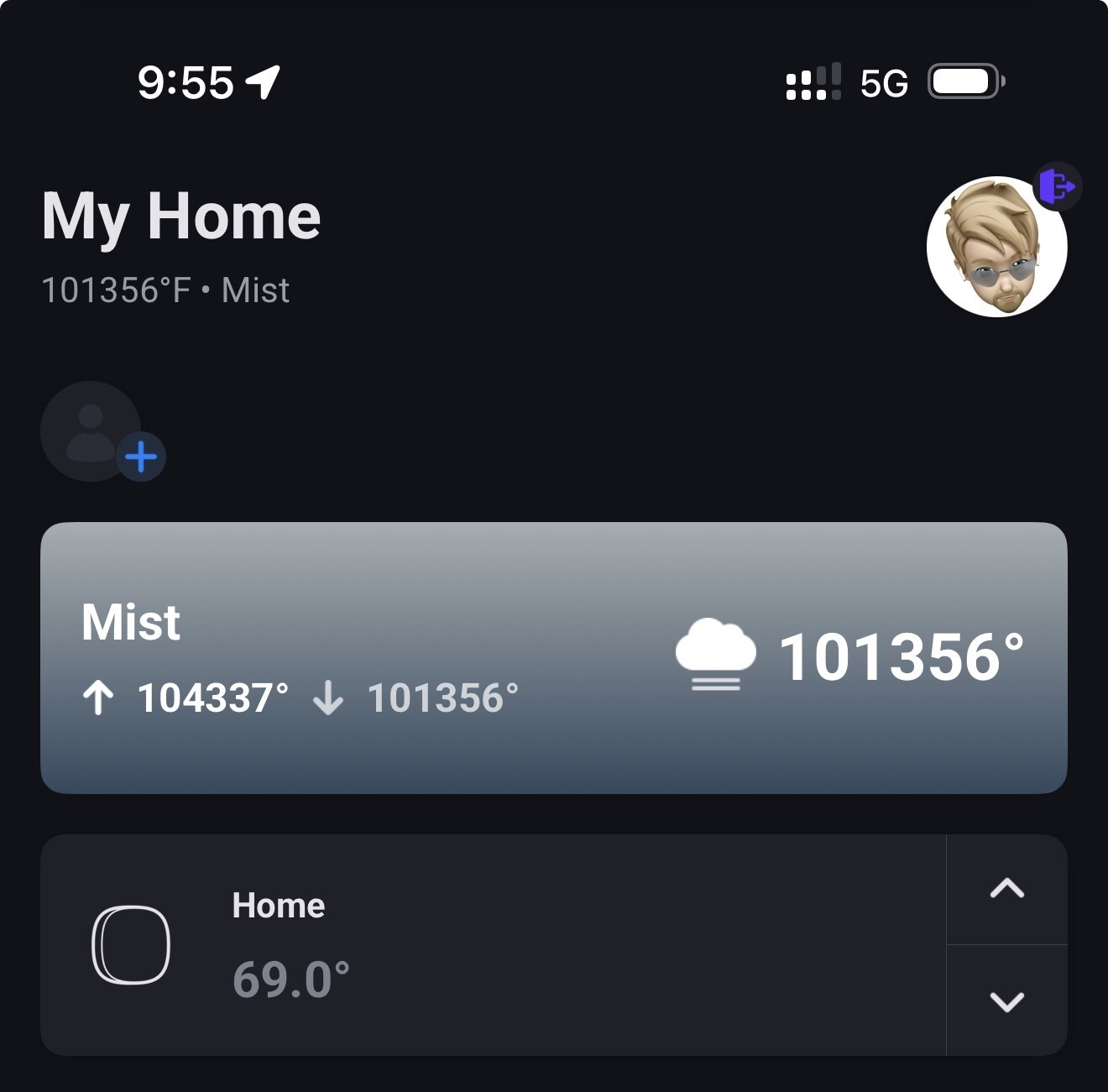
Is this just a bug in newly released software? or have i done something wrong?
My SHS instance showed the same crazy weather temperatures for about 1-2 hours. It then properly synced up and is now displaying the correct weather data for my area. Hopefully yours will auto-correct itself as well.
Update: well, now appears to be broken again as well. Must be a bug in the SHS initial release? 
I’m not sure where I read it but a developer at Athom mentioned on the forum that they’re aware of the bug and it’ll be fixed in the next mobile app update.

The fix is coming in the next update:


See:
.

Congrats with your new Homey !
Just keep an eye on https://homey.app/en-us/wiki/homey-pro-firmware-changelog/, Tori.
The bug appears to be fixed with firmware v12.10.1-rc.2.
You can either install it, by enabling “Experimental updates” @ https://tools.developer.homey.app/tools/settings, but keep in mind it’s a beta release.
Next, go to https://my.homey.app/settings/system/updates and tap “Check for updates”;
The RC version should appear, now just tap “Install”.
And always disable that aforementioned “Experimental” toggle right after updating.
When your home depends on Homey, maybe you’d wait for the stable firmware release to be published. Homey will install it if “Auto update” is enabled.
Well that was quick, the stable firmware update v12.10.1 was just released today @Tori_M
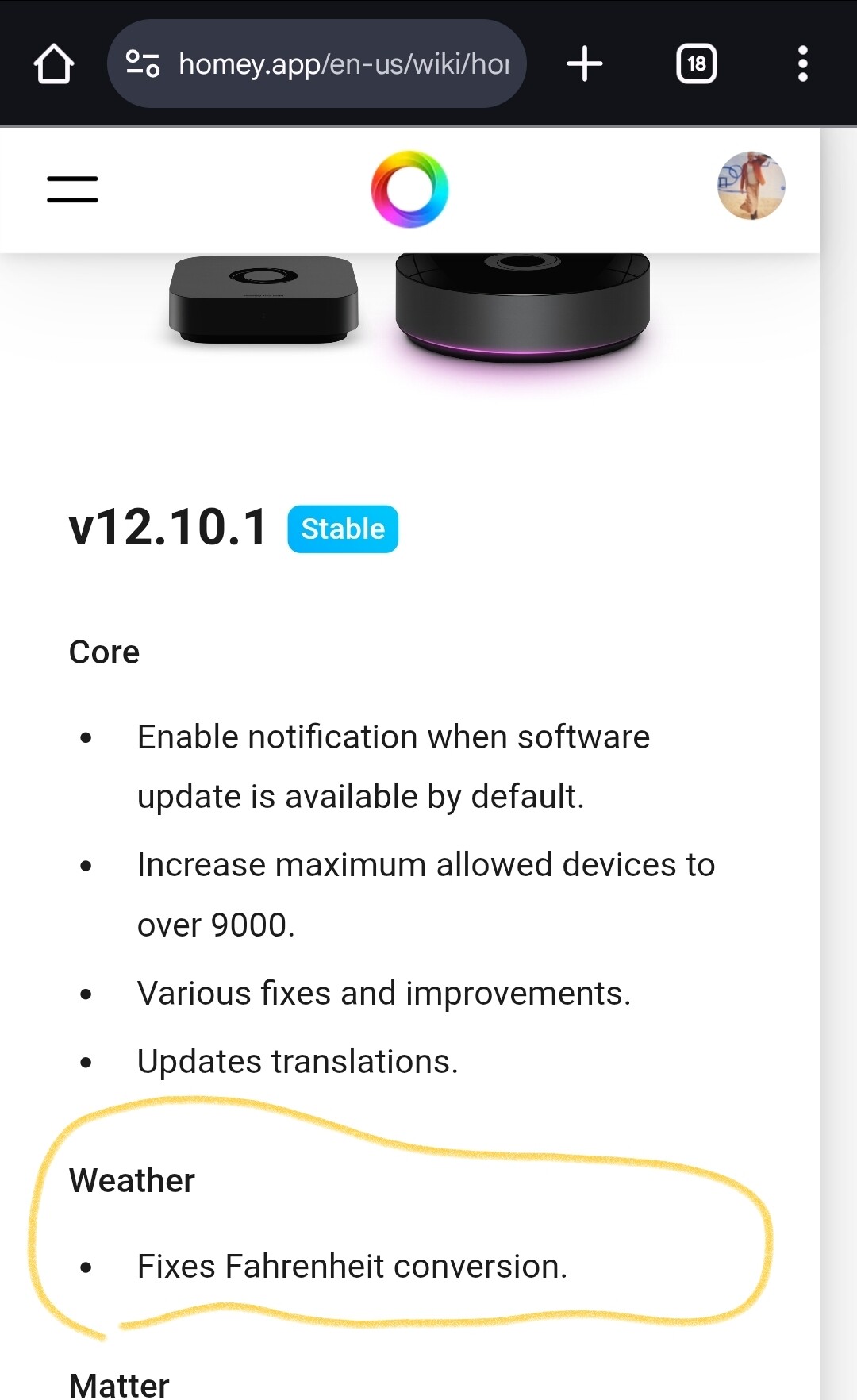
Is anyone still having problem with double conversion of temperatures with the latest firmware update?
I see the issue was supposed to be fix with 12.10.1 but I checked my Homey and I have 13.2.1 so I would assume I should no longer be experiencing the problem but I still do.
Thanks in advance for your input.
