Thanks for all the hard work on this new app. Much appreciated!
I’m having the same issues as some others here. Trying to add a Tuya compatible ceiling fan (IKOHS) but after a succesful pairing it shows up as unavailable in Homey with an error “Unexpected end of JSON input”. Clicking the button ‘Try to repair’ sends me to the pairing process again. Please advise.
Reported via diagnostic report: bd5be266-6a98-48d8-a102-a38213c477dd
I am trying to add a simple Tuya Bulb and a Switch to Homey via Home Assitant initially. I brought it in but did not work…. Not great. But it did say “Good news! This device also works directly with Homey. Search in the Homey App Store for Tuya” .
So thought OK, lets try that. But there were 2 optuion. Download both one said this is not managed anymore. So used th “Tuya” version. Installed configured etc.. All good.
But when i went to add it only had Filament bulbs, Light Strips, Wall Plugs or Cutrains.
No option for a Wall Switch or a LED Bulb..
What am I doing wrong… I though Homey made this so easy to do?
Did you enter your user code correctly (case sensitive AFAIK)? And did you scan the QR with the Tuya Smart or Smart Life app (Me tab→QR scan icon in the top right corner)? Don’t forget to click Authorize afterwards
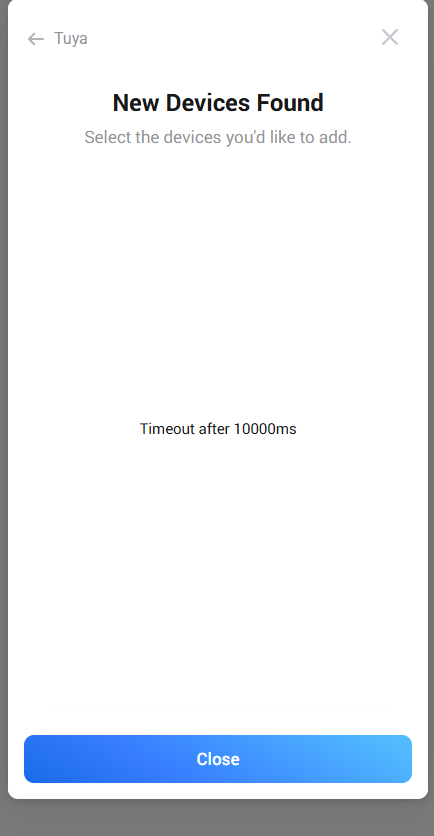
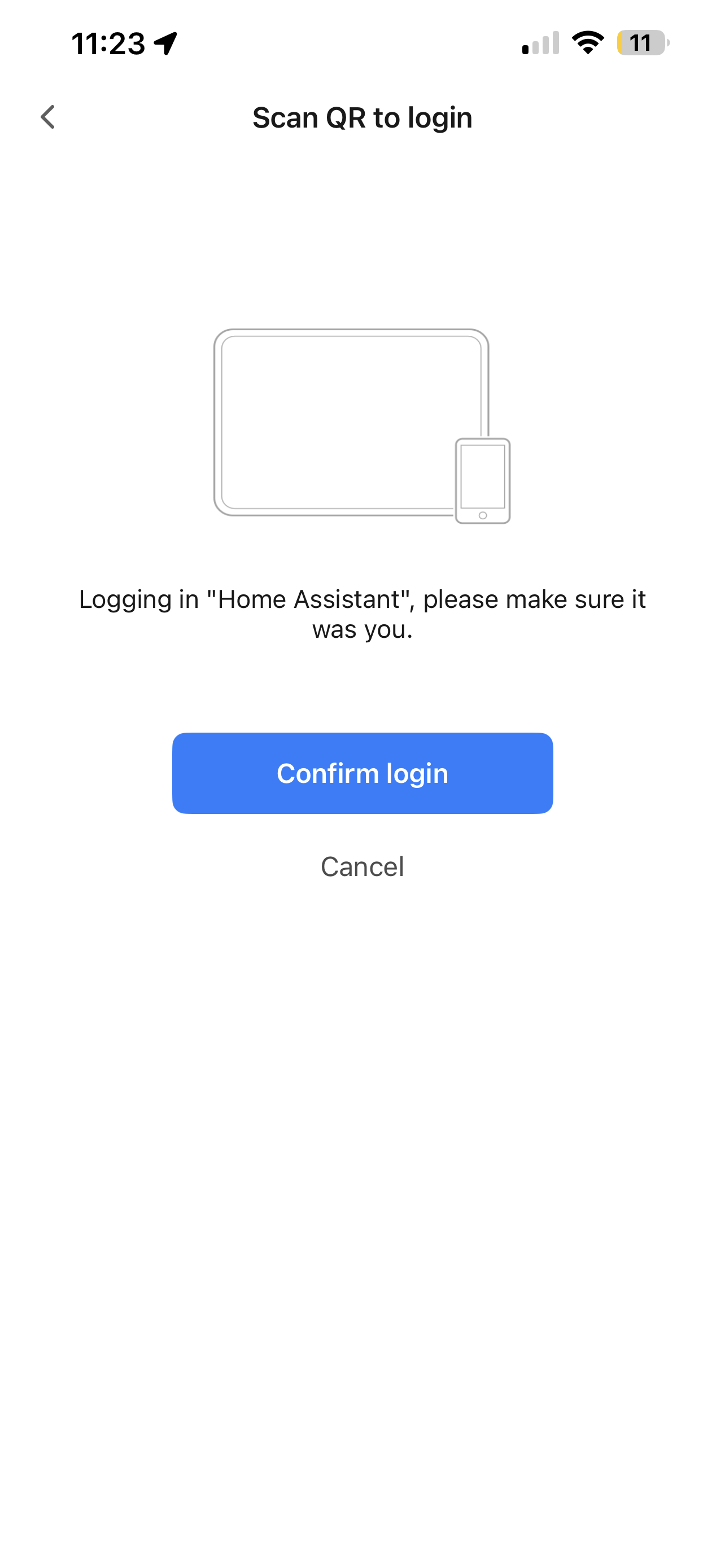
I did select confirm login and thats whe i got the time out. But my question is… Why when i am using Homey and its Tuya integration is if asking for Home Assistant…. Seems strange to me.
Because they use the same Client ID. Tuya has blocked Homey access to Tuya official API services, so they now use the client ID from Home Assistant to authenticate
Hi, I tried to add my Tuya WiFi Circuit Breaker/Meter (Model ETU9-IOT-WIFI) using your app. It gets recognized as a generic “circuit_breaker”, but Power and Meter capabilities are missing or not updating.
I analyzed the device diagnostics and found that the electrical parameters are sent via a raw encoded DP that the current driver seems to ignore.
Here are the device details:
Product ID:
wcihaluccfsoayqa
Device Name: ETU9-IOT-WIFI Breaker
Technical Findings: The device sends real-time data in DP Code
phase_a
**(DP ID 6)**as a Base64 string, instead of standard integer DPs.
Example Payload:
CQQACjIAAac=
Decoded Bytes (Hex):
09 04 00 0A 32 00 01 A7
Decoding Logic: It seems to follow this 8-byte structure (Big Endian):