Central topic for questions/discussing the Tuya App. You can use this topic to ask questions and share your experiences with the Tuya devices.
This thread is not actively monitored by Tuya or Drenso. For official support use the e-mail link in the AppStore Support Contact ».
Why is there a new app?
The original Tuya app (released by Athom but developed by us) stopped working for new users due to Tuya retracting our access to their cloud (see the community topic for more details). This updated app uses a different method to connect with your Tuya devices, which means that if we would have released this as an update for the previous one, the functionality would break for the users that are still happily using that app.
This also allows users to test with the new app without breaking their existing flows, so they can safely migrate whenever they like. We’ve done our best to keep the functionality equal.
Help, something doesn’t work?
Check our guides to collect the information we need to be able to help you:
You can send the collected information to our support team.
FAQ
Why does Tuya mentions Home Assistant during the pairing procedure?
We are using the Home Assistant way of connecting with the Tuya cloud as that method is not blocked, which causes the message you are seeing. You can safely continue with the pairing procedure!
Why are you not using local control?
We have investigated direct local control and concluded it to be unfeasible due to the sheer amount of Tuya powered devices available on the market, which all use their own API which is not standarised. However, vendors are somewhat forced to map their custom data points to general properties to be able to offer cloud control, which is what we can leverage to create generic drivers with this app.
Why is my device not recognised?
Tuya has a lot of device types, and even though we would want to we simply cannot support all types. You can request support for your device type using the procedure described above, but make sure to check our request list as well!
Why isn’t everything visible for my device?
This app uses the generic control that are exposed through the Tuya cloud. Unfortunately, it is not required to create a complete and correct mapping for a device, which means that for some devices support simply isn’t possible.
How do I use the “other” category?
The “other” category is a great way to control device types that are not officially supported. Check our guide on this subject!
What about Zigbee devices?
This app does not add native support for Tuya Zigbee devices, you can try the community Zigbee app for that purpose. However, if you have a Tuya Zigbee bridge you might be able to still control it using this app.
I just tried to add my motion sensor and smart button but it immediately said there were no devices found. They’re not added, I’ve disabled other Tuya apps (in case they conflict), restarted Homey Pro since installing the new Tuya app and I followed the instructions in the Tuya app as the prompt requested.
App seems quite unstable. Lights controllable in SmartLife are not responding in Tuya app. Tried restarting the app, and that broke all the lamps. Seems I need to log in again. Hope that’s not the case for every time I restart the app ?
Same issue here after this morning’s Homey update to 12.9.1. Seemed to lose its login credentials with SmartLife. Deleting one of the devices and trying to add it back again showed me a message saying to repair one of the devices. I did that, went back through the login process (including QR code), and my devices came back online.
My devices connected through the original ‘official’ app remained connected after the update to 12.9.1. I was able to delete one of the ‘new official’ devices and add it back again to the ‘original official’ app without a problem.
So, I’m hoping that whatever the original official app does that retains its login status can be reimplemented in the new one.
Exactly the same issue here, after a reboot of Homey (Update), i had to ‘repair’ and re-authenticate as all devices were offline. After repairing all working again.
Just tried restarting Homey (having restored my devices by repairing one of them) and they all came back OK. Seems either the issue is specific to the update mechanism, or the loss of credentials was triggered by something else.

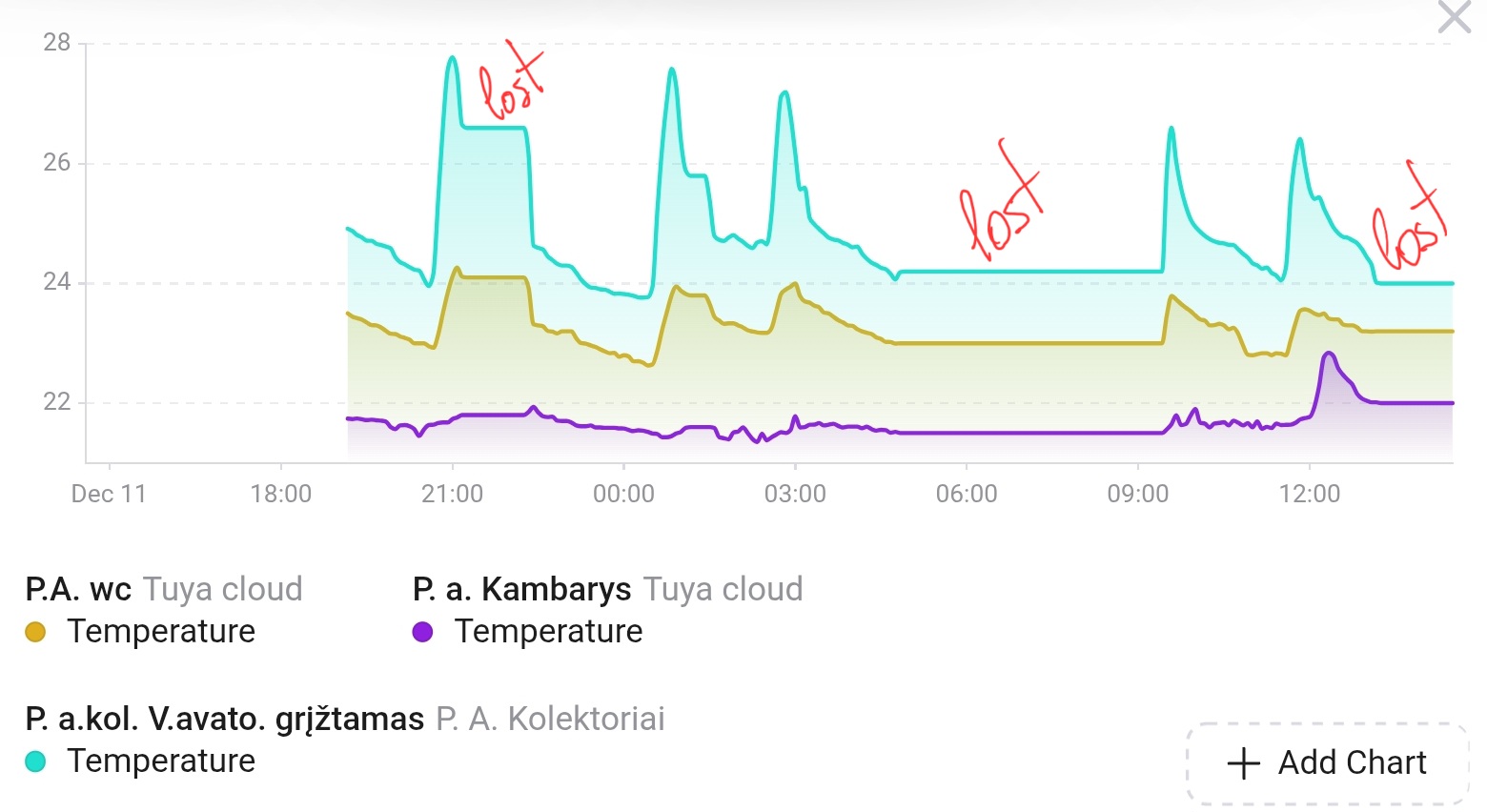
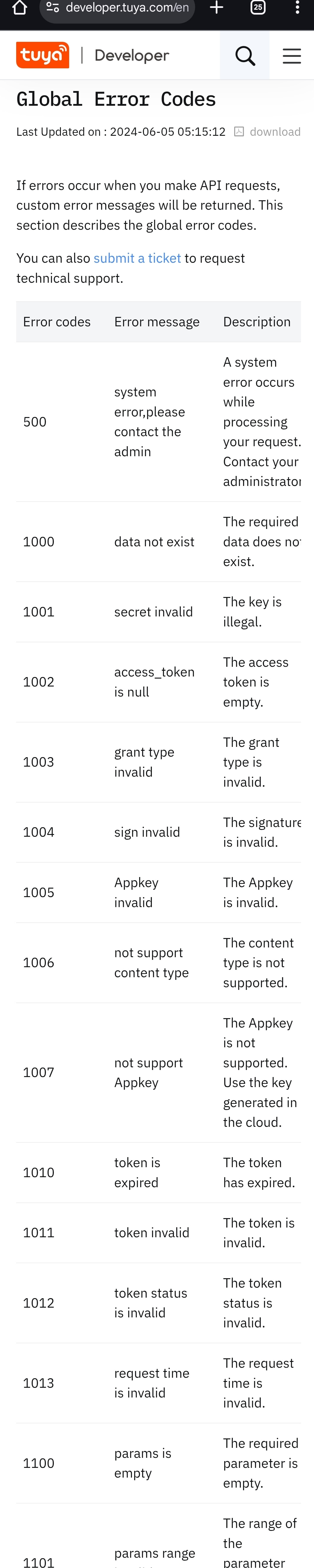

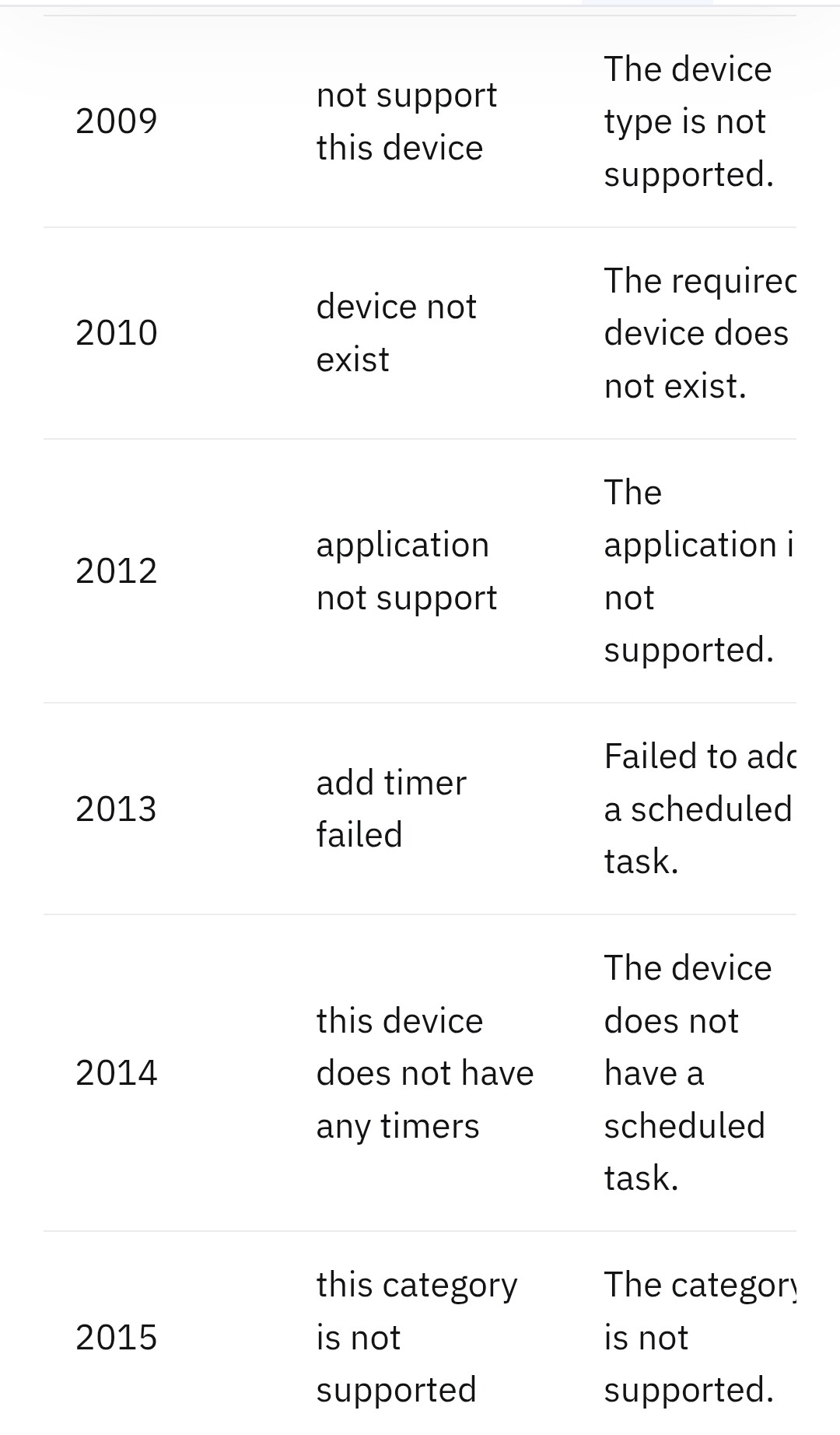
 )
)
