Hello Hans, and welcome.
Howto 1:
Request for device support per this Tuya Zigbee app topic:
https://community.homey.app/t/app-pro-universal-tuya-zigbee-device-app-test/140352
Howto 2:
→ you’ll need a Tuya (whitelabel) zigbee-wifi hub (from €15) ←
I know you don’t buy a zigbee device to use it per Tuya cloud, but it’s a way to use your device with Homey.
You can use the new ‘official’ Tuya app for that, albeit in test phase only atm. and can be unstable.
It supports any Tuya wifi(cloud) device
.
Now, to control a device, there’s two ways:
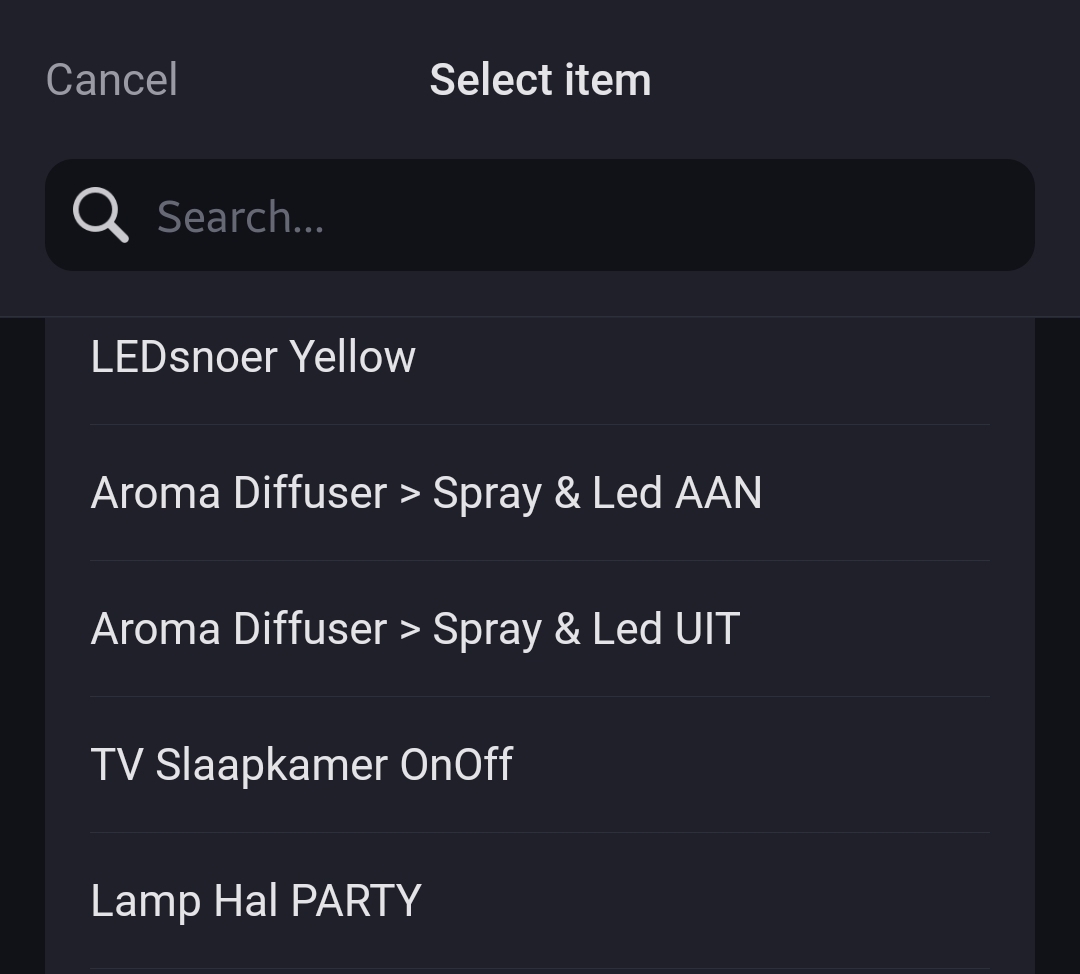
- Create tap-to-run scenes for the device (like, turn on switch X) in the Tuya phone app, and activate them with Homey
.

OR
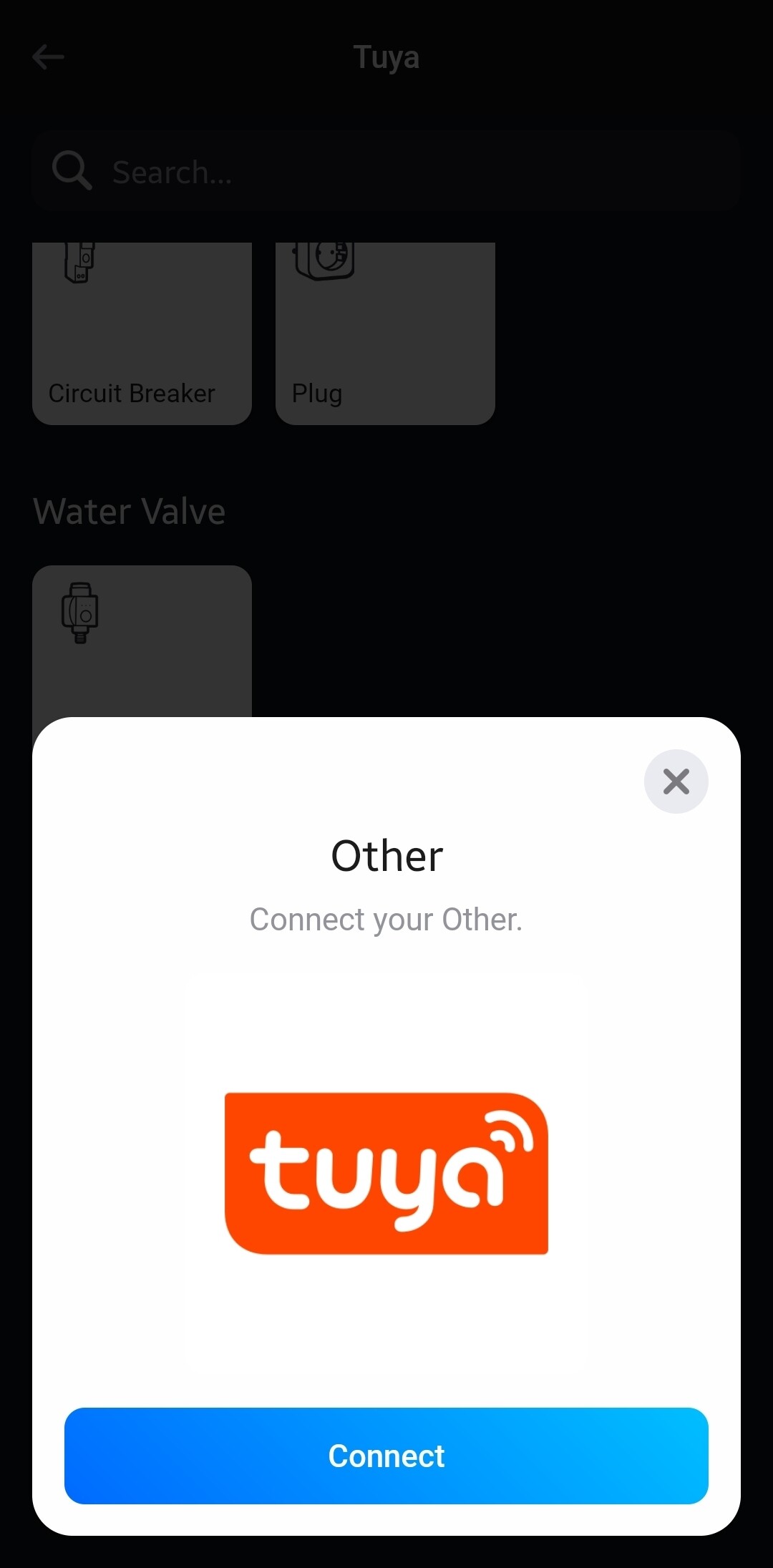
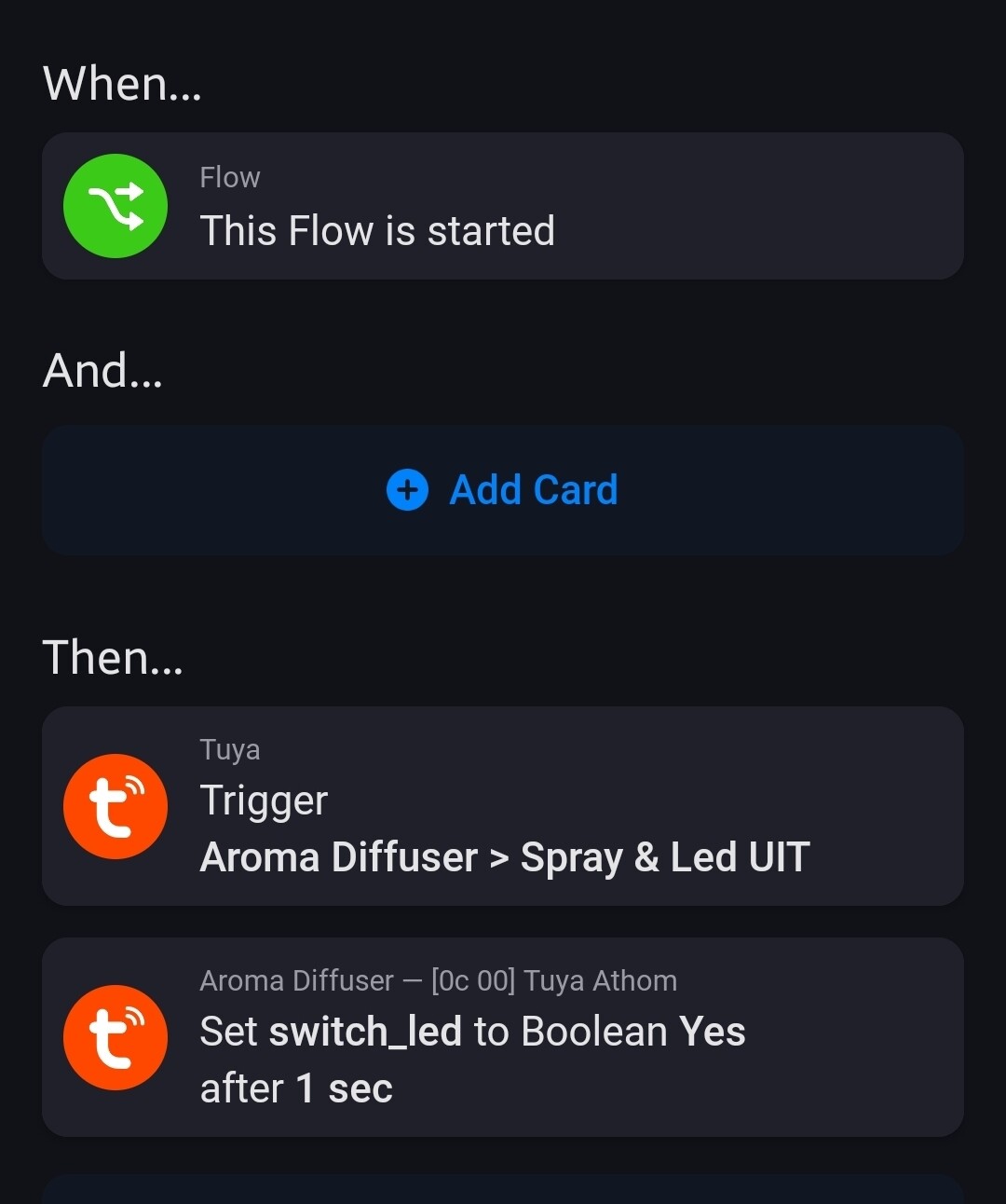
- Add the “generic” Tuya device, and control it with raw commands (these should pop up in the flow cards).
.
.
.
.