Dear all,
being fairly new to the Homey platform, I have started “experimenting” and was looking for a way to connect the Tuya M8Pro to the homey pro.
Tuya M8Pro control via MQTT | Zigbee2MQTT
There is a GitHub entry as well, but I’m looking at the most “sensible” way to approach it and would be happy to get some ideas and examples if any
I do not see a “standard” connector for this device, but could be mistaken, so probably need to build something to make it work.
Thanks for your help
Hans
Hello Hans, and welcome.
Howto 1:
Request for device support per this Tuya Zigbee app topic:
https://community.homey.app/t/app-pro-universal-tuya-zigbee-device-app-test/140352
Howto 2:
→ you’ll need a Tuya (whitelabel) zigbee-wifi hub (from €15) ←
I know you don’t buy a zigbee device to use it per Tuya cloud, but it’s a way to use your device with Homey.
You can use the new ‘official’ Tuya app for that, albeit in test phase only atm. and can be unstable.
It supports any Tuya wifi(cloud) device
.
Now, to control a device, there’s two ways:
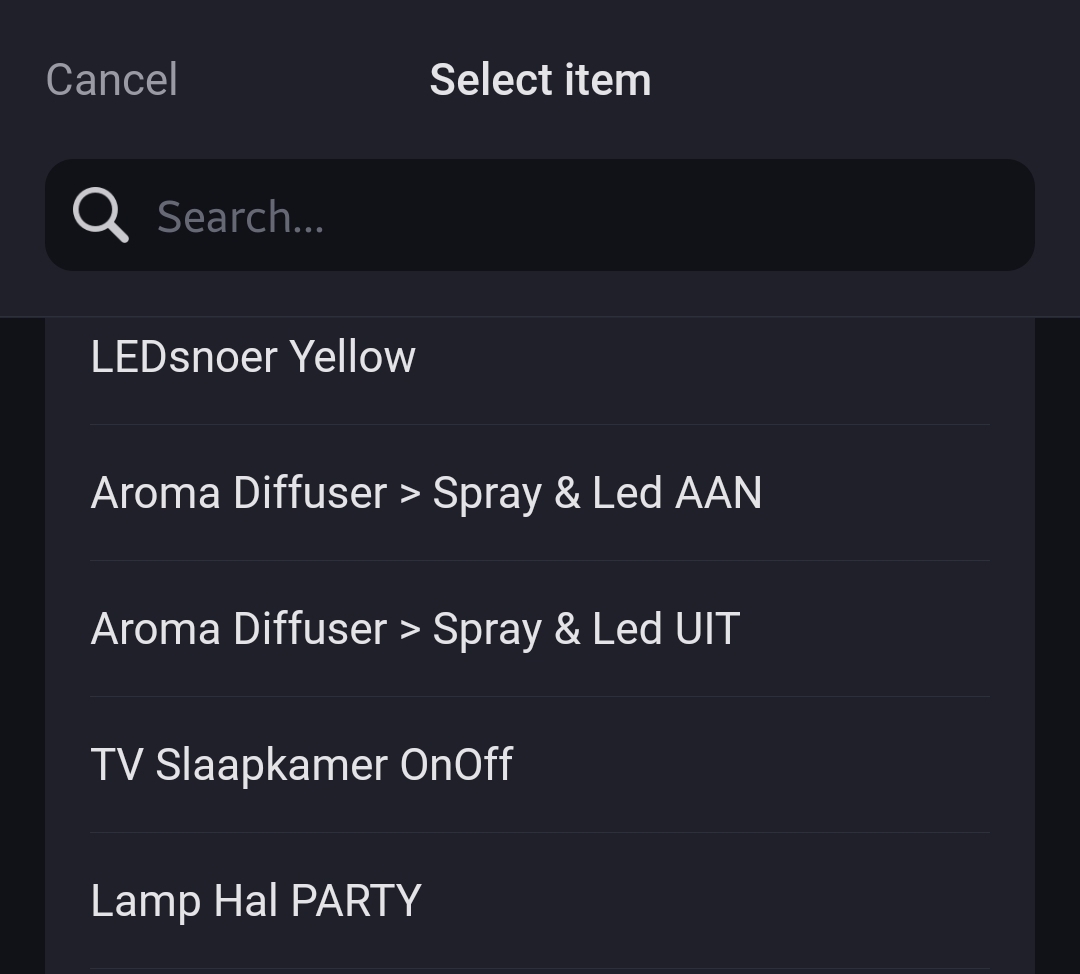
- Create tap-to-run scenes for the device (like, turn on switch X) in the Tuya phone app, and activate them with Homey
.
OR
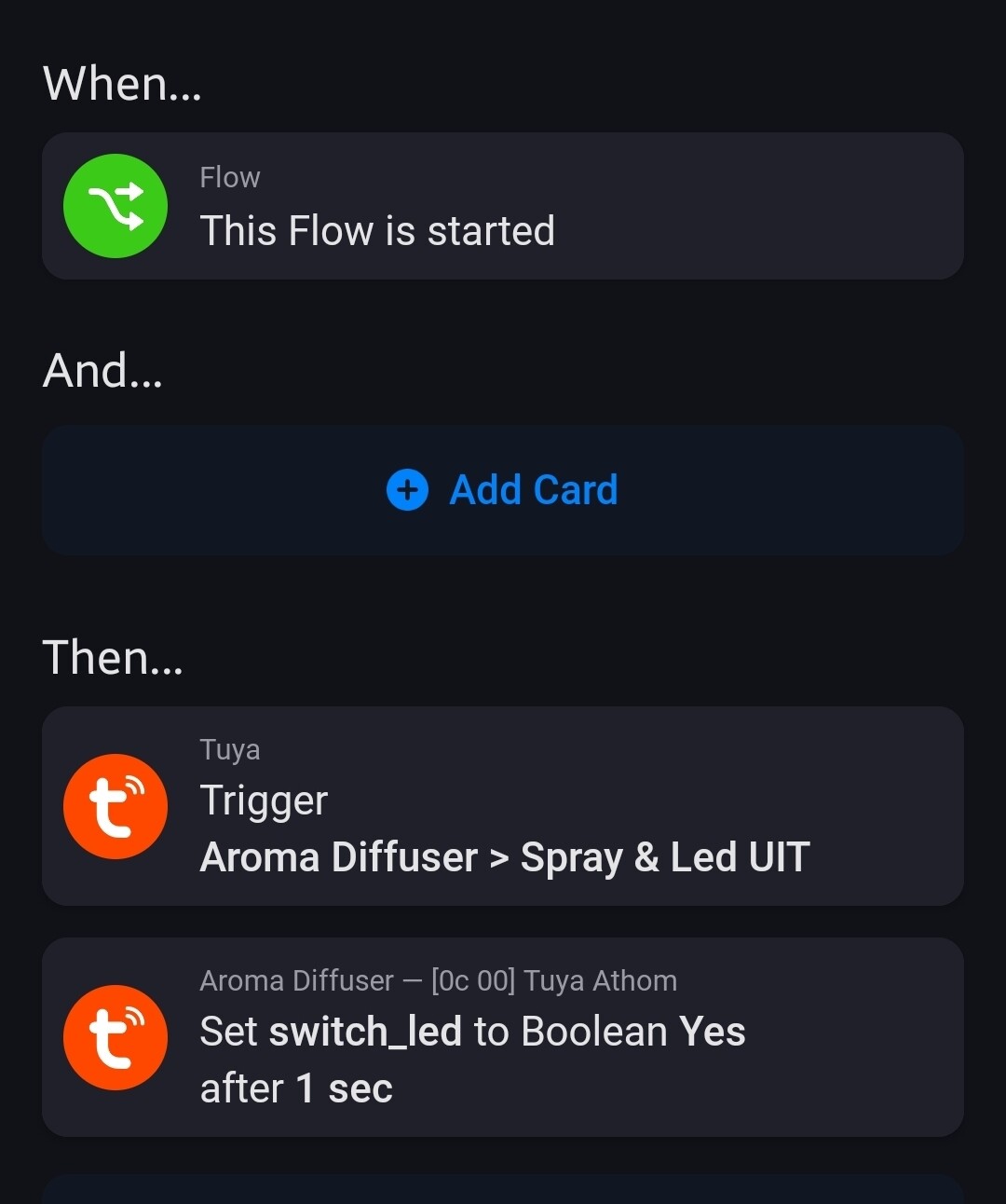
- Add the “generic” Tuya device, and control it with raw commands (these should pop up in the flow cards).
.
.
.
.
It’s a ZigBee device though. You’ll need a Tuya ZigBee gateway for that
This looks like a ZigBee device, so you would need a Tuya ZigBee or Multi-mode gateway to use it with that app