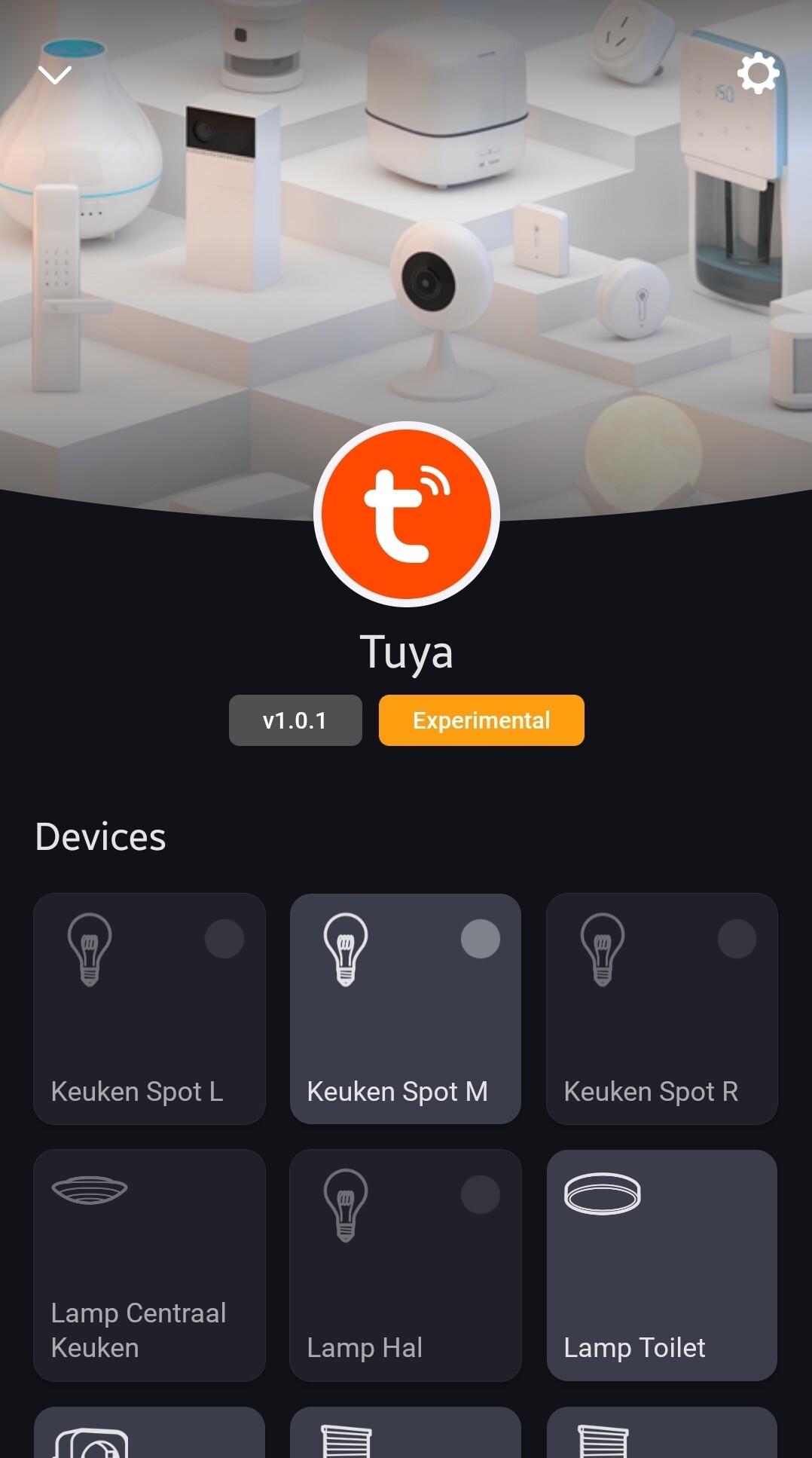
So a little more investigation and I can say to a level the Integration is working. I did manage to pull in a plug. It works fine.
I did try “Other” and it did find all my devices, But when i added some they said they were working BUT i could not manage them. If i tried to use the Light Bulb option it seems to time out… I know i have around 50 to 60 bulbs.
I did spin up my old Home assitant and that did not time out using their integration. So not envionmental
I just got response from Drenso. The root cause of the pairing issue was found, and it should be fixed with the next version of the app (1.0.2). It shouldn’t take long for it to be released. So you know.
Tuya mentions Home Assistant because the pairing uses the same Tuya Cloud connection method that Home Assistant uses, which is not blocked. This message is expected, and you can safely continue with the pairing process.
The Tuya cloud app is harder to set up, as it requires you to register with Tuya for a development account and you have to renew your access every 6 months
True, but only if you want to use it without paying for it
@techveer plus it’s a community (= one guy) app, available since 2019 as steady app; Drenso works for Athom (AFAIK).
The community app does not support just any device, but it can control/read, in theory, almost any Tuya Cloud device.
Yeah, and I read the app is not maintained anymore (at least no active development).
I am migrating all my devices now and it looks promising. I have just one device it can’t find:
It is a device with class windowscoverings (homey:app:com.tuya.cloud:tuyacover). I do see a option in this new app, but unfortunately it can’t find new devices.
Before bothering the developer, does anyone already successfull added a windowcoverings device?
Can you give a bit more info?
What homey, what kind of device are you trying to add?
Does the device work in the Tuya/Smart life app?
Did you already added the device before (in the not working official app)?
@Per_Rydell I am not the developer Just a user as you are!
I have added a couple of those sockets to this app. I never saw the oAuth2Client error. Using ChatGPT it referred to the Tuya app from Athom, not the Tuya2 app from Drenso.
Make sure you have the Tuya2 app and not the tuya.
Use this script in the API-playground to check: Homey.apps.getApps().then(f => Object.values(f).reduce((r,b)=>Object.assign(r, {[b.name]:b.id}), {}));
Ops, sorry! Thanks for the answer, I executed the script and it is Tuya2 I’m using. And you are right, I have seen this error before trying to get my Tuya sockets working using different apps. Any idea how I can get rid of this errror?
Also, remember you are using a very early test version of this app. And you are aware, because it’s not findable in the homey.app store. Your Kardashianism is therefore a bit funny really.
But if you are still with me, here’s the fix I found by just pressing some device buttons;
So, I got the same situation, so it’s not your Homey or your Tuya devices, and you sent diagnostic for no reason.


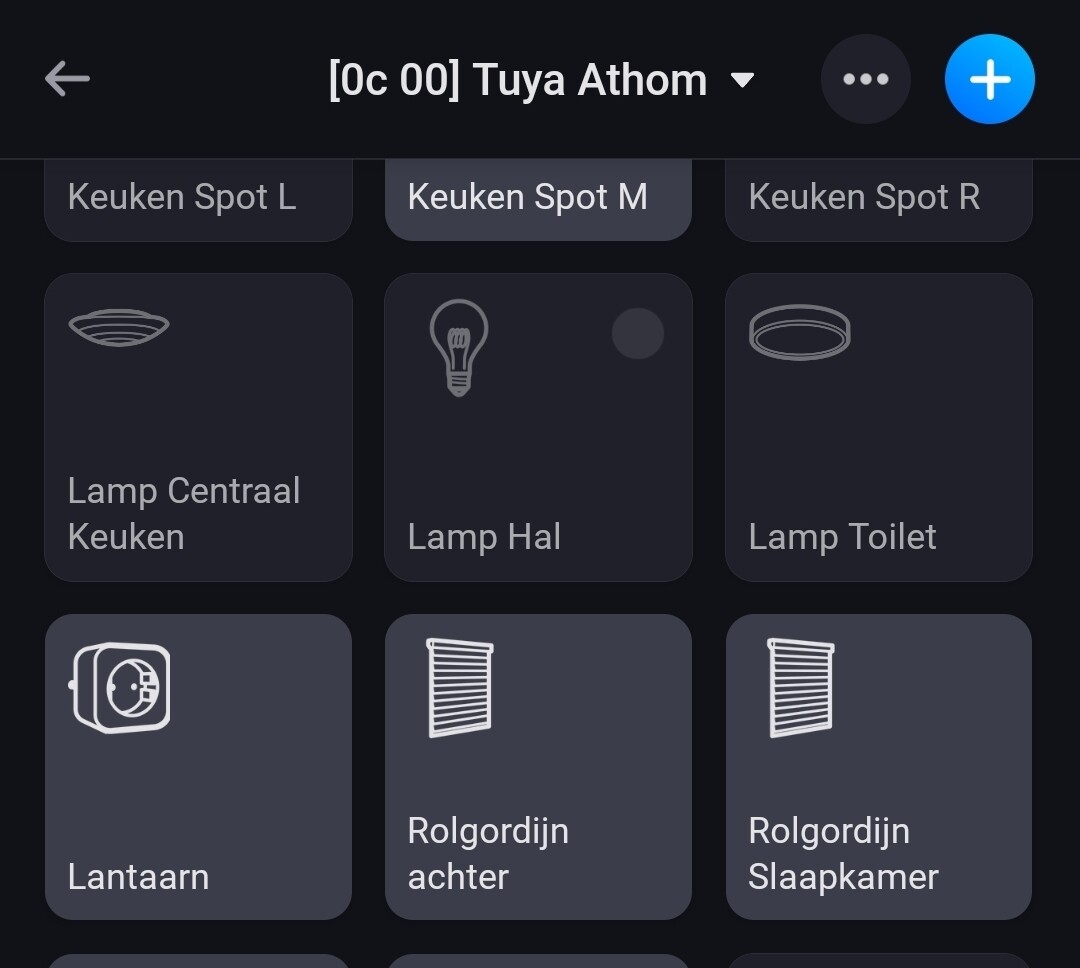


 Just a user as you are!
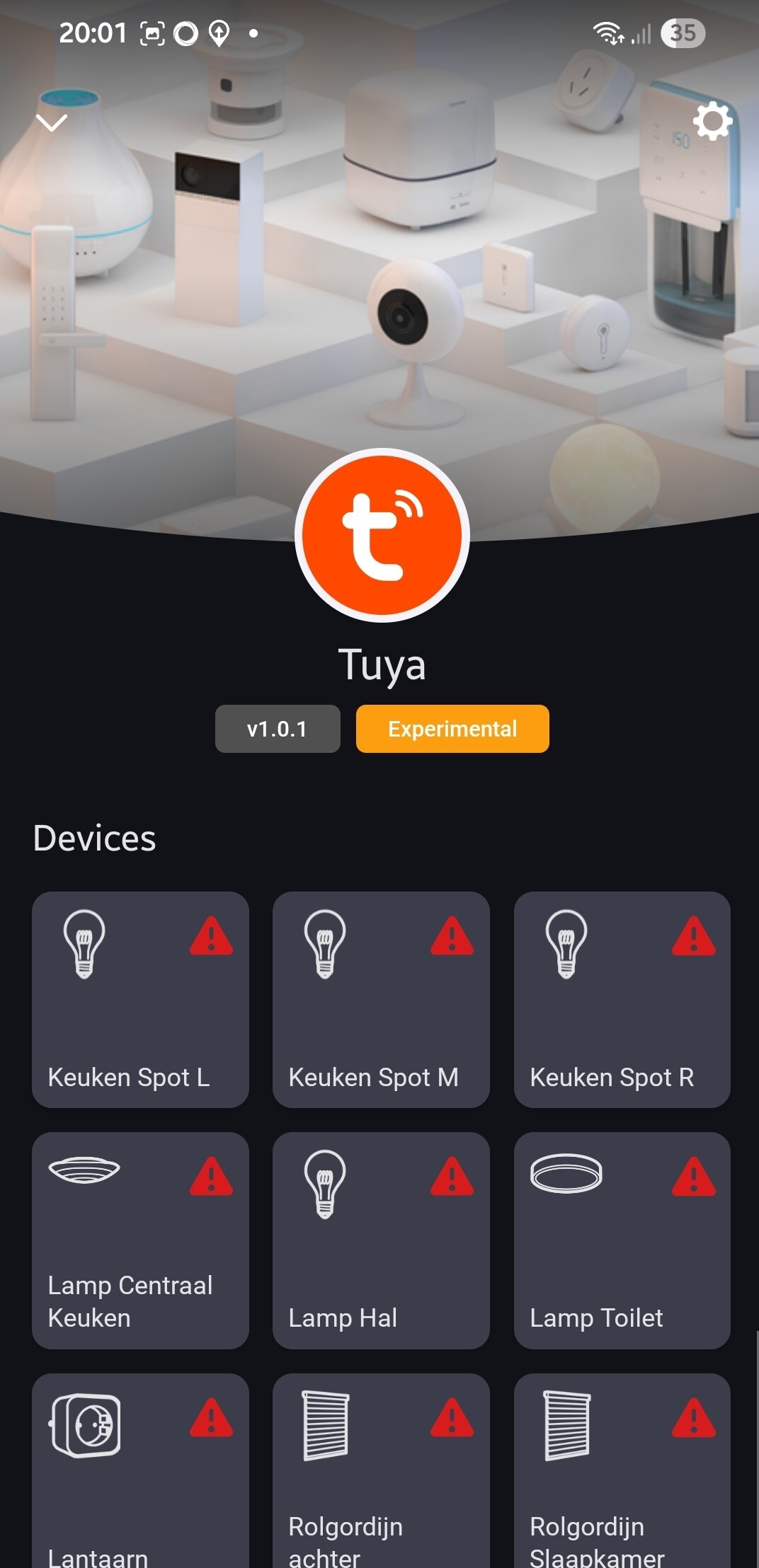

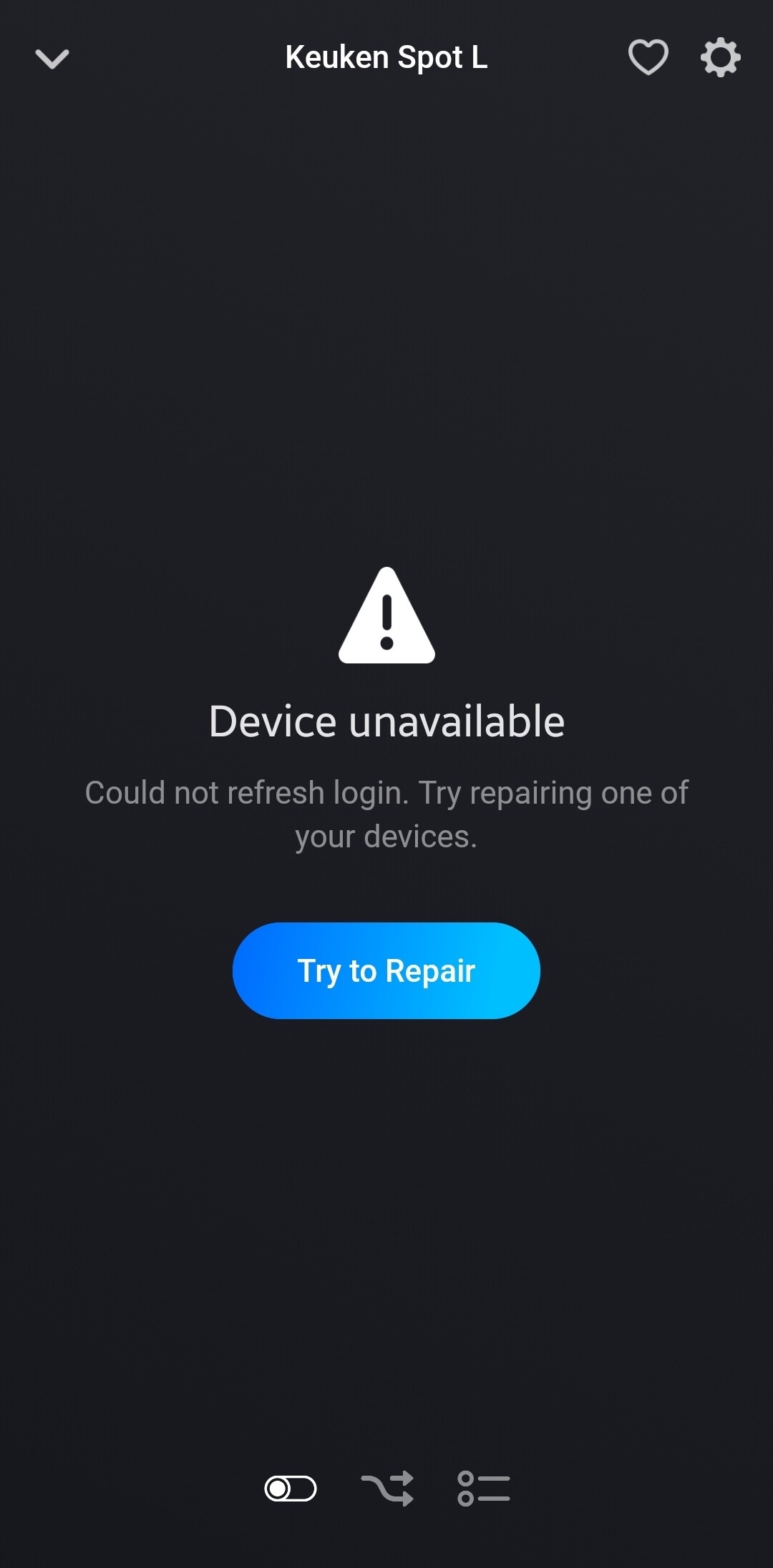
 nothing special.