Ok.. Is it the same with Homey Pro 2019?
I had the same issue wiiärh.my old Homey buy I thought it would work on the new 2023 Model.. But same thing.
Not sure I will see anything but feel free to provide debug logs
BLE is just badly implemented across all Homey devices. It’s not just the range, it’s the very limited way that apps can deal with devices that use advertisements.
I mean from the Xiaomi Miija app the debug…
Sorry, here it comes!
b81eb103-c583-4a7c-a409-65b10ecbabf5
Hmm, is it possible you have in total 36 BLE devices around you ?
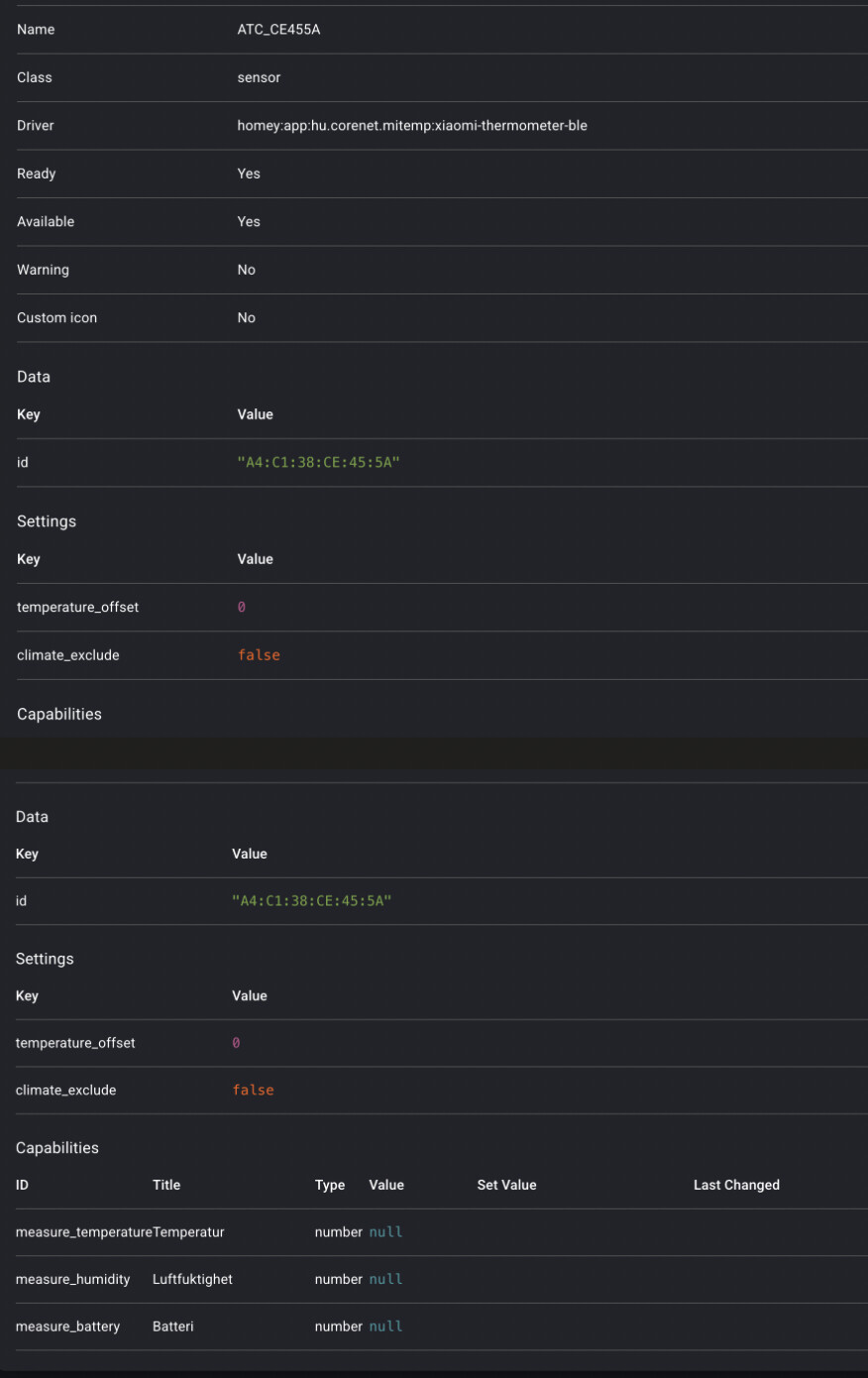
Anyway, I just see that “ATC_CE455A” has been correctly added.
I can only recommend possibly to switch to the Zigbee variant…
That may be correct, lot’s of devices 
But this is the only BT-device connected to Homey.
Thank you for checking, I’ll swtich to Zigbee firmware instead.

I wonder if there is anyone with LYWSD02MMC (2.x) / LYWSD02 (firmware 1.x) who would like to try support for LYWSD02MMC with BLE Key extracted with token extractor on Homey / SHS and send debug + experience. Currently, I know how it (mis)behaves on SHS, but would like to confirm if that works on regular Homey.
For older LYWSD02 (1.x) I believe bind key is not required, for LYWSD02MMC (2.x) it seems to be required due to the encrypted communication.
For token extractor, add device to Xiaomi, use GitHub - PiotrMachowski/Xiaomi-cloud-tokens-extractor: This tool retrieves tokens for all devices connected to Xiaomi cloud and encryption keys for BLE devices. · GitHub - get the BLE Key, remove it from Xiaomi (just to be sure nothing else is connecting to it) and then after adding it to Homey, if values are not getting updated, add in the settings BLE Key.
I can’t connect my LYWSD02MMC BLE to my Homey pro 2023
Firmware version 2.0.1_0060
Please help
As per your log, your Homey seems is not seeing actually the device itself. Do you see the device listed actually in Homey Developer Tools ? Is your sensor close enough ? Isn’t it connected to other platform/device ? etc…
Thank you for the quick reply.
The sensor is only about 1 meter away from the Homey Pro 2023, so distance should not be the issue.
I also checked in the Homey Developer Tools, and I am able to find the device there and connect to it.
So it seems like Homey can actually see the sensor, but for some reason I still cannot get it added/working properly in Homey.
Do you have any idea what I should try next?
Try taking Homey off power for a few minutes.
Zigbee firmware updates are now prepared for converted Xiaomi LYWSD03MMC sensors.
Devices already identified as LYWSD03MMC-z can update directly to pvvx ZigbeeTLc 3001-0138.
Older LYWSD03MMC devices using devbis firmware are migrated in two stages: first to devbis 1.1.0 (from 2024), then to pvvx ZigbeeTLc 3001-0138.
The update is started from the Homey device firmware screen.
Use a fresh battery and allow around 20 minutes. Removing and reinserting the battery may be requested to wake the sensor, however I did not perform it and even it’s sleepy device, it start updating quite quickly, so I can confirm similar experience like on Zigbee2MQTT.
The legacy migration route still needs feedback from users with older devices, as my available devices are all LYWSD03MMC-z. Hopefully that would work for you, as I haven’t tested, only updated my 3 pvvx variants, most probably you may need to do maintenance or pairing again after the migration from devbis to pvvx however.
Requirements: Homey firmware v13.2.0+ and Homey Mobile App v9.10.0+.
Update on Homey SHS and Bluetooth - currently you will be unable to add/sync LYWSD02MMC sensor due to the specifics of this sensor and incompatibilities with the Homey Satelitte, hopefully fix will be available within few weeks
Hi,
After trying to update two of my LYWSD03MMC sensors, both gave me a failed message in the Homey App when trying to wake the devices. I tried reinserting the batteries, but the updater continued to wait, and then eventually failed.
The devices are now unavailable to Homey, and shows a BT icon in the upper right corner of the LCD display.
I have two more devices which I haven’t dared to update yet.
What could be the issue, and how can I do the Zigbee conversion again with the newest firmware?
Hi,there is no need to wake up the sensor based on my experience…what firmware you are on and what was it trying to update to, any debug logs ? Tried reset yet and re-adding to Homey ?
Yes, I’ve tried resetting and readding. I was on version 1.1b0 / 3.0b1 (information from Homey), and trying to update to 7.9b153 / 3.0b1. This was through Homey’s own OTA functionality.
Any logs?