Found the problem:
Sweeping = mopping + sweeping
Mop = Sweeping
Sweeping+ mopping= mop
Found the problem:
Sweeping = mopping + sweeping
Mop = Sweeping
Sweeping+ mopping= mop
Unfortunately nothing you can do
ok, then I can only hope for your help, right?
Although I see some errors in the log, I’m not committing on any fix at this moment.
Maybe you can try your luck with another integration - Roborock App voor Homey | Homey … just select Q7 instead
Sorry i am a newbie, how can i do that, and send it to you?
Regards J.P
Good afternoon
I have been writing to you for two years asking you to fix mi air quality monitor on firmware version 4.1.8
Is there any solutions to this? Expect this device to be added someday?
Try to control your device and then go to Homey app → More → Apps → Xiaomi Mi Home → settings → Create Diagnostics Reports → include your nickname, device type and problems you are having.
I saw Phuturist replied to you already and has been fixed in version 3.2.12, quite a pity you did not replied back since Phuturist is not maintaining this app anymore and is in low maintenance mode - try to submit debug log, including your nickname and device type + problems, but I doubt I will fix. Also try to remove and add the device back to see any difference. I also understood it’s not working since you upgraded the firmware of that device, correct ?
Good day
I have 4 devices. The whole point is that, unlike conventional battery-operated sensors, these can transmit data in the moment and so I kept the temperature in the apartment perfectly. But they mistakenly read 2.5 ppm particles, which caused the hood to not turn on when we cooked or lit candles. I read here in the community that it is possible to update to version 4 on the device and then the problem will go away and that Phuturist has already added new firmware.
After updating the devices - they are added, but everything is as I mentioned above. No data is being sent.
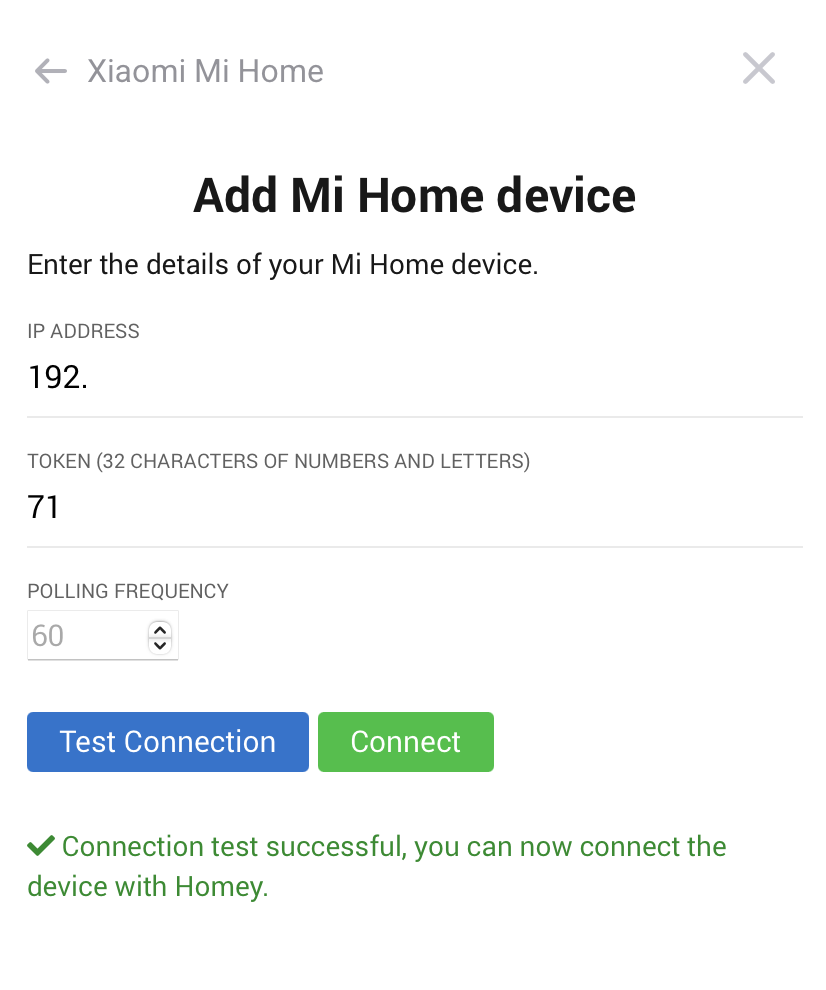
I reset both then and now the devices. Reinstalled the plugin. Re added it to MiHomo again, took the token and added it to Homey. Nothing helps.
It would be very grateful if you could help me to solve this problem.
Will send you the logs later.
That’s right. I created an online backup of my HP 2019 and transferred it to my HP 2023.
The Q8 Max ran on the HP2019 with your app without any problems.
Now I can’t start it, but it responds to changes in vacuum cleaner strength.
I hope you have an idea what I can do
Sent you the logs
3c5caeba-14b0-4a37-87e9-67a26648f186
@Simon_Kai , can you please test latest Xiaomi Mi Home | Homey - 3.4.3, does it resolves your issues? If not, please submit new log…
I see in your log “Could not connect to device, handshake timeout” for Mi ClearGrass Air Detector, which means there is something wrong with the token. Reset the device and start from scratch to obtain a new token and then please provide new log. Ensure you have really correct Token, it’s critical.
Oh my God! It looks like you are my salvation.
My quick test just now looks like it’s working again.
Thank you very much. Great work from you! It’s not a matter of course that you’ve put so much effort into my problem.
Actually don’t worry, it was not just your problem, but you were the only one actively collaborating and provide required details 
Install 3.4.6 and send you report 0ca12dba-f487-45b8-9358-045908f3dd3f
And does it work for you ?
I see in the log :
2025-01-19T08:16:40.815Z [log] [ManagerDrivers] [Driver:airmonitor_cgllc_zhimi_airmonitor] [Device:4feae976-2202-48ba-9c97-96629be88e1a] Retrieved data for cgllc.airmonitor.s1: { co2: 635, humidity: 43.5, pm25: 2, temperature: 22.3, tvoc: 162 }
2025-01-19T08:17:36.738Z [log] [ManagerDrivers] [Driver:airmonitor_cgllc_zhimi_airmonitor] [Device:4feae976-2202-48ba-9c97-96629be88e1a] Retrieved data for cgllc.airmonitor.s1: { co2: 635, humidity: 43.1, pm25: 3, temperature: 22.4, tvoc: 154 }