Hi Martijn, I checked it by disabling wifi and using 4G/5G: same result.
New log: a2549042-f48d-4b11-9b41-3fcd9e28969c
@Pim_V its not about your phone but about the Homey connection. Please check my previous question
Hi Martijn, I’ve put homey and the phones (5s and 12) in a DMZ. No luck with the desired setup. But I did manage to pair a test-phone (iPhone 12).
I’ll check tomorrow with a different phone and let you know.
@Pim_V alright. However the question still remains if you have any blockers in your network…
Hi @martijnpoppen, I do run a pihole, but I’ve disabled it, and the problem persisted.
Conclusion (from my point): it was caused by the iPhone 5s.
It simply messed up the authentication proces. “Why?” Because I’ve tested the authentication proces, on Wifi, with pihole blocker, on 2 different phones, with 2 different 06-numbers and it worked.
Sorry for bothering you, the matter is solved, I can now start rewriting my flows to Whatsapp (y)
@Pim_V nice! 
Did you have already taken time to check my logs?.
No hurry ofcourse
Hi @martijnpoppen,
My app keeps crashing.
Tried: upgrading Homey’s firmware
Back to stable version instead of experimental.
Couple of restarts.

@Glenn_Dijkstra not much i can do with a screenshot… Please send a report
 . Cannot make it. Also cannot restart it other than restarting homey.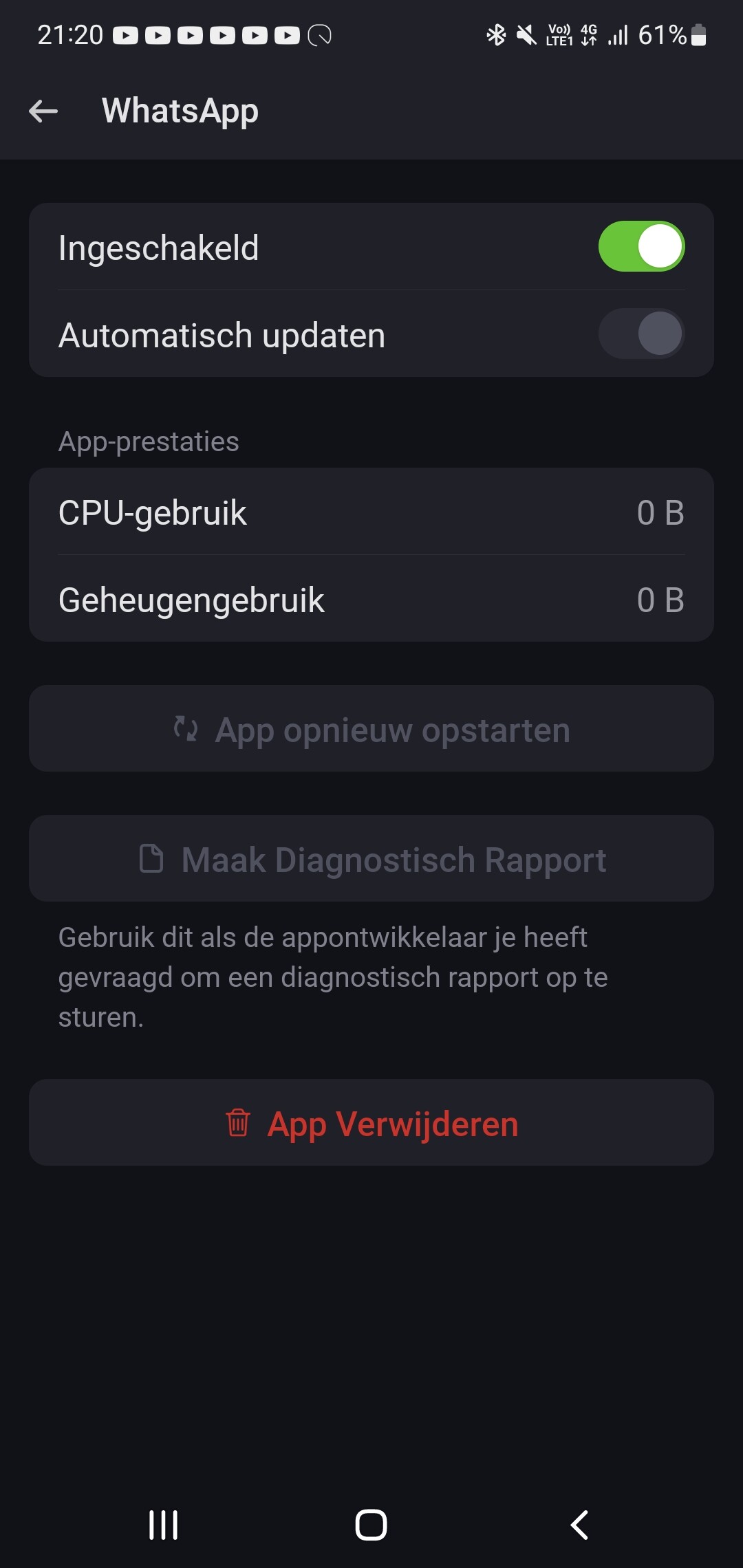
@Glenn_Dijkstra so what do you expect from me? 
I cant magically fix it it for you.
Btw did you already pressed the red crashed label? It should give you a log
Well, I don’t expect magic hands, but I was hoping this issue had occurred before and you might have had any ideas to fix it. The red error just says : app unavailable.

But if you can’t help, should I contact athom for it?
Edit : succeeded by making a report by downloading the app again and directly making the report before the button went grey again. Don’t think you can see anything on it, but worth the try:
4da933e1-9adb-4b84-82e8-58eea83cb489
Does this say anything?
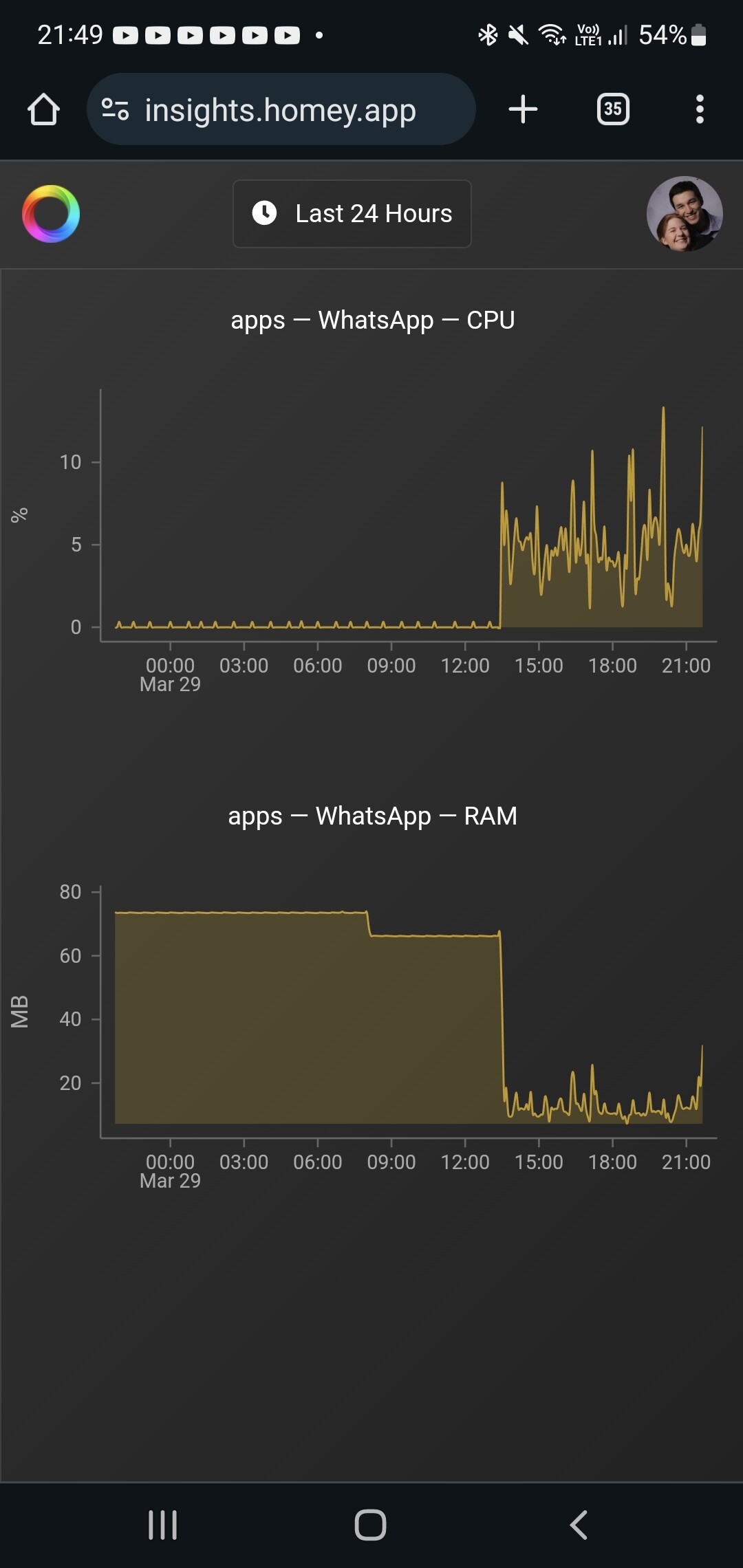
@Glenn_Dijkstra ofcourse the report looks perfect 
Graph doesn’t say much, Whatsapp is high on memory, not much to do about that.
But yeah maybe you can ask Athom. I can’t see much from my side
@Bulletcather Only thing i can see that the client is down and you have to repair. But not a reason why it is down
FYI, i did a factory reset by using the USB tool. After that , i could repair the devices and they work again.
I have a new log.
Maybe this time we more luck
afce0848-3e1a-46fa-8d13-1115ffc762ff
@Bulletcather same thing:
Might be something in your network which is preventing the session from keeping itself alive.
New app update ( TEST: 1.23.2):
Changelog:
NEW:
1: NoneFIXES:
1: FIX: service unavailable error
If you find any issues, send a report via the mobile homey app
More - apps - Whatsapp - settings wheel right top - send diagnostic report (put your email in the input field to make it easier)
Issue list: [APP][Pro] WhatsApp - Simple. Reliable. Private - #3 by martijnpoppen
@Bulletcather I made a fix, let’s see if that does something. Can you install the test version? 
Installed. Without repairing it works for now.
I keep you informed.
Thx for the fast response
