[APP][Pro] Volvo on Call - Connected technology that makes your life easier

@Richard_B your app is much appreciated. I use it to connect Homey to my EX30.

I have an observation that, with all respect, I would like to bring under your attention. It could be either a translation error or a possible bug:

When my EX30 is connected to my ev-charger (Zaptec go) the status is shown as NIET AANGESLOTEN (in Dutch, in English: not connected).

When my EX30 is NOT connected to the ev-charger the status is AANGESLOTEN (in English: connected).

With kind regards,
Paul

I just checked. It is the same here!

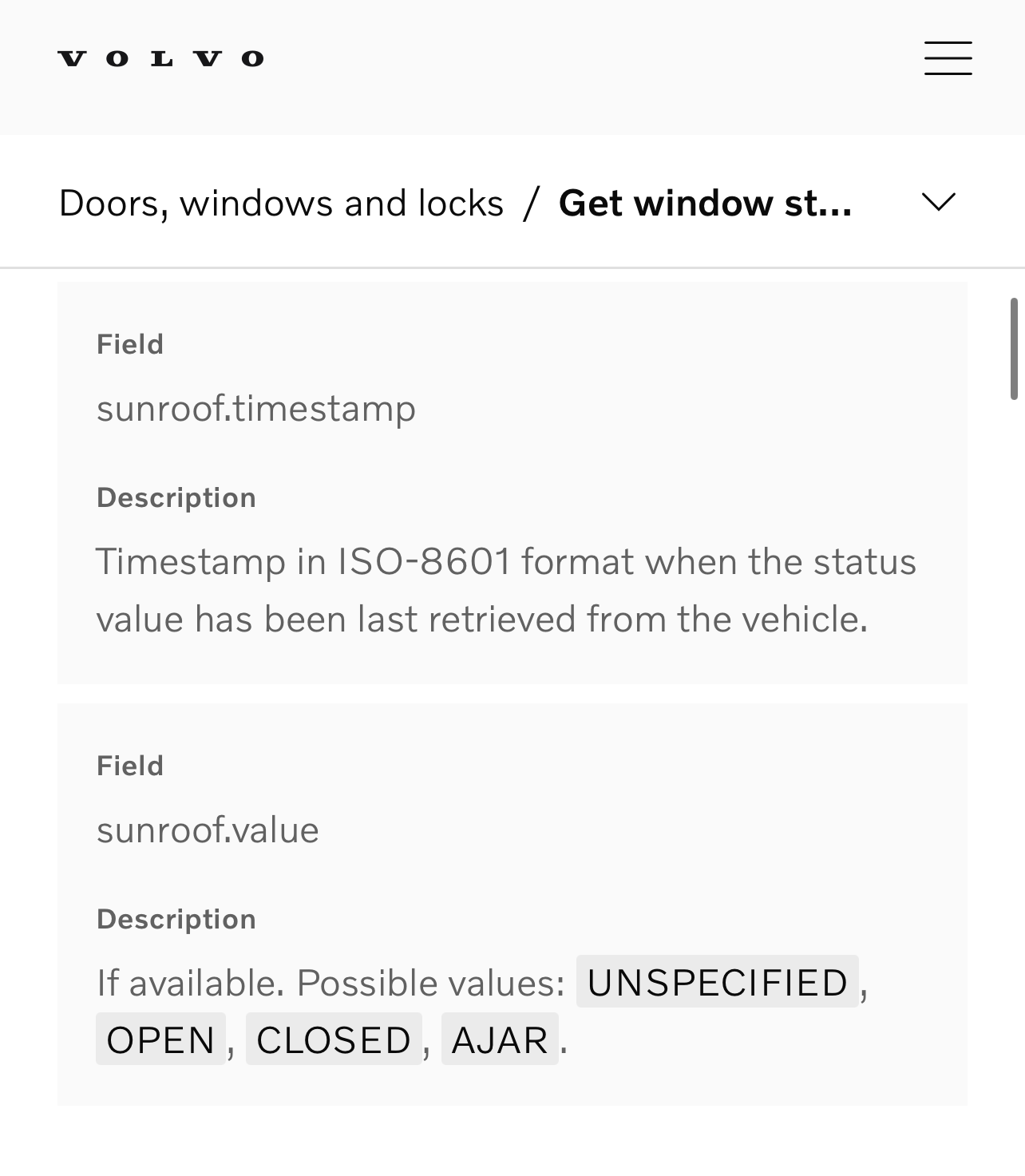
Just found the API page with the endpoints:
Windows and roof are available

Same here (in swedish)
Ec40 my25

Hello community and thanks for your effort developing the app. Can you please help me understand how to start/stop charging my hybrid XC40? I can see all statuses being correctly registered, but no option for charging actions

Thanks a lot!

I’ll have a look. By accident I noticed that Volvo have deprecated most of the Energy API endpoints, so will have to do some changes.

If you can figure out the API we can implement it, I don’t see one on their portal.

1 Like

Just released a new test version which uses the new Energy API v2 and added support for checking window state.

2 Likes

Thanks for adding the window state
Just installed 1.4.7, but I dont see the windows.
Is it specific for car type? (I have a ex40)

I guess I did not look well enough…
image

Thanks

1 Like

What am I doing wrong? It stopped working a few days ago, and now when I add the API key and get the confirmation code, it briefly shows the car’s recent data, but after a while it stops working…

Same issue. After registration and after repairing I have e few successful attempts and than it fails. On Github there are more users reporting issues. I hope it will be solved soon.

The same problem here

Volvo has changed something in their API. I will try and make use of the official auth once back from vacation.

5 Likes

I noticed that the VCC api-key, I was using in Homey, was different then the one on the Volvo Developers site?

I added the car with the new API key and I think it works for now.

Edit: Nope, it does not…

Same problem here

A new test version is now live, featuring OAuth-based authentication, which utilises the official Volvo authentication.

Please try using the repair device function. However, it may not work, and then you will need to add the car from scratch, first removing the current one.

For those of you who have added the VCC API key to the device settings, the app will attempt to migrate it to the new required app setting. If that fails, you will need to ensure you have a VCC API key in the app settings. For new users, you need to add the key to the app settings before attempting to add a car.
1 Like

Greatjob! Many thanks!

Update the app, repair device

And then, restart Homey!

Works good now!

3 Likes

Great, many thanks!

Thanks, the restart did the trick without “having to remove my device”

Just tested this, working fine! Also the sunroof is included in the “windows” check which is great! Thanks for that.

Thanks, its working now, good job!

2 Likes