Both apps must have separate accounts, thats the 401 solution!
Thank you for the assistance.
Can confirm both apps are working, and device status are now reflected in Homey as well.
I just installed this app, and came here to figure out the details about configuring everything. I have been previously using the Homey Unifi Protect app for about 5 months, with success. After installing the Unifi Network app, I used the same local-only admin credentials, and initially got the 401 error when trying to add new clients. I restarted the Unifi Network app, which cleared everything up. I have since added 5 phones in my household, and created flows to change their status to “home/away”. Everything works great so far! I’ll report back if I encounter problems later.
In summary:
I have a single Unifi Admin account with local-only access and full rights for network and protect.
I did initially get the 401 error, but it was resolved by rebooting the Homey Unifi Network app.
I am using the default settings with an interval of 15, pull methods interval & websocket, with enable application flows checked.
I do not have any data appearing in the sites or event log tabs (event log enabled checked)
I hope this helps someone else. Cheers!
Please read the messages above your message! Create separate accounts for network and protect!
I’m not experiencing any problems. I was reporting that my experience is working fine with a single account.
Please forgive my ignorance, I’m kind of new to Homey… Using this app to detect presence of my household members is working great, and is perfectly accurate! However, whenever someone leaves the home, or maybe gets far enough away that the wifi signal is intermittent before dropping out, I get notifications that they LEFT, then immediately ARRIVE, then immediately LEFT again.
How can I delay their Presence status from changing until they are disconnected/connected from/to wifi for 30 seconds or so? Thanks!

Thank you, I’ll play around with it!
 ?
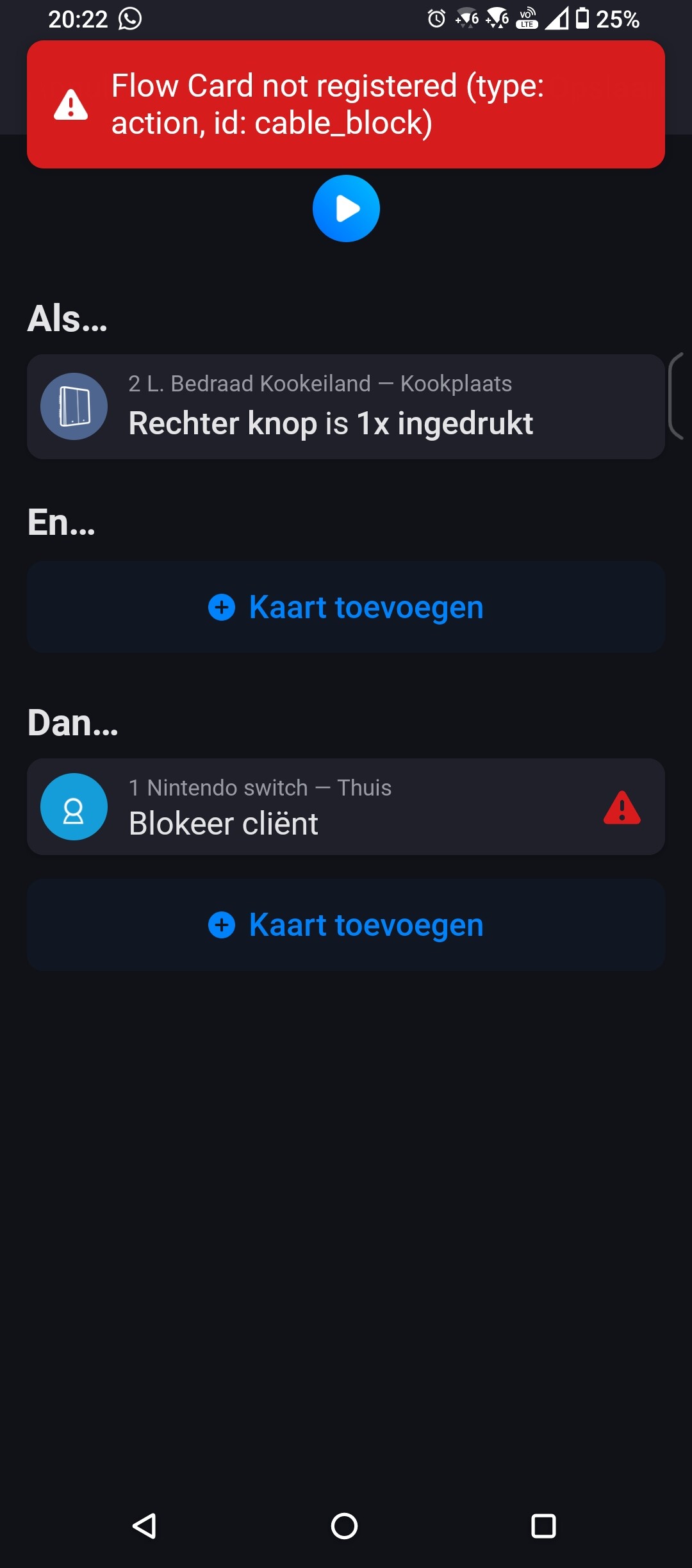
?
Next week I will look at it!
I tried the test version and it works now
Can’t get this to work…
I’ve got a Unifi Cloud Gateway. I set up a local admin account on it, not MFA, just local access. Verified by logging on locally, so it’s working.
When I try to connect the app I get “Credentials are invalid” right away, no matter what I do. Account exists and the gateway acccepts username/pwd combo. I tried making the password 32+ chars, without change. (username is max 30 in Unifi - app says “minimum 32”?)
Any ideas?
What is the error message? Are the gateway and homey on the same network / vlan?
When I run “Test connection” I get “Invalid credentials”, despite being able to login using the same combo when I do it outside the app.
Homey is on the same net as the Unifi unit. I’m using standard 192.168.1.1 and if I go to https://192.168.1.1 I can logon using my local account.
If I enter the same in Homey I get immediate “Invalid credentials” when I use the “Test credentials” button.

As you can see in the username I’ve set up a account that only has view permissions.
When I log on to the Unifi Cloud device it gives me the string 192.168.1.1/network/default, I’ve tried different versions of that in the “Site” fields with no success.
Remove https:// and de last / from IP Address, enter only the IP address
Aaaah! Started there but failed elsewhere, never tried to put it that way! That fixed it.
Big thanks!
I’ve been extensively testing the “Device just connected” card. About 90% of the time it doesn’t seem to trigger any more for me. While it did a while ago. Verified that other cards are still OK. Might this be an issue due to recent unifiOS changes? I’m on UniFi Network Application 9.5.15.
Also the log under the app settings remains empty. Tested everything both on latest stable and test release
@Takie Do you have Application Flows enabled in the settings? Just tested with my demo setup and works.
Yes that was enabled. I’m on Unifi OS 4.4.3 and Network 9.5.15. Anything else I can check or test?
And should it work for separate vlan guest network connections as well (I tested it on my main vlan as well, but not sure if this is supposed to work too)?
