Controller is running on my UDM, Unifi Account (Mail Login), network is on 8.0.2, it’s EA I believe so it will be publicly released shortly
This is the bug report
c4ea2855-f08f-456c-8efe-ccab693d3dc4
Controller is running on my UDM, Unifi Account (Mail Login), network is on 8.0.2, it’s EA I believe so it will be publicly released shortly
This is the bug report
c4ea2855-f08f-456c-8efe-ccab693d3dc4
Probably changed something how the Network App communicates considering this whole new Business ID thingy
Same problem connection error 401. Network 8.0.6 OS 3.2.5.
Problem with connection after Network application 8.0.2 and UnifiOS 3.2.5/3.2.6 is caused by Unifi not using “x-csrf-token” in the header anymore, but instead use “access-control-expose-headers”.
Problem seems to be fixed in node-unifi which hopefully will be released in a new version soon.
This app uses node-unifi v2.4.1 which has this “bug”.
Tested by changing the code manually and it works 
Thanks for the update! Had to unfortunately exclude the cards from all my flows but would love to integrate them back again
I don’t have verso 8.x so can anybody test this version:
Can confirm that it works again! Thanks a ton 
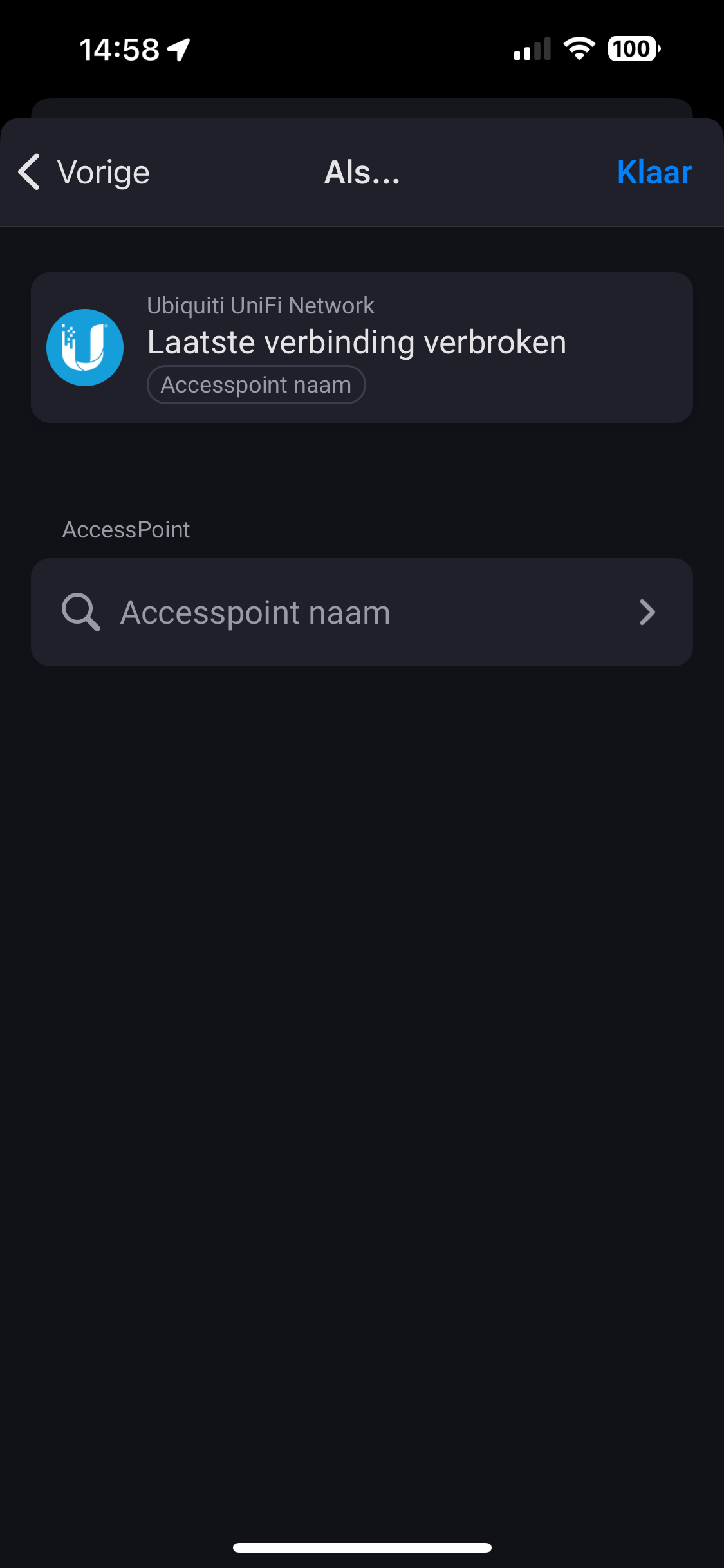
When starting a new flow triggering on first device connected to an accesspoint, the list with accesspoints is empty. Is this a bug, or i’m I doing something wrong?
Super, it works again. Thanks for fixing it.
Do you have an screenshot off the flow and the empty select box?
Cannot really make it work, it always says creds invalid though and they aren’t, IP correct, logs are empty, is there a way to investigate it?
Any idea @ObelixNL ?
Somebody the same issues and or knows how to solve?
Hello,
Can you test the new test version? Thank you
This is fixed in the newest test version!
Worked like a charm! Thank you 
Hello ObelixNL,
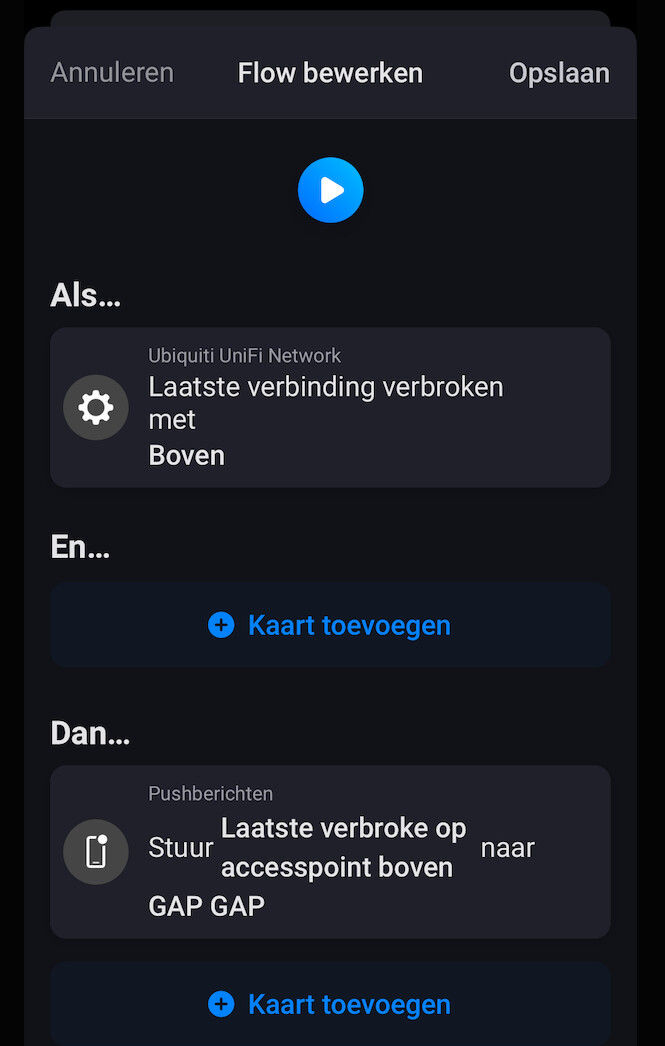
With the testversion I can indeed now select the accesspoints. However when using it as trigger does not seem to trigger anything. Did test when the last one disconnected as wel as the first one connected. In the respective device in homey I did check if indeed it was connected or disconnected and is it was the first and last one. So must be something still not working in the app
Good evening,
First of all, thanks for the developments. When I get it working it offers a nice number of functionalities. For now I can’t get it to work. I connect to my unify via IP address: 60001. However, when I enter that in the homey app, it does not want to connect: connection failed. It is a Network 7.5.176 in a docker on Synology. Port 8443 doesn’t work either. What am I doing wrong?