Ron, please add all info so @MrDutchfighter can check it for you
Mention all so witch trash company you have selected?
Hi,
Sorry i thought that could be seen by the zippcode.
It selected afvalkalender BAR (nl)
the debug information only shows GFT
Thanks
Ron
I will try to have a look somewhere this weekend. Have some issues on GitHub open as well with some other municipalities that found it necessary to switch again between providers.
Thanks don’t hurry
Ron
Hi, I notisched that my plastic automation was not working today. Figured out that it was triggered on the PMD card.
What is the divergence between “Plastic” and “PMD” card?
The difference is a different text and some legacy that has been in the app for over 5 years now  Officially plastic is only plastic and PMD is “Plastic, Metal and Drinking Cartons”. But as every municipality (and country) has different rules about what is ‘plastic’ and what might be ‘PMD’, I stopped making a difference and people are able to set their own text and labels in the settings.
The best is not to make a flow for every type of container, but just one flow and use the tags to give a proper output message. That way it doesn’t matter which ‘category’ is collected, you always get a proper message. Check this page for some easy examples: How to flow with Trashcan Reminder 2.0 | com.trashchecker.
Thanks for making this clear. And for making this possible with your app. Is the most handy flow I have 
For fun I attached my AF. Homey tells me on 4 time intervals which container need to get at the street the day before and gives the homey ring the container color when speaking to a nest mini. After bringing the right container I say to nest mini: Set container animation off and it reply with a thanks for bringing him away and disable the flow by setting a dummy switch to off. LOL

Groningen is not working anymore for a while now. They have now there own app:
Do you think you can add this info to the app?
If you can find the organization ID they use to display the data then I can implement it. The orgainzation ID can be found when you use the mobile app (it can’t be found through the web interface as far as I know). You can see some research someone did a while ago for RMN, they use the same principle, only another organization ID.
Thanks. I will try to figure that out!
It seems that Mijn Afvalwijzer has stopped working in the app. The flow for PMD didn’t trigger, and when I checked just now, it shows that no address is supported. But it does that with every address I try. Made a diagnostic report! 
Thanks. It seems that they removed the year from My Afvalwijzer which demolished the parsing mechanism… There is now a new test version available that should resolve it: Trashcan Reminder 2.0 | Homey
Can you do something with this info website?
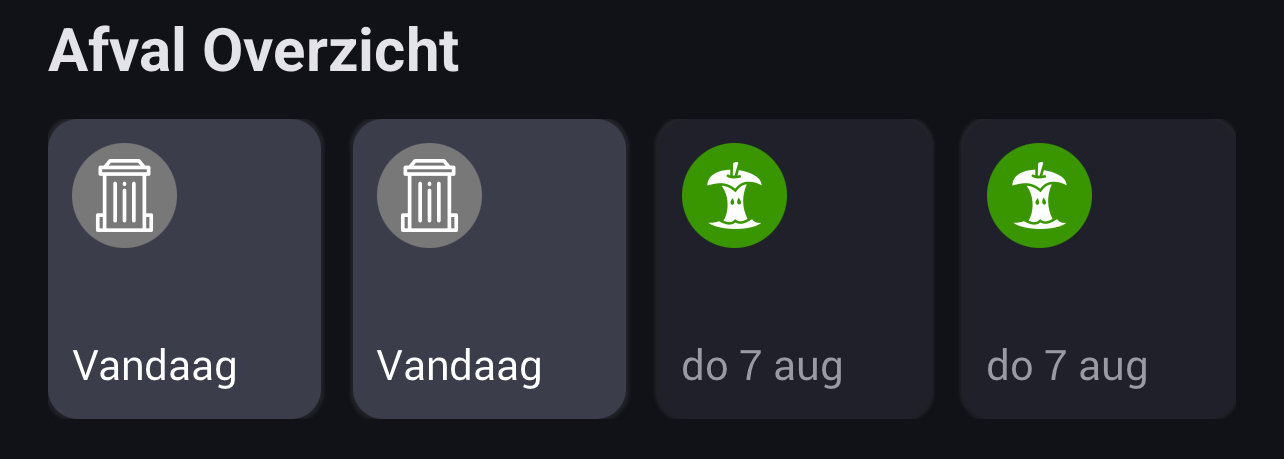
Same issue here

I’m on holiday. Will have a look when I get back. Probably something changed on the afvalwijzer side. They do this all the time.
If you are handy with code you can check yourself. It’s all open source (see first post of this thread).
@MrDutchfighter since yesterday the widget is empty. Removing and adding the widget didn’t solve the issue. Neither did a restart of the app.
I’m using version 5.1.12 of the app and 12.5.3 of homey.
can you please have a look at it?
There is a new test version available (5.1.14) ready for approval by Athom (you can install it yourself if you want to test already). Hopefully that solves your issue. Otherwise, please let me know which API you are using and which postal code (you can do that through a PM).
@EdNL , @Jan_Albert , the issue should be resolved with the new version
