Hi Adrian i send you a message but i think something going wrong. Thats the way i send you the same message again
Hi Adrian, I have six Hikvision cameras. I managed to get two of them into Homey, but the other four aren’t. When I try to add the cameras to Homey, it sees their IP addresses, but when I add them, I get the message “Error: Discovery error: undefined.” What am I doing wrong, or what’s wrong? I’ll also send you a diagnostic report. Sincerely, Ben
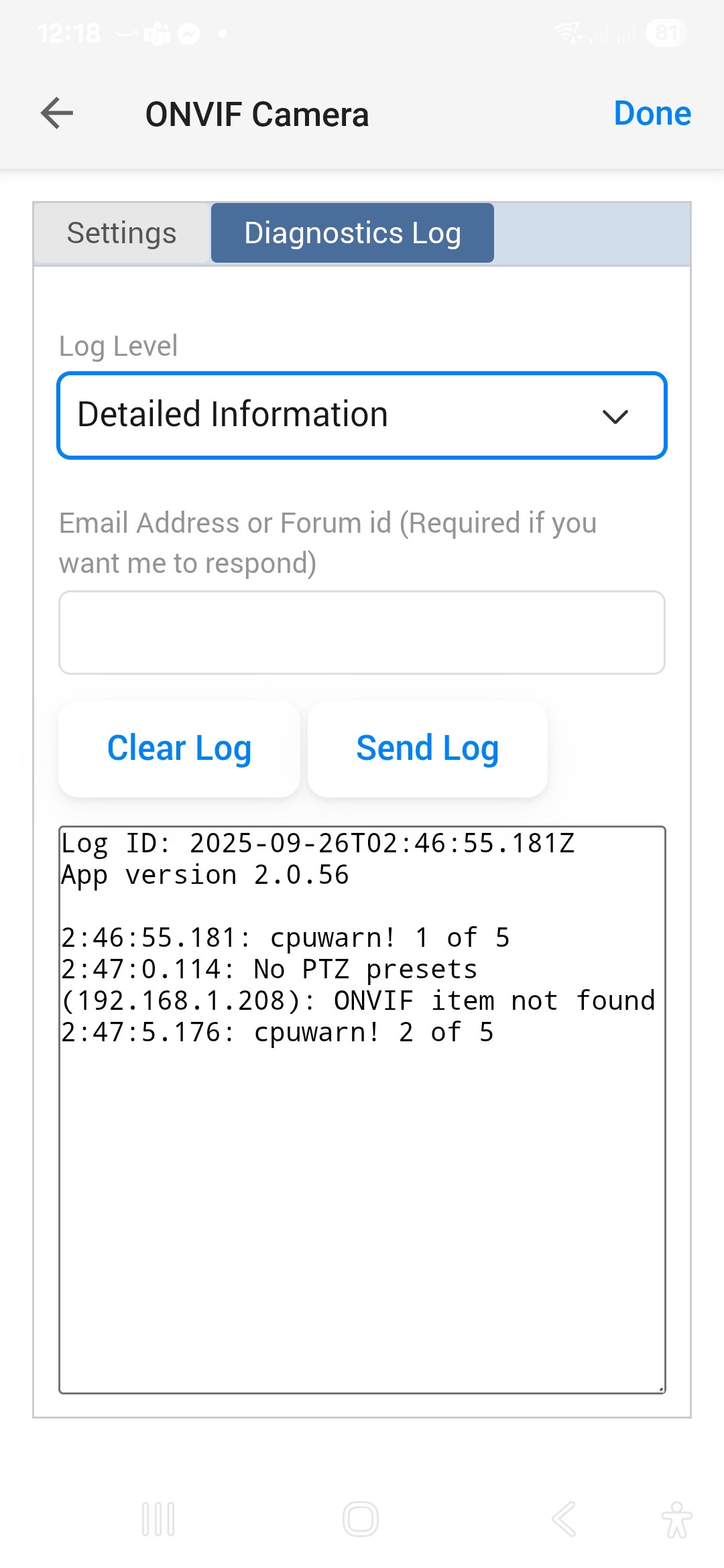
Set the Level to Detailed information and then clear the log. Next try to add one of the cameras. After it fails, go back to the log page and tap on Send Log.
Looking at the logs it seems at least one camera is returning bad information:
11:40:23.446: Reply from {
	"hostname": null,
	"port": null,
	"path": "rvice",
	"urn": "urn:uuid:276e3e5d-fc60-11b3-8261-1868cbd7c507",
	"href": "rvice"
}
11:40:23.447: Discovery (null): Invalid service URI
The log also has a lot of ‘noise’ caused by two cameras no responding, so that makes it hard to follow. Maybe you could disable those cameras in the Homey app or find out why they are not responding?
10:39:12.596: Connect to camera error (TUIN 1): connect EHOSTUNREACH 192.168.2.34:80
10:39:25.684: Request error (192.168.2.33): connect EHOSTUNREACH 192.168.2.33:80
10:39:25.687: Connect to camera error (CARPORT 1): connect EHOSTUNREACH 192.168.2.33:80
10:39:28.756: Request error (192.168.2.34): connect EHOSTUNREACH 192.168.2.34:80
If the cameras are powered on, then check the IP addresses haven’t changed and maybe restart Homey.
For the one giving bad information, maybe try rebooting it.
If it were me, I would disable all the cameras in Homey and then switch them off, just leaving one camera at a time that you can’t add. Then change the log level to Full Information and try to add the camera, followed by sending the log.
I just submitted a log from when trying to add my Reolink doorbell. App didn’t find it automatically, so tried adding manually. Got an undefined discovery error.
Which is strange as everything was going well up until that point.
As it is getting late now, I will analyse the code to see if it can work without that after work tomorrow.
It might be worth trying the test version as I do recall making a change at some point to ignore an error like that but I can’t remember the detail without looking at the code.
Did you enable RTSP on the cam, Ernst? Reolink often has it disabled by default.
By using a Net Scan “TCP Port” device, you can check if Homey can reach your cam’s IP address at port number 554
Example:
To test if the cam stream is active and reachable:
I"ve a Reo doorbell as well, I can watch the stream in VLC media player:
Use this URL format: rtsp://192.168.x.x:554
(assuming your subnet uses 192.168.)
It asks for login credentials along the way.

 and now I see a “live” option in the Doorbell, but get no live feed (the other two do work):


