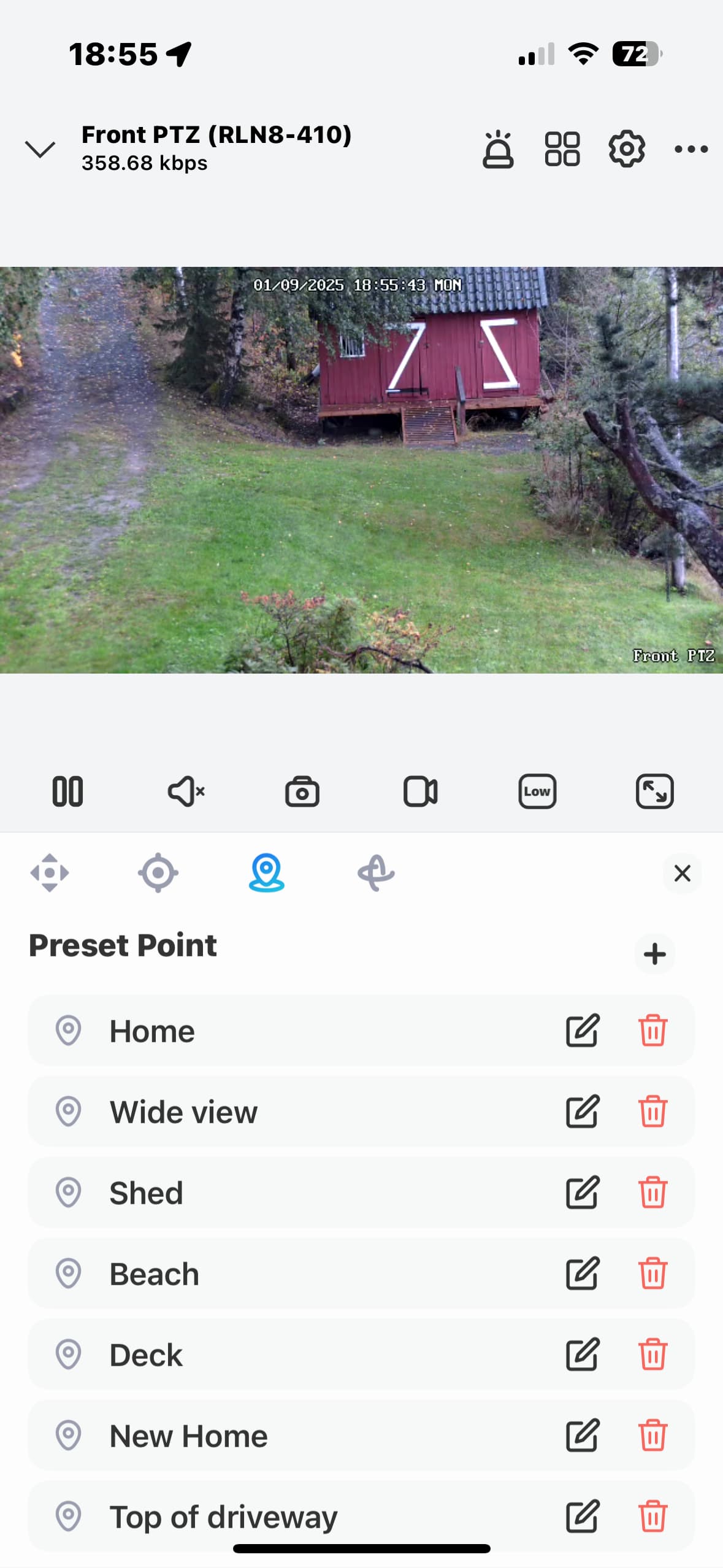
Yes, I have two. I don’t see any capacity for presets though.
Yes - restarted it a couple of times.

hi @Peter_Kawa and @Mike_Hen
I have one Reolink NVR and 2 PTZ Camera’s connected to the NVR.
Everything in the ONVIF app is working ( like person detection’s ect..) Only I don’t see the capacity for the PTZ presets.
Same setup and not seeing the presets here. And like you, everything else seems to work.
I had errors when adding the cameras. I deleted one of the non-ptz cameras and re-added it, and still got the same errors when adding it back. I don’t know if whatever is happening during the add is why I’m not seeing the presets.
Right now I’m not doing much of anything in homey with them - just getting it set up and the main flows created, but, if needed, happy to help or test to try to isolate the cause.
The pre-sets are only added to the device if they are reported via ONVIF.
Could you open the app settings page, select the Diagnostics Log tab and set the Log Level to Full Information. Then, restart the app and wait for the cameras to become enabled and then go back to the log and tap on Send Log.
Hi, does this work RTSP also? (Ajax System cameras)
Not at the moment, but maybe one day.
Done. 456cbfd8-6ace-4b1e-a90e-2ba74e758650
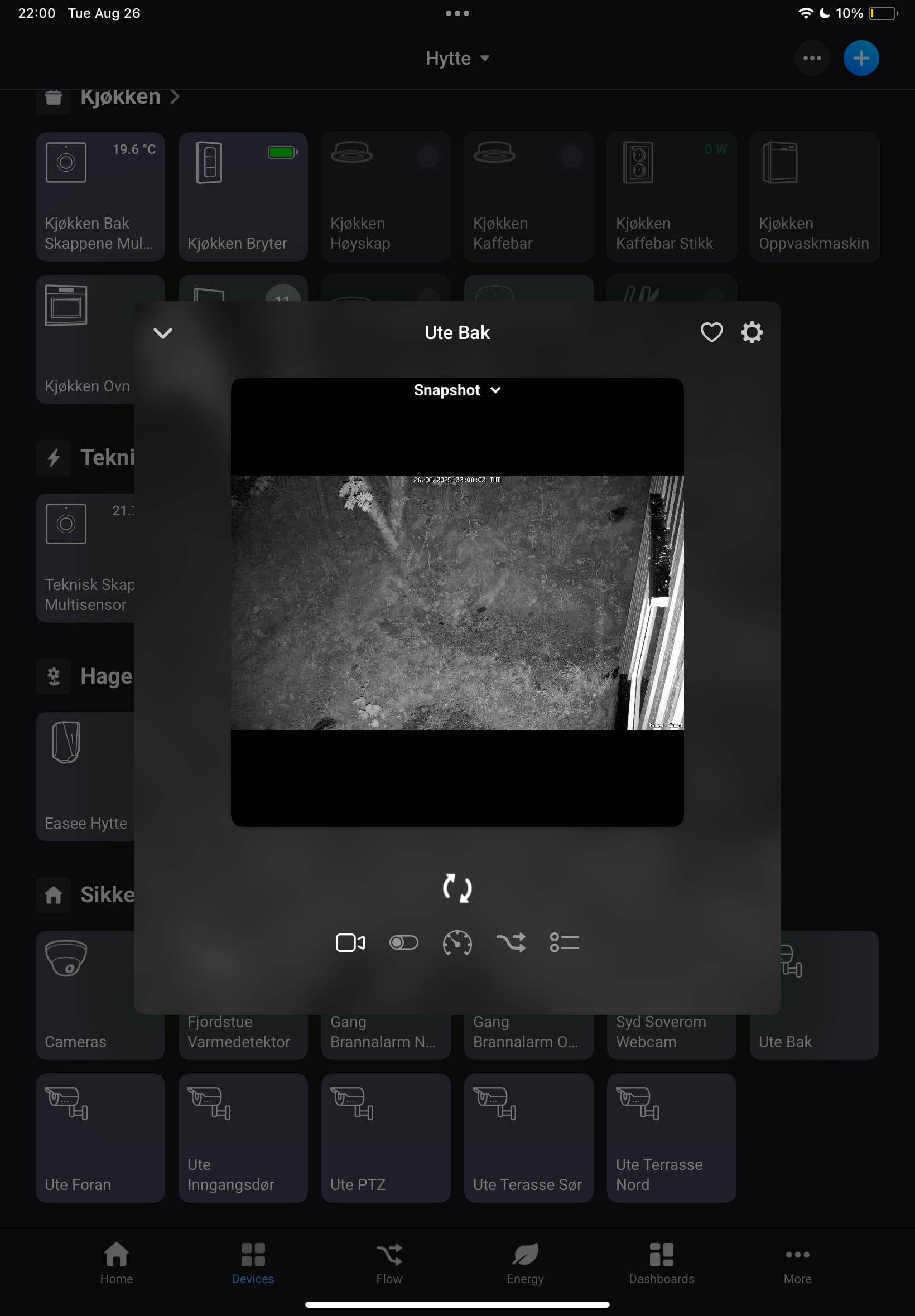
My ptz cameras are called Ute PTZ and Ute Bak.
I found this on my cameras, but can’t figure out if presets are supposed to work or not.

thanks for the info and efforts. Looking forward to this option.
Crap. I went in to the app and it had crashed. I restarted the homey and now it’s in a loop where all the cameras show up and as soon as the last one is being connected it crashes and then restarts . Stops on different cameras.
I tried to send a log, but not sure if it came through - I didn’t get a confirmation with a number.
should I delete the cameras and reinstall the app? I don’t have any flows using them, so it’s no issue, but I’ll wait in case you want me to do something else.
I saw it was hanging up on one camera so I deleted it. It took a few app restarts, but finalized startup. I sent a log just now. I tried to send several others earlier, but got no confirmation until now.
With all those cameras, the full logging is taking too much CPU time and Homey is killing the app. Once you switch the logging back off it should be OK.
I can see that some cameras are reporting the PTZ service but don’t seen to have any pre-sets defined (or at least not reporting them). So the call to GetPresets is failing.
Have you defined any pre-set positions in the camera / NVR?
I wouldn’t think it caused by too many, unless you had hundreds 
It’s more likely that your camera is just not supporting the feature.
There’s an app you can run on a PC called ODM. It is useful for checking ONVIF compatibility of cameras.
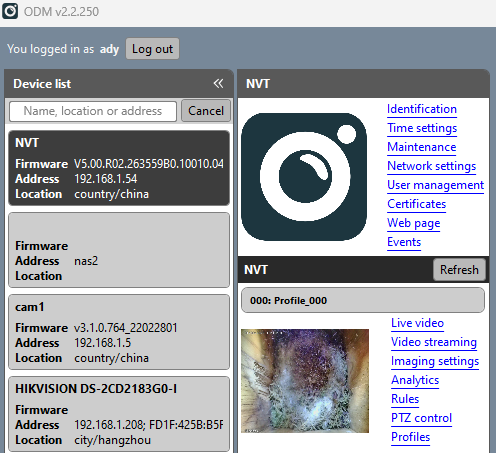
Thanks - I’ll be where the cameras are this weekend and will try it out.
and just to confirm, without full logging, the app isn’t crashing.
Did anyone manage to get Tapo C520WS detection working in Homey? ODM shows there are events reported for IsMotion and IsPeople, but in Homey no events are recorded.
I just added the C520WS and only tried all the options for Onvif Motion Notification but no alerts are seen in Homey.
Any help is appreciated.


Stupid me 
Ok, so motion detection works. But Person Detection doesn’t. Any ideas on that one?
