Try making the Minimum On Time longer. That determines how long the alarm will stay on after motion is detected. If motion is detected again within that time it will reset the timer. The Vertraging determine how long the app waits after it detects motion before it turns on the alarm, so probably wants to be shorter. Therefore, try changing the 60 to 2 and the 2 to 60.
So I did (and restarted camera and app), but no change. For testing I created this flow

This is the result

Hello Adrian,
I have the reolink RLK8-820D4-A with the NVR and 4 cameras.
I see snapshots from these cameras but motion detection only works on one camera (channel 1). The detection button is activated on all cameras. I tried with the original onvif version and the test version but no difference.
I have just sent you the detailed log of the detection test with 2 cameras (channel 1 and 4)
I’m desperate, could you help me please ?
Thanks !
Could you open the Advanced settings for the channel 4 camera and set the Token to 003 to see if that helps?
Adrian, I set the Minimum On Time (60) and Vertraging (2) as advised. Do you have any more suggestions as to how to set up my camera to make this work?
I checked and channel 4 is already on token 003. Here is a screenshot of the advanced settings :

Do you see another parameter to modify?
I have 4 Annke cameras. Only 1 detects motion, and the motion signal takes a long time, although the “Minmum On time” settings are 1 second. The other 3 are triggered very rarely. I sent the log.
Hi @Adrian_Rockall ,
I hope you can help me.
A have a Dahua DHI-VTO2311R-WP doorbell camera.
The thing is, I managed to add the camera with the app and it works. But it is apparently not set as a doorbell cam. So the app does not respond wether or not I push the ‘call’ button on de cam.
So, is there a way to configure the cam as a doorbell and act like it? There is also no flow option availible for the call button. I’ve tried the motion detected function in the app but it makes no difference
Could you open the app settings page and select the Diagnostic log tab, the set the log level to Detailed Information.
Clear the log for a clean start and then press the doorbell button. If the list shows an event then send the log. If nothing appears, then the doorbell is not creating an event for the button.
Ok, thank you.
I did what you said and unfortunately nothing happend to the log when I pressed the button.
Now I know that, I don’t thing there is anything to solve that. The doorbell is pretty useless now.
Just checking one thing, have you enable motion detection in the device page, it’s the button with a person on it.
yes it was enabled
OK, in that case the doorbell is not sending an onvif notification when a button is pressed. The app subscribes to all events, so something should appear there, even if the app doesn’t recognise it.
It might be worth playing with the push /pull advance settings, but I’m not hopeful.
ok, thank you for your help
Ho everyone
I installed the Homey Onvif app to manage my Dahua cameras. These are recognized correctly but when entering the device the following error is reported ERR_SSL_WRONG_DEVICE_NUMBER without being able to view the video.
Could anyone help me solve this?
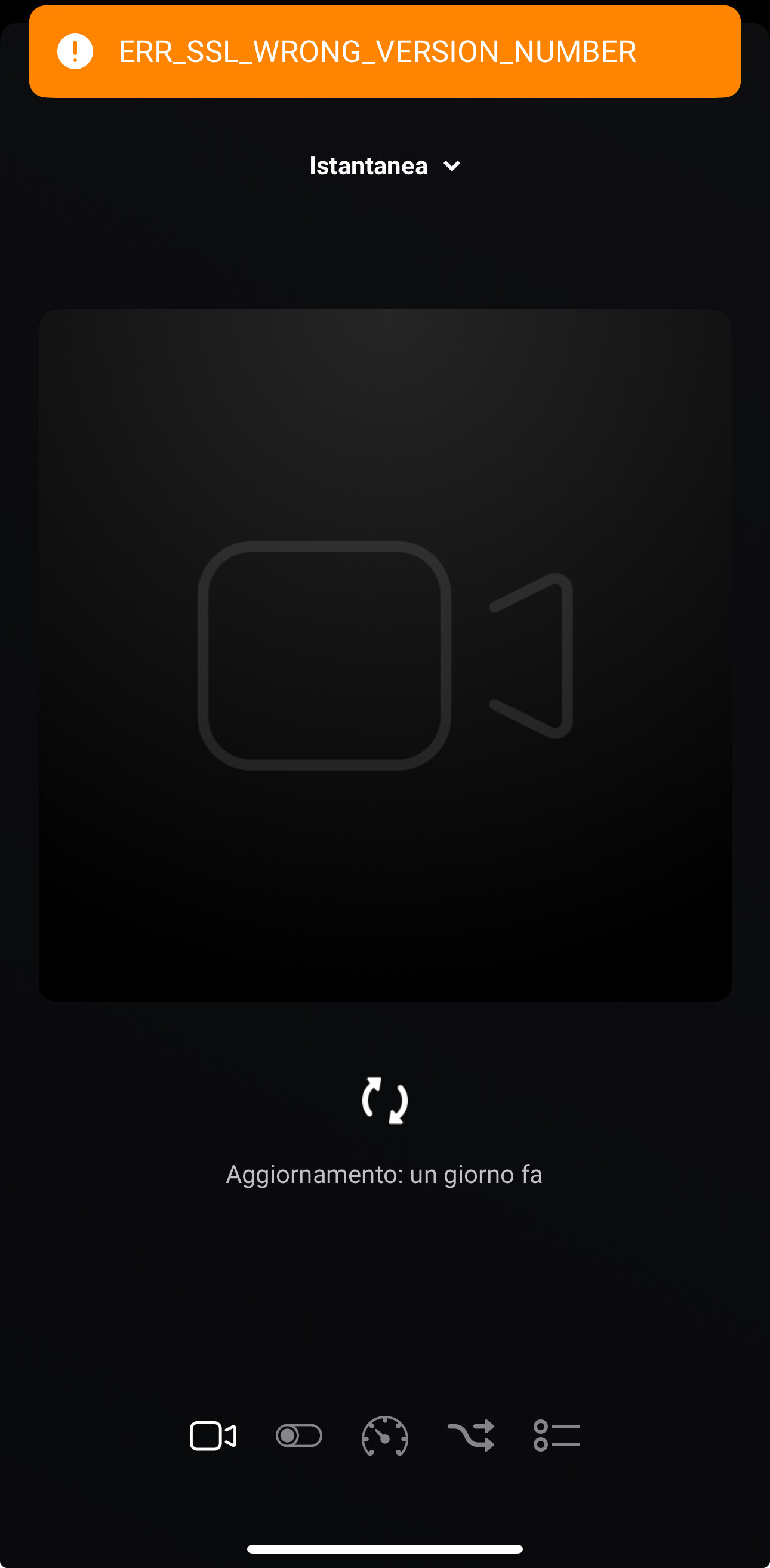
Thanks
If possible try enabling the HTTP protocol in the camera.
Can anyone confirm they have the Reolink Home Hub working with ONVIF camera app from Adrian?
I assume it should work since it supports ONVIF but it would be nice if someone could confirm it 

I have a Reolink system, NVR server with a video doorbell POE and 6 camera’s (820A). It was quite easy to install the app and connect all camera’s and doorbell to the Homey ONVIF app. I can see them in my devices and also send snapshots as push notifications. I also enable the ‘beweging gedetecteerd’ button. I also see all the possible conditions when creating a flow, but not any of them works. (and on my Reolink system the detections are logged). I also tried to restart the Reolink app and Homey, but that didn’t changed the situation. What else can I try to do to make things work?
Can you open the app settings page and select the Diagnostic Log tab and set the log level to Detailed Information. Then trigger motion, etc and check the log. You can send the log if you want me to check it.
I had the same problem with my reolink doorbell. Go check the logfile for the time of your camera. Mine was one hour off with the real time. I corrected it by going to the advan ed settings of the camera in homey. And change the time format to “live”. Then everyting worked for me.
