Can you send the log from the app settings page. First set the log level to Basic and send the log after trying to add the camera.

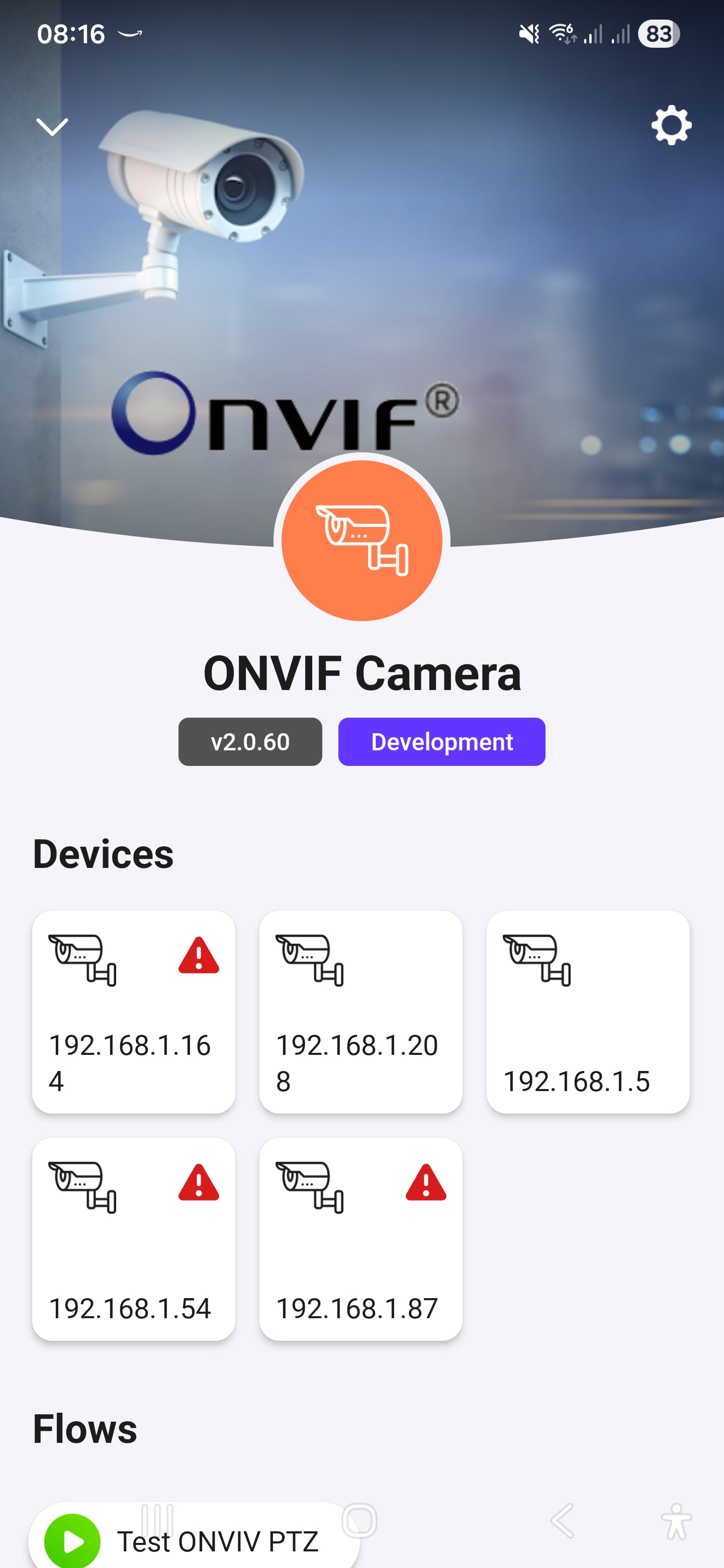

I’m going to assume my issues had to do with the Cloudflare problems affecting Homey yesterday. Gonna try again today (it worked but I noticed the Onvif app had reverted to the release version again, seems to do that upon restarting the Homey, gonna try disabling Automatic Updates as well, I guess thats why the release version gets installed)
That could be the issue. If it reverts to the release version, I would say the test version didn’t get installed properly as it should stick, even with auto updates enabled.
So, once you can see either the Configure button or the gear, they will take you to the app settings pages.
I got a lot further now with the test version, I even get the camera feed “tab” when using the Homey mobile app. However I get no live stream (but your Onvif app picked up a stream URL at least).
I have sent you the log now anyway 
Hello, I am having trouble adding my Hikvision cameras and would like to test them with the test application to see if that works better. How can I access it, please? Thank you!
Read the 1st topic post
or
just add test to the app store url
or
follow the “Change log” link and hit the orange “Test” button.
Next, hit “Install”
I tried using the test URL, but it always redirects me to the stable version. Furthermore, I do not have the test option in the change log. It seems that I do not have access to this test version.
But maybe you can explain what that means and give some more Information about what your installation is?
As more information you give, as more people can help you 
It appears the test version has been approved and gone live.
I tried adding my cameras in several ways:
- By adding my NVR automatically detected by the ONVIF Camera application. The ONVIF Service port is automatically set to 80 and I cannot change it. I get Error: Discovery error: undefined.
- By manually adding my NVR, setting the port to 80. I get the error: Discovery error: Cannot read properties of null (reading “0”).
- By manually adding one of the cameras, port set to 80, I get the error: Discovery error: connect EHOSTUNREACH 192.168.1.3:80
I should point out that a few moments ago I managed to add my cameras.
Okay, so if I understand correctly, the test version is now the stable version, so it’s normal that I can’t find the test version. Thank you!
Did you manage to solve to problem with the Tapo camera? I can add the camera in the ONVIF app but can’t see any stream. ”Player is unable to open MRL rtst://…….
Good evening, does anyone have any ideas about my problem?
I presumed you had solved it. What problem do you still have?
No, I was just saying that I understood better why I couldn’t find the trial version!
I have the same problem as in my message from three days ago. I can’t add my cameras.
I cannot seem to get the Eufy C220 to work with ONVIF-application. I only got the error while adding the camera.
Error: Discovery error: Wrong ONVIF SOAP Response
Anyone got any idea?
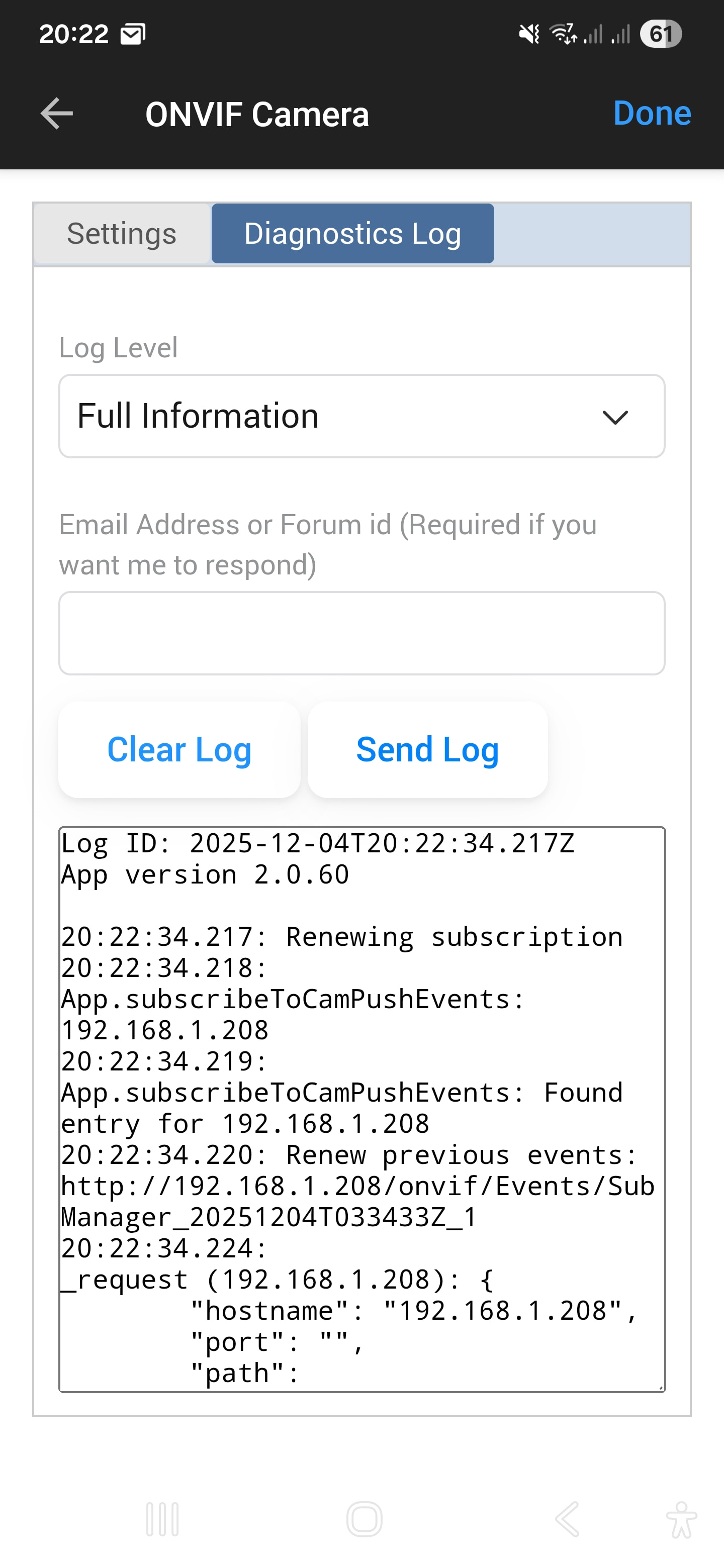
The log is sent. Today I got a different errorcode, something about Socket hang up or something like that. Thnx
