New test version is in the store. If it fails to get the MAC address and there is no UUID then it generates a number based on the date.
I’ve had a try with 2.0.41. I don’t get the MAC address issue now, that’s a step in the right direction. Now I see the error “Wsse authorized time check failed.” in the response to GetProfiles (I think). I’ve sent you the logs if you want to have a look.
Thanks for your time!
1 Like
I have tried to get snapshot from my Reolink Doorbell camera, but no success.
I have added the doorbell in Homey Pro (19) with no problems. But I have not managed to receive a snapshot from the camera in a flow.
I have searched everywhere without any luck. Do there exist any minor guides of how to e.g.:
- Find the right url for snapshot from the camera
- Configure the camera in the Homey ONVIF app
- Trigger and receive a snapshot in a flow
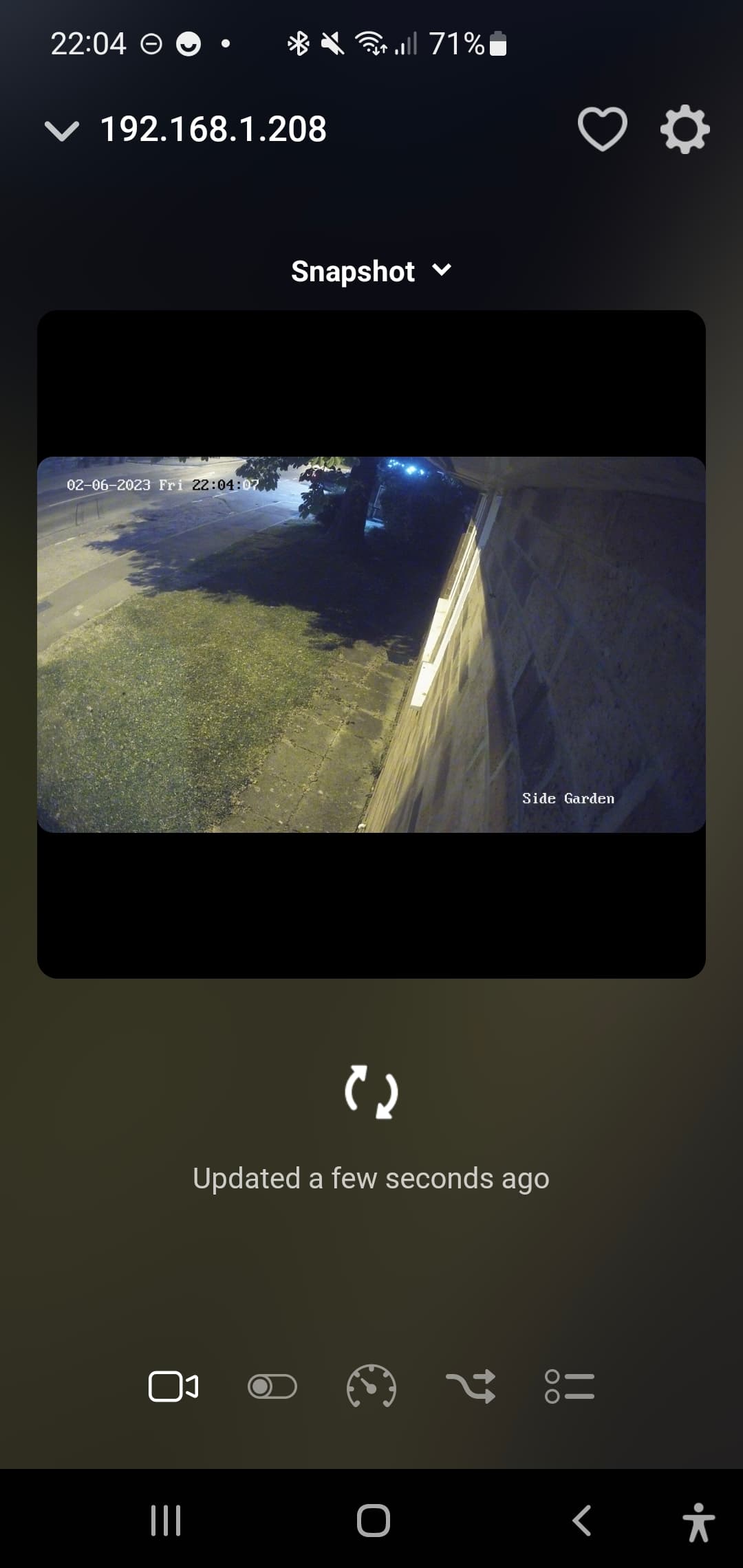
No - only black screen.
Can you open the Configure App screen and select the Diagnostics Log tab. Then set the Log Level to Detailed Information and then restart the app. Once it has started up, go back to the Diagnostics Log and tap on Send Log.
It should be done now.
Log is send.
Hmm, I haven’t got the log. Did you see any error when you sent it?
For any (modern?) Reolink camera the snapshot URL is:
http://IP.OF.CAMERA/cgi-bin/api.cgi?cmd=Snap&channel=0&rs=RANDOMSTRING&user=USERNAME&password=PASSWORD
Replace the all-caps values for the correct ones for your camera. RANDOMSTRING can be just that: a random string.
Now it seems to be send, sorry.
1 Like
Update!
I got the snapshot working. I used the URL format, that robertklep send.
Adrian – abort mission 
Thanks for your help.
1 Like
I had a quick look at the log on my phone but couldn’t see what the camera was reporting on the small screen, so glad you got it working.
Could you post the automatic url and the one that works so I can try to improve the app?
The URL that works :
http://192.168.68.144/cgi-bin/api.cgi?cmd=Snap&channel=0&rs=RANDOMSTRING&user=USER&password=PASSWORD
The std URL when added a new camera in the app, that not works :
http://192.168.144:80/cgi-bin/api.cgi?cmd=onvifSnapPic&channel=0
1 Like
I’m trying to add my reolink D820 cameras. The automatic pairing does not show my cameras, but the manual also gives me an error.
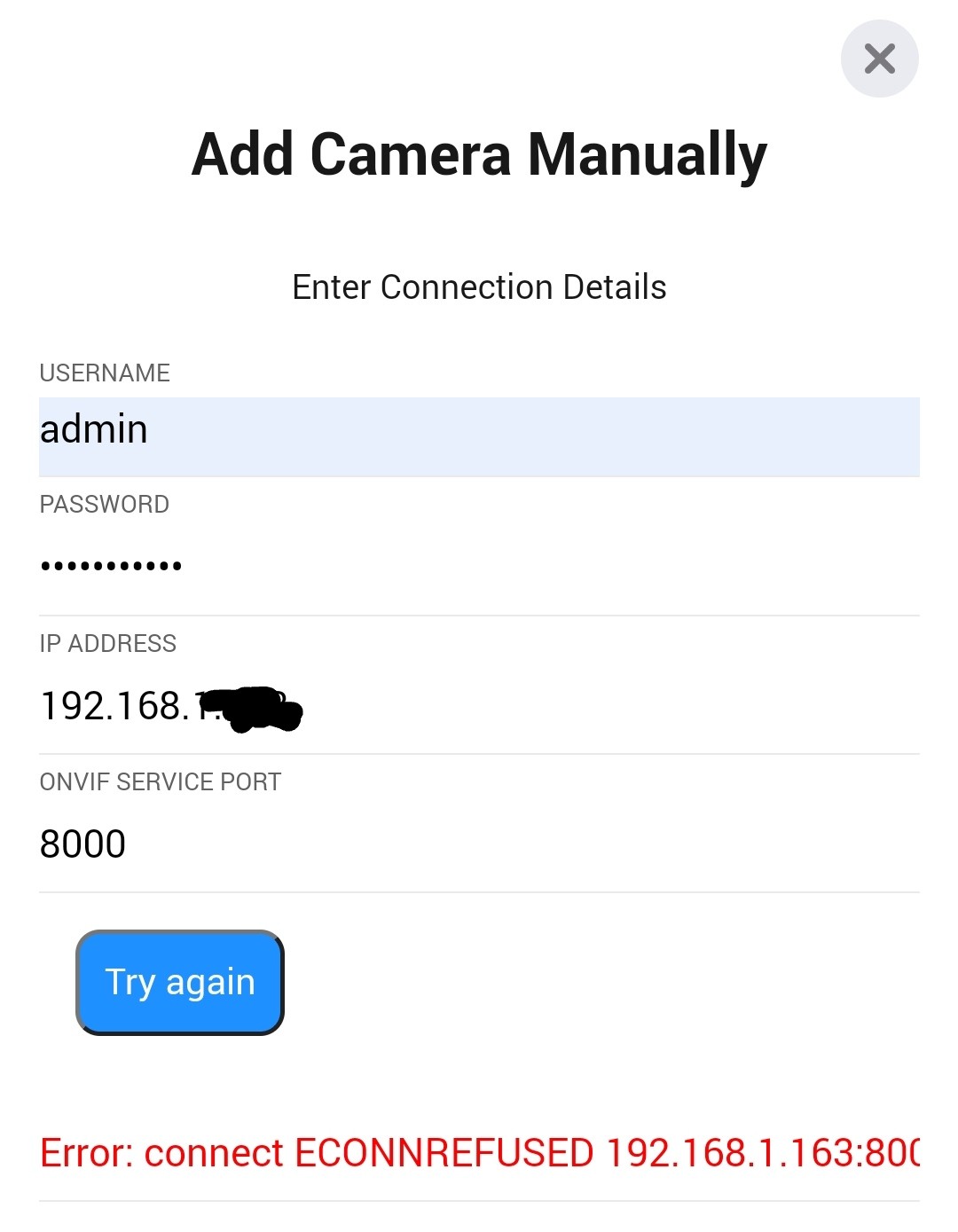
Any idea what the problem is?
Connection refused normally indicates the username or password is incorrect.
Have you checked to make sure the ONVIF credentials are the same as you have used?
Are the onvif credentials different from the camera login credentials in the reolink app?
I can’t remember for sure, but it wouldn’t be unusual.
Trying to connect Reolink RLC-510WA but only get Connection refused no matter what.
Full logging doesn’t help much
I think there is a SSL certificate required that doesn’t get installed? At least with Virtual IP Camera it fails on this particular SSL certificate.
HP23 on rc.118.
If it is locally self signed then Homey will probably reject it.
Can you turn of the ssl?
No, not that I’m aware of.
