For sure you need to discover the local ip addresses of both modbus and homey, as far as I suppose to be correct, they must be on the same sub. They also need to be fixed (by mac reservation or stationary). As I assume the above is known by you, I have no further suggestions to be honest.
I figured it out  Gemini gave me the answer step by step. Thanks again and thank you @Edwin_Biemond
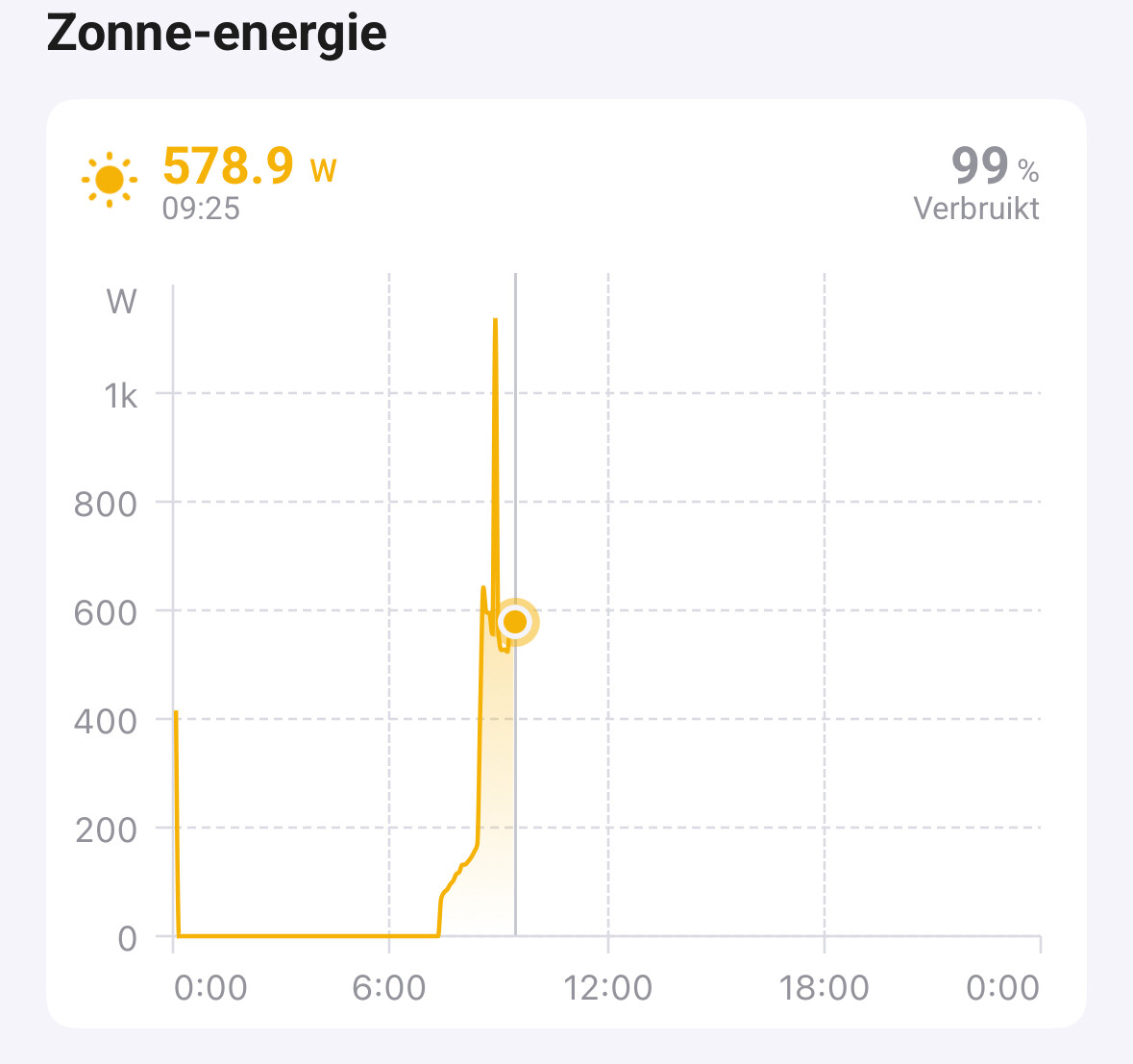
it depends , do you have an battery ? else it will be PV - minus charging. with discharging you get it back again.
Now the new modbus docs v2.7 has been released for the Sigenergy system. Now it looks like there a lot more data to fetch. Looks like there now is a PV daily generation parameter.
Yes I have battery
ack, it is not pv only because at some time you will do discharge of your battery . so all manufacturers do pv - charge + discharge . as value. else your bookkeeping will be off and you have more produced energy than in reality.
but good thing with this month modbus pdf they added new attributes which I will add soon.
48 Plant PV total generation 30088 4 RO U64 100 kWh √ √
49 Total load daily consumption 30092 2 RO U32 100 kWh √ √
50 Total load consumption 30094 4 RO U64 100 kWh √ √
108 Total energy consumption of common loads 30228 4 RO U64 100 kWh √ √
New statistics interface, excluding EVACandEVDCcharged energy.
107 PV daily generation 31509 2 RO U32 100 kWh √ √
108 PV total generation 31511 2 RO U32 100 kWh √ √
yes @Lennie_Bergqvist already gave it to me , got some data already . only need to have verification the data is correct.
How does the version handling for this app work, when I look at the official app it says it was latest updated 6 months ago, but there are a lot of later versions released according to the version log, are they all “test” versions only in the past 6 months? I know I can install the test version, is that the one I always should use for this app or will the test versions become stable ones soon?
test should also be stable , it is more for new devices , small changes. master is mostly used by solaredge devices which did not have any important change in months.
probably will do it soon.

Version 3.0.215 fixed it. Thank you
sorry for that, sigenergy release a new firmware which had 5 new attributes plus added right fields to energy tab.
@DaneedeKruyff can you test this 1 SolarEdge + Growatt TCP modbus | Homey
made a new device for your inverter
Hi Edwin,
Thanks, I’ve installed it and added my inverters, now we’ll just have to wait for some sunshine 
Will let you know as soon as possible.
Hi Edwin,
Took a bit longer then planned, but I finally found some time.
The information is coming in mostly and looks ok when compared to the information in the Shine app.
Some remarks:
What the difference between these two capabilities?
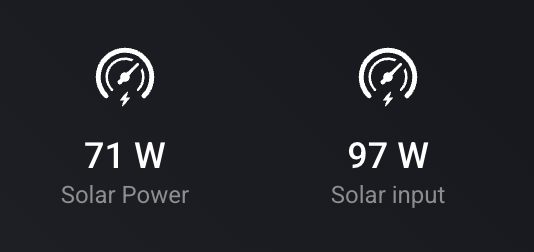
When I look at insights, Solar Power seems to be equivalent with Power Usage and Solar Input is shown as Solar Input but that doesn’t make me understand which one is the actual production.
Grid input shows no value

Don’t know what this capability should represent
Meter AC Voltage shows no value
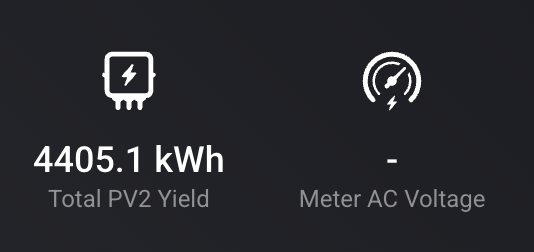
Don’t know what this capability should represent
Priority, don’t know what’s the use of this capability as this inverter has no battery options

I’ve tried setting the export limit and export limit percentage through flows, but unfortunately haven’t succeeded.
The capabilities show, but these seem to be the values set at adding the device as these capabilities don’t change using the flowcharts to set them and I also see no effect in Insights.

If it were up to me, I’d say the capabilities that show no value can be removed and I just need to see the actual production as I have no idea what Solar Input represents and what’s use it’s for me.
Please let me know if you want to do some additional testing or provide you some more information.
Thanks!
ack, do you have meters installed? yeah was also surprised that export limit can work without a meter. you have to use active power or control max output / % of the inverter.
got a PR for on/off on growatt , will check that part.
Total daily yield is not reset
From time to time the total daily yield is not reset at night. It is only two days combined, and not three or four.
Attached a screenshot showing July, with three occasions.
I use this data in a local database, and annoying to manually fix this in the database.
Solaredge inverter.

Sorry, I missed your message. I’m not sure what meter you mean, so I guess no if it’s not a P1 meter (Homey Energie Dongle)
Is a seperate meter required to be able to control delivery?
I have a Reco RHT-15kW-40 +battery and its a solinteg just as the Wattsonic. Does that mean i can connect it as a wattsonic? I have tried ofcourse:) my tcp modbus is 247 and the biggest number is 50 in the settings? I also have a smart meter, maybe this is at 247 and blocking it? Anyone know what i can do to make it work?
It has a duocom (with a lan cable) and smart meter.
