Yes, I will.
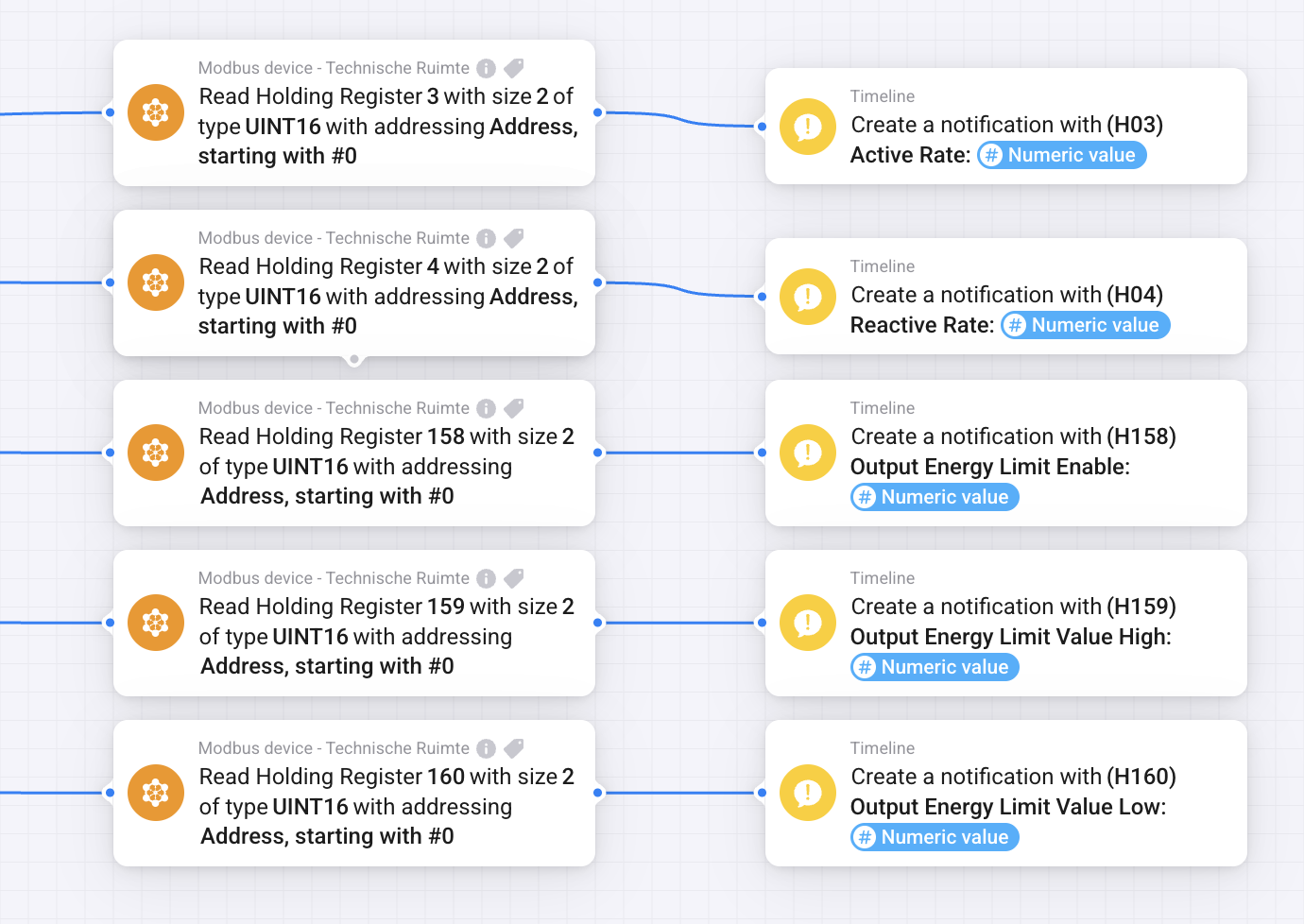
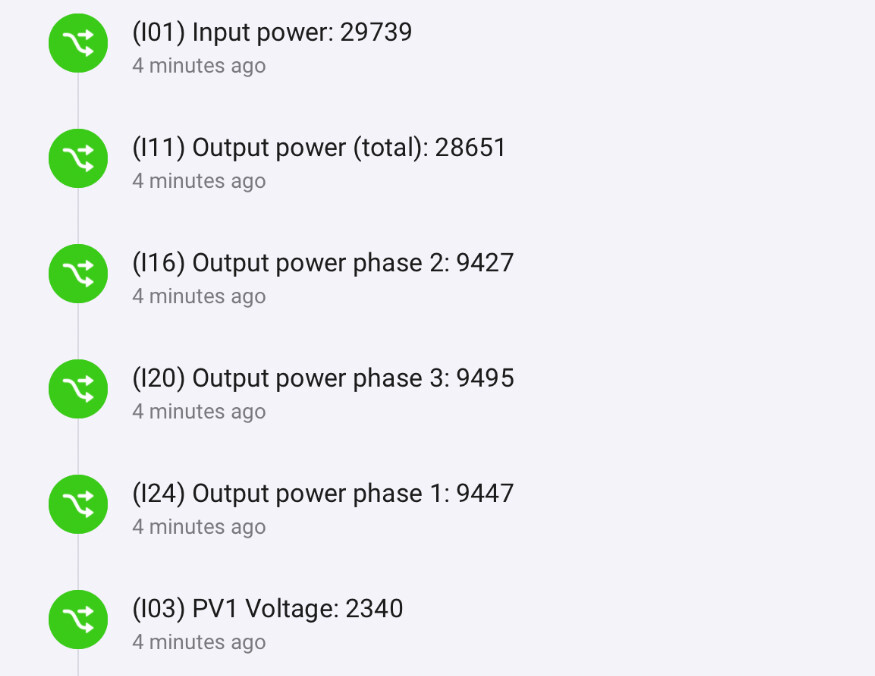
I’m not sure which values from the inverter are mapped to which capability in Homey, can you let me know what inverter value from the newer protocol is mapped to which capability?
Hi!
this looks really promising but before installing the Homey - Will this work with the SolarEdge SEXXK-XXXXXBXX4 over TCP Modbus via WIFI or will I need a wired connection?
Hi! I have a Sigenergy system, and the THEN “Remote EMS Enable/Disable” card no longer works. Sigenergy recently updated the battery firmware, so that could be related. However, the THEN “Remote EMS Control Mode” is still working, so it’s not a complete breakdown.
Is anyone else experiencing the same issue or has a suggestion about what the cause could be?
Actually, they seem to have fixed this in the background. Unfortunately, they have now introduced a requirement to manually disable AI Mode, which results in you not being able to control the mode settings via Homey if you want to use AI Mode (which you probably do).
Actually, Homey can control the Sigenergy when you manually change the setting in Homey by switching the device in Remote EMS mode. It’s just the ‘Remote EMS’ card that doesn’t work.
Sorry for the delay, it turned out I had to spend some time on my own app due to it no longer working correctly because Ring made some changes to their API but that’s fixed now so I can get back to this.
The voltages per string doesn’t really interrest me, same as the power per phase. I am interested in the total power output, especially for the Homey Energy Dashboard
I hope this helps, if you want me to get some more registers, just let me know.
on 12:01 and 12:02 I will try to reset the daily counter , maybe at that time homey was busy. What was the total of the day before. maybe the 2 will give you this value.
I know this might be a bit off topic but I just switched my wi-fi network from 7 year old Netgear Orbi to Google wi-fi Pro. I can’t seem to get my modbus up and running again. Could someone help me out with this, possibly via DM?
This is by far my most used app as a ton of flows control my Growatt inverter
My guess would be: you’d create a separate 2.4GHz wifi network, but unfortunately Google wifi is one of the few wifi devices which doesn’t have that option.
Next, make sure the inverter can’t hop between access points.