Hi, first post here. This is exactly what I am looking for although I’m trying to do this in Loxone/Home assistant. Does anyone have an address map of which modbus addresses need to be set to enable power control on the Solar Edge inverter?
When I try to read register F000 (61440) for example as an input register, my modbus reader comes back that this register does not exist.
What kind of registers are these that are noted in https://www.photovoltaikforum.com/core/attachment/88445-power-control-open-protocol-for-solaredge-inverters-pdf/?
Hey, you can check this and I am using this 0xf001 https://github.com/biemond/solaredge.modbus/blob/main/drivers/invertor/device.ts#L122
Hi Edwin,
I found this out late yesterday evening and your code has really helped to define the addresses. Thanks a lot! I was able to use your addresses and create the corrects tags and datatypes in Loxone.
@Yestond @Phil_Bro new growatt inverter/battery test version SolarEdge + Growatt TCP modbus | Homey
tested flows on Luc inverter. only found out loadfirst time 1 does not do anything because that is the default when grid or batt is done or reached its limit.
hope you can test this all.
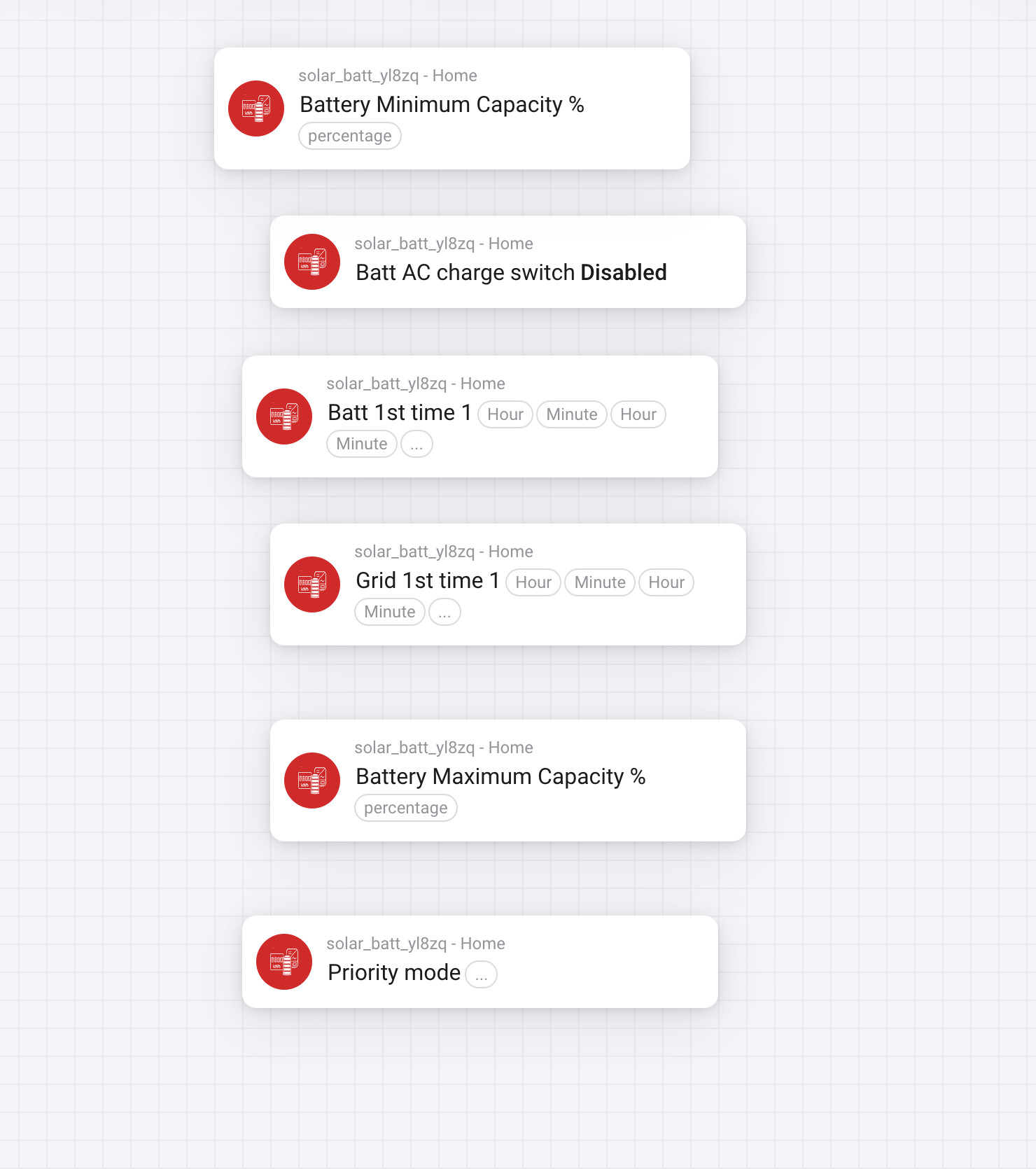

@Edwin_Biemond maybe a stupid question but is it true that there can only be one modbus client connected at the same time? i had homey working for a year or so but now i want to add the solaredge to my victron system (via modbus ofcourse) and that succeeded, but now homey can’t find the inverter anymore.
Tried mod bus port 502?
I’m not able to test anything before 2nd week of September. The system is off grid, no grid power at all. Looking for clues but it is 2000km away…
it is en always was on modbus port 502, thats not the problem. the problem looks like i can only connect one device via modbus to the inverter, i changed nothing to settings i only added the device to my victron GX and that one recieves updates but homey not anymore. 
yes , the solaredge app is not blocking but others do. you can do 2 of the same on solaredge/growatt. sometimes 1 is blocked by the other device and then other is again the lead. but other apps or inverters don’t do any disconnect and port will be busy/occupied
I installed this app and it is asing me to enter the IP, port and device ID…
How do i get these details?
My invertor is conntected wired (utp) and i cannot find any IP address in the mysolor app. (it is connected, i can read live data).
When i log into my router it also does ot give any hints which IP it has assigned to the invertor.
When i start communications option in the app it ask me to flip the switch, what i do, then it tries to connect and reports it is connected wied via DHCP and nothing happens.
Ni indication whatsoeer what IP the device is using.
I tried to do a portscan in my network, but here also no result, no results what could hint to the invertor.
Anyone any tips?
Maybe there is a cloud option to connect to, so i can read invertor data?

Hi Glenn,
As far as I know by MOD protocol, you can daisy chain the mod bus devices. I’ve been told earlier by KM switch support that there is only 1 master possible. This might clear things at your end?
I’ll test it tomorrow 
Thanks for the work
if you enable it on your inverter then I also see this as mdns entry on my network with ip, port and modbus id.
Thats probably correct but the problem is that they i think (homey and the victron gx) both want to be master and both are not configurable to be a slave (if i did it correctly the solar edge is already a slave). And because its over tcp/ip i don’t know if it is possible to “daisy chain” them. But if i have my victron inverter some were this week i wil have a look again, maybe i can add the solaredge via the victron app to homey 
what you mostly see , you connect them together and use different modbus id. mostly on the master you can also see the other modbus devices or they will run on a different ports with a modbus id. I know some are doing this.
I’m not at home now but wil have a look this weekend, thanks for the documentation👍🏻

Hi Arnold,
I added the -10 to the calculation to try to get the power usage more accurate. This was just to try, so feel free to experiment what works in your case.
Hope that helps.
Bas
Hi Arnold,
If I follow the Solar Power value in Watts and the Huidig vermogen also in Watts, there is no way to calculatie STROOM usage in Amps. If you wanna know the actual Amps you must divide the Watts with the Current, use 230v or the exact Amps as this is also available as variable.
That being said, I suppose you want to calculate something different, or?
