you can try batt and grid 1st with your tesla , to see if it does not drain your battery.
So setting these through Shine app or?
Let me know (additionally) if you are able to SET grid first and/or battery first, since I’m not able to anymore.
I suspect a firmware update after I put shinelink back open for China.
Any luck with th GRID first or BATTERY forst modes?
If the Tesla app allows you to read the power consumption or yield and you know how much you want to inject in the car, some simple math will allow you to set a timer on the adv. flow. Second option would be to read the battery % each 10 minutes and depending on that continue with the injection or stop on that flow condition.
So in general;
Start the flow when sunrise,
Add 120 minutes delay or any delay to allow panels to produce.
Start the injection by check if the car is connected and go
Wait for 10 minutes to allow the panels to wake up and provide. Measure the solar capacity.
Decide if the capacity is below the injection, if you wish to continue or abort.
If you continu, set the countdown timer to the appropriate time you need (depending on what you want and how fast the injection will reach that point.
Check each 10 minutes if the countdown timer has stopped and stop the actual car injection.
Send a report with the data;
- Total yield (if available) injected
- Timer setting (the time span you injected)
- Status (capacity left) of the car battery
- Status (capacity left) of the system battery
These are just ideas…
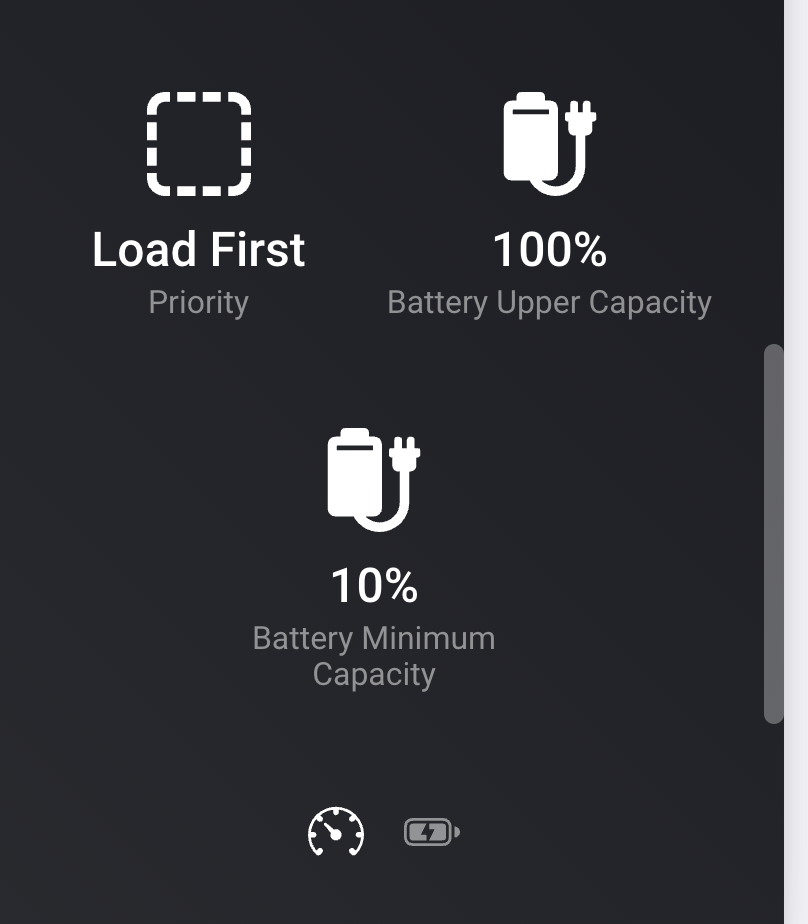
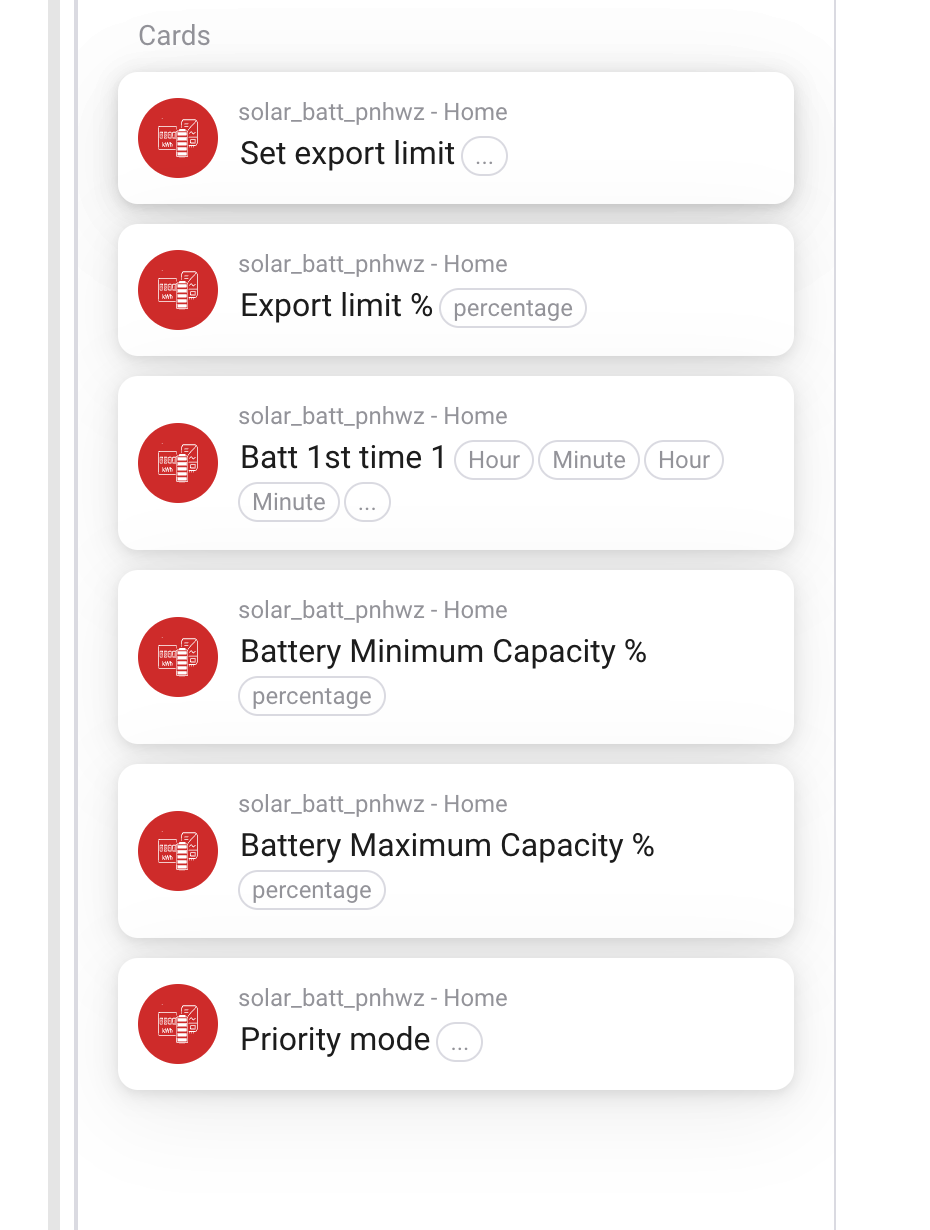
I see loads of options in this app:


Hello all,
I made a flow that dynamically adjusts the Active Power Limit on my Solaredge inverter based on the production and the Homewizard P1 meter.
My goal was to see if I could write a flow that limits the output to and the input from to the net to 0.
The flow works, but I would like to learn if there is a way to get data from the inverter about how much it is actually throttling. And then indo not mean the active power limit percentage itself, but what the power would be at a given moment if the limit is activated.
My goal is to calculate my savings if I limit the output with negative prices.
Is there a parameter available on the inverter that could give me that information?
Thanks!
Hey,
I think you can calculate this yourself , it is your inverter max output and the active power percentage . Solar power should be at that level or less when there is less sun or total watt peak of solar panels is less.
So basically you want to disable all solar when it is 19c negative. do only import. for less you try to do own comsumption I guess and continuous adapt.
Hi Edwin,
Yes, that was my initial idea, but that does not work, as the “Active Power Limit” is always a percentage of the max output of the inverter. In my case 4000 watts.
My goal is to calculate the “missed production” as a result of the throttling, so I can calculate with the PBTH price what my savings are.
My question was if there is another systems parameter from the inverter that somehow tells you what the max power at a certain moment was.
Example
- Current Solar Power: 2549 watt (Solaredge Inverter)
- Current Power P1 meter: -2378 watt (Homewizard)
- Calculated power use: 2549 + -2378 = 171 watt
- Calculated Active Power Limit: 171 / 4000 = 4% (rounded)
In my flow, I use this to dynamically calculate the Active Power Limit to maximize self consumption but to minimize export to the net.
However, once I do this, there is no way for me to get back to the 2549 watt from step 1.
Question
Therefore, my question is: is there a parameter from the inverter that tells me what the actual power is before the throttling occurs?
See the flow I built below:

I hope this clarifies.
Bas
don’t think so, You have solarcast so can calculate with your setup and location what can be the potential kwh of that hour. plus use averages over x minutes, else it will trigger it too much, plus better too tune it all . there some app for averages.
I think you need to check p1 average over 10 minutes (so your coffee won’t trigger it too much), have some allowed delta which is allowed and in/decrease active power when you go over this buffer and depends how you need to up/down with 5% or 2% . Don’t try to be exactly on 0 , if you really want that, you should a battery with meters as a buffer.
Thanks! Will look at that option.
With my current set up, it could theoretically trigger every second. Is that a bad thing?
I did a test yesterday, and the calculated limit does follow my own consumption quite accurately with this setup (see below).
So what could go wrong if this flow triggers too much as you mention in your post?

BTW: awesome that this all is now possible without the need to install an expensive Solaredge meter, or a third-party Modbud meter.
Thanks @Edwin_Biemond for incorporating the “Active Power Limit” option in your app like this.
don’t know , saw some discussion on other inverters about writing this value to flash versus memory, but so I don’t know how expensive it is, to change this value too much on solaredge. There is some max when it is not a memory setting. No clue about the internal of solaredge.
maybe you have to file a ticket to solaredge about this topic.
this was on SMA
So, we have to be careful not to write this address to often. As far as I know Flash can be written at least 100.000 times. When used, no more then 18 writing actions per day, then we will stay under the 100000 in 15 years.
it was this community who pointed this out to me. 
Yeah! When changing to Battery first, it stops discharging the battery and stars importing from Grid.
So this should to the trick in the following flow:
WHEN

THEN:

So when the Magician @Edwin_Biemond releases the testversion I’ll see how that plays out 
got all the data already with grid,batt and load 1st timings plus flows. so only need to do the update itself.
@Yestond what if you disable charge from grid on batt 1st , then only solar should be used.
Sounds great!
It only charges from solar per default.
The only way to make the battery not charge from solar and use grid instead is if I enable AC charge.
I think that’s what you’re asking right 

ok, I was triggered by this , was your batt charged by grid import?
Yeah! When changing to Battery first, it stops discharging the battery and stars importing from Grid.
Battery only charges when I change to AC charge on.
So if I set it to Battery first and leave AC charge off battery is kept out of the equation, so neither charging or discharging
nice and batt 1st you have to make sure you don’t reach 100% else it will switch to load 1st. Charge you tesla harder than you get from solar.
