Hello any chance HM2 will work when connected to the inversor? Y not only switch.
Someone correct me if I’m wrong, but my understanding is that HM2 needs to be connected to the network (switch) and not directly to the inverter, for the UDP multicast datagrams to be published to the network. Ie wont work when connected to the inverter.
could you please add the manual ip address field into the “energy meter” device? because in different vlans there is no chance to find the device anymore 
I experienced errors and shared an log file:
0be42bcc-0f44-4a50-931b-966ba887faaf
Since a couple of days SMA is giving errors…
Replied to your email. Unfortunately not much in the diag report (as usual).
I just issued a new release where I have tried to remove most local variables from the code since I have observed in another app I have that these can be wiped if the app is running for a long time.
Keep me updated on the new version.
I think it is not your app, but the sma device, I cannot reach it anymore via IP adres or your app… Afraid I have to borrow someone’s bill gates laptop, install sma Explorer, reset and connect… Bummer, thanks for looking into this
Hi Richard,
Seems that since last update, upload to PVOutput.org is not complete anymore.
Power is updated, but Energy, Efficiency, etc. is missing.
See screenshots:


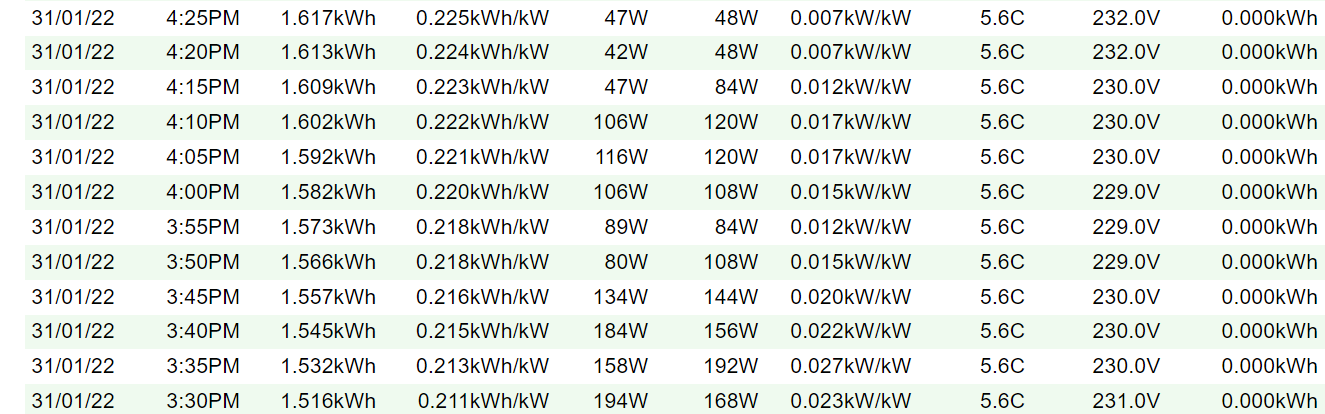
Any idea?
Thanks!
Solved with update v2.3.4
Thanks Richard!
I have a issue that my solar inverter SUNNY BOY 4.0 and my SMA Wallbox EV Charger 7.4 won’t be identified? But the SHM2.0 ist identified without problems.
Modbus is activated and also Port 502 selected
Did someone having some ideas?
No support added as of yet for it. Maybe a good project to try and add that. Will need one or two guinea pigs for trying this out given that I don’t own one myself. Ideally, someone that is able to install the app via CLI so we more easily can capture logs. Volunters?
As for SUNNY BOY 4.0 I’m note sure what the problem is. It is not auto detected, but you can add it manually using the IP of the inverter?


CLI at homey? Never done but I m having some experience with linux bash ssh a.s.o
This guide is pretty good for understanding how to install an app via CLI - feels like we need it for the SB inverter issue, since I can’t see anything obviously wrong, it should be supported.
21.12.21:
„Could you please add the manual ip address field into the “energy meter” device? because in different vlans there is no chance to find the device anymore  “
“
Same problem here. Is it possible to add manual up Adresse for energy meter?
Thank you!
@Thomas_W this will not work because it is by design by SMA to connect the sunny home manager (2) via multicast
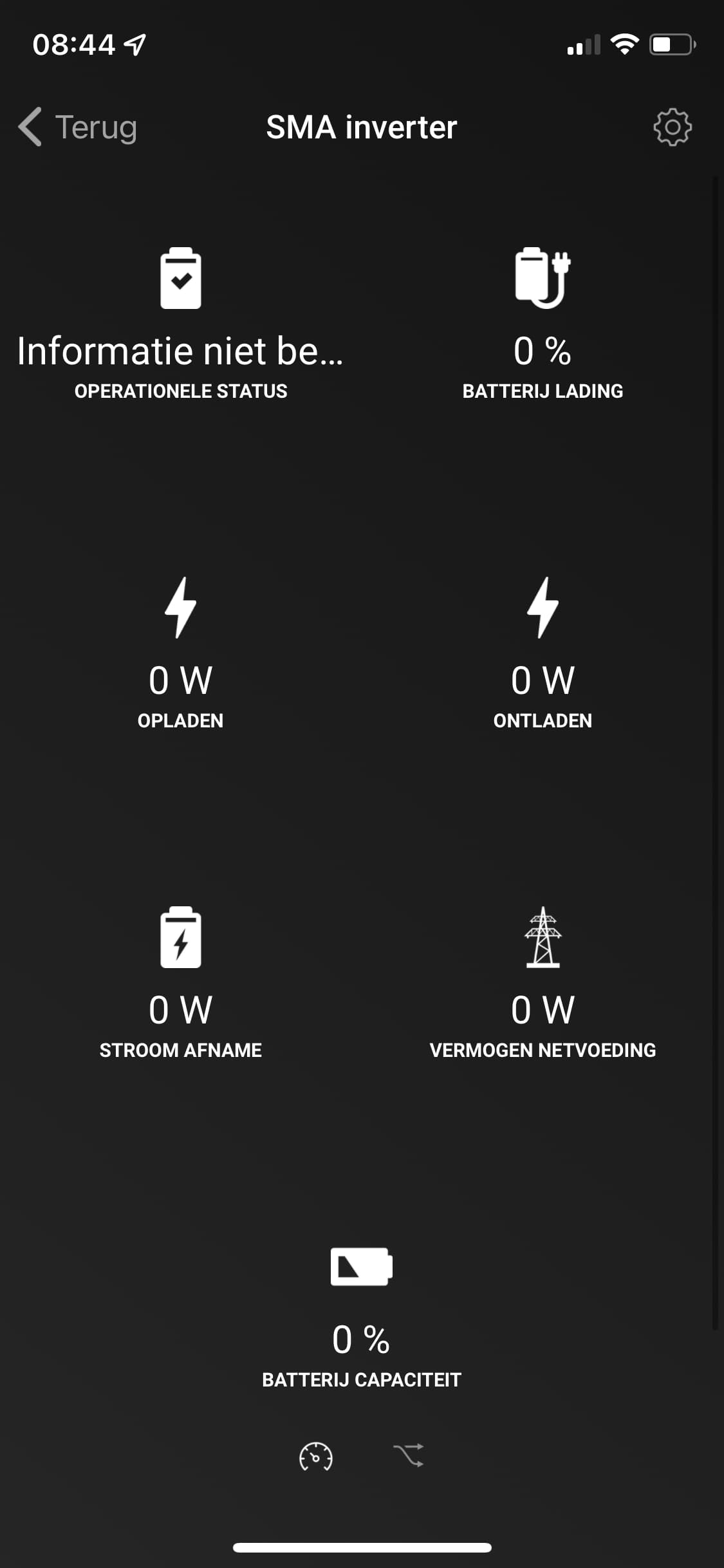
Sunny Boy storage should only be used for hybrid inverters with battery option/connected. For plain solar inverters you need to use the inverter device type.
As per instructions above
- enable modbus, it is disabled by default.
If auto discovery doesn’t work then your network doesn’t allow UDP multicast. Then you need to manually add it using ip of inverter.
If you have tripple checked the above then let me know inverter model, ie exact model name and I will have a look. This week Im off though.

Do you have two inverters?
Do you get the same result if you only check one of them - in the screenshot both are selected.
There is no easy way to debug this other than installing the app via cli and see what logs are produced. Are you able to do that?
Hi Richard, many thanks for your quick response! I only have one inverter. I noticed this already when installing in Homey. Even if I only select one of the two inverters, the problem persists that I can only close and not add, see screenshot. I am not familiar with cli. I’ll see if I can work with it, because I would really like to add my inverter to Homey!

