When you use advanced flows, cards have an error output, which you can link to say a push notification or any notification card.
Use the ‘error’ tag to get the error description into the notification

My two Marstek Venus V2s were delivered today, and AliExpress also delivered my two EW11A devices today. They forgot to include the CT003 with the batteries. It’s being sent later. I’ve installed everything, and it looks like it will work (once I have the CT003, of course).
Your app looks great. Congratulations!
I’m wondering what the first tab is for. It looks like a button to turn the battery on or off. But of course, it isn’t. So what is it?

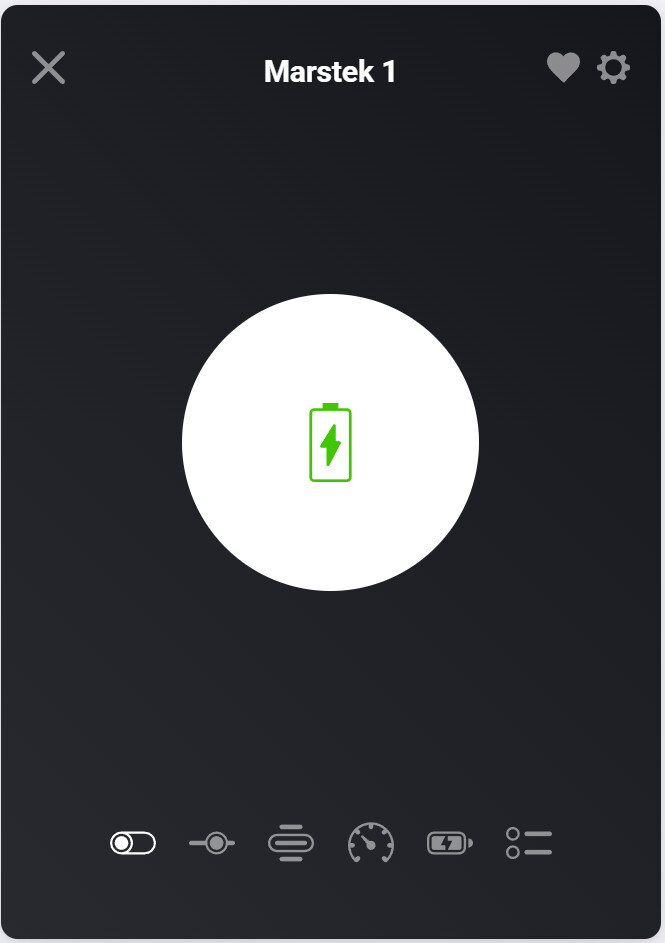
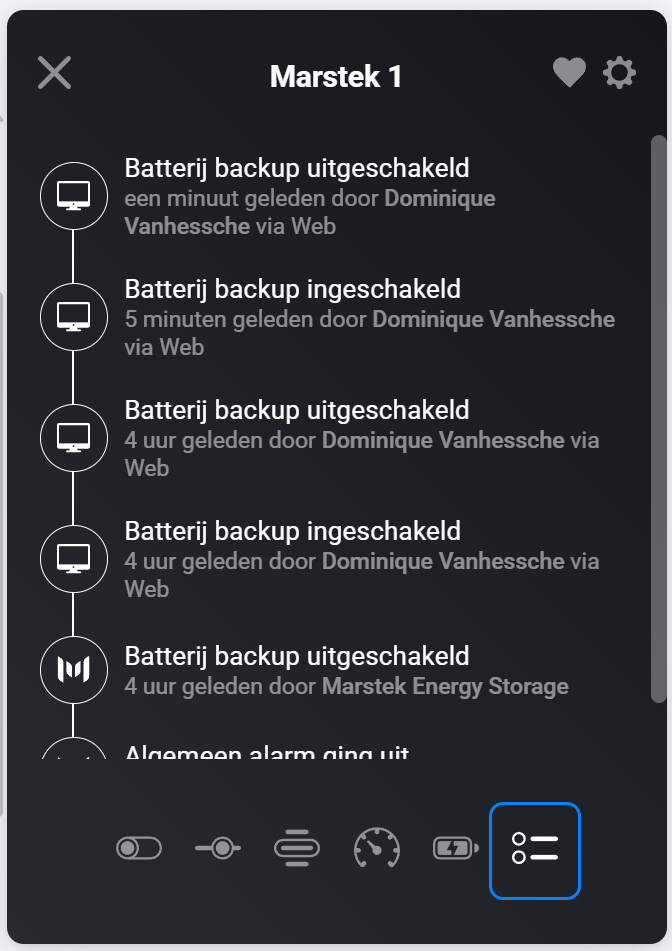
Correct 


Well based on the current feedback, this one might be it. But Homey is pending the publish approval.
V3 is working fine like v2 as long as they are firmware updated.
No features that don’t seem to work.
Ew11 setup is still a bit of disruption for feedback.
I am unable to respond to this topic any further. May I email you instead?


I have the grid output power, that’s the power made available to the grid and the battery power, that’s what is internal power on the battery side. So they are related but not exactly the same. Can be positive or negative depending on if it is charging or discharging.
What is the discrepancy you see?
What you see here is “Laad vermogen” and “Ontlaad vermogen”. They don’t take into account the battery power.
Maybe it would be good to also have a status Indicator with these value off “Laad vermogen” and “Ontlaad vermogen” where the value is positive when it is “Laad vermogen” and negative when it is “Ontlaad vermogen” so it would be the same as in the Marstek App.
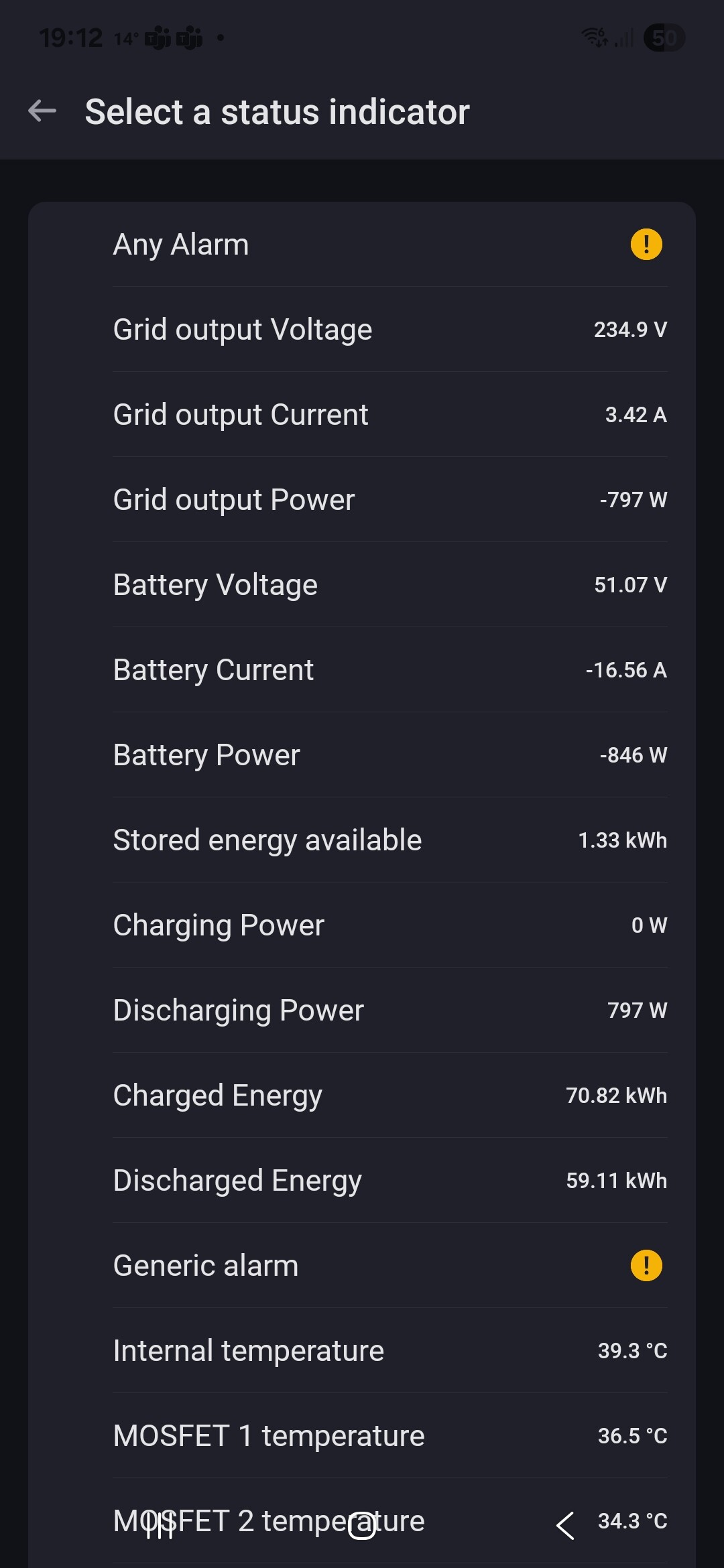

Indeed … i think that’s it… grid output power (Netuitvoer vermogen)
All up and running here with a Venus v2, connected, app installed, can see all details. Now see what ‘flows’ could be handy
@Kaoh : There is something I noticed that you might be able to fix in the app: The battery tiles constantly refresh their values on the phone, but on the laptop they only do this when you click on the tile of the battery.
Hi. First of all great work!
Ik have 2 Marstek Venus E v2 and want to manage them with homey. So I decided to do this with your app. Yesterday I ordered an Elfin EW11. First of all I will try working with 1 Marstek in Homey. If everything goes well I will do the second. Now I wonder, do I need 2 EW11? According to the RS485 protocol you can serve multiple devices over one set of RS485 wires.
Has anyone experience with multiple Marsteks over one EW11?
question is already asked  : [APP][Pro] Marstek Energy Storage - #65 by Dominique_Vanhessche
Some doc RS485 protocol
And
It is a: I didn’t try, and it might work and we are eager to hear from you if it does .
I have slave ID as config option, so if the ew11 can detect it with different slave id’s there might be a chance, but I did not see a slave I’d config option in the marstek itself. Not sure if that would be required.
That’s a Homey challenge to fix. I update the sensors and the Ui is all Homey
