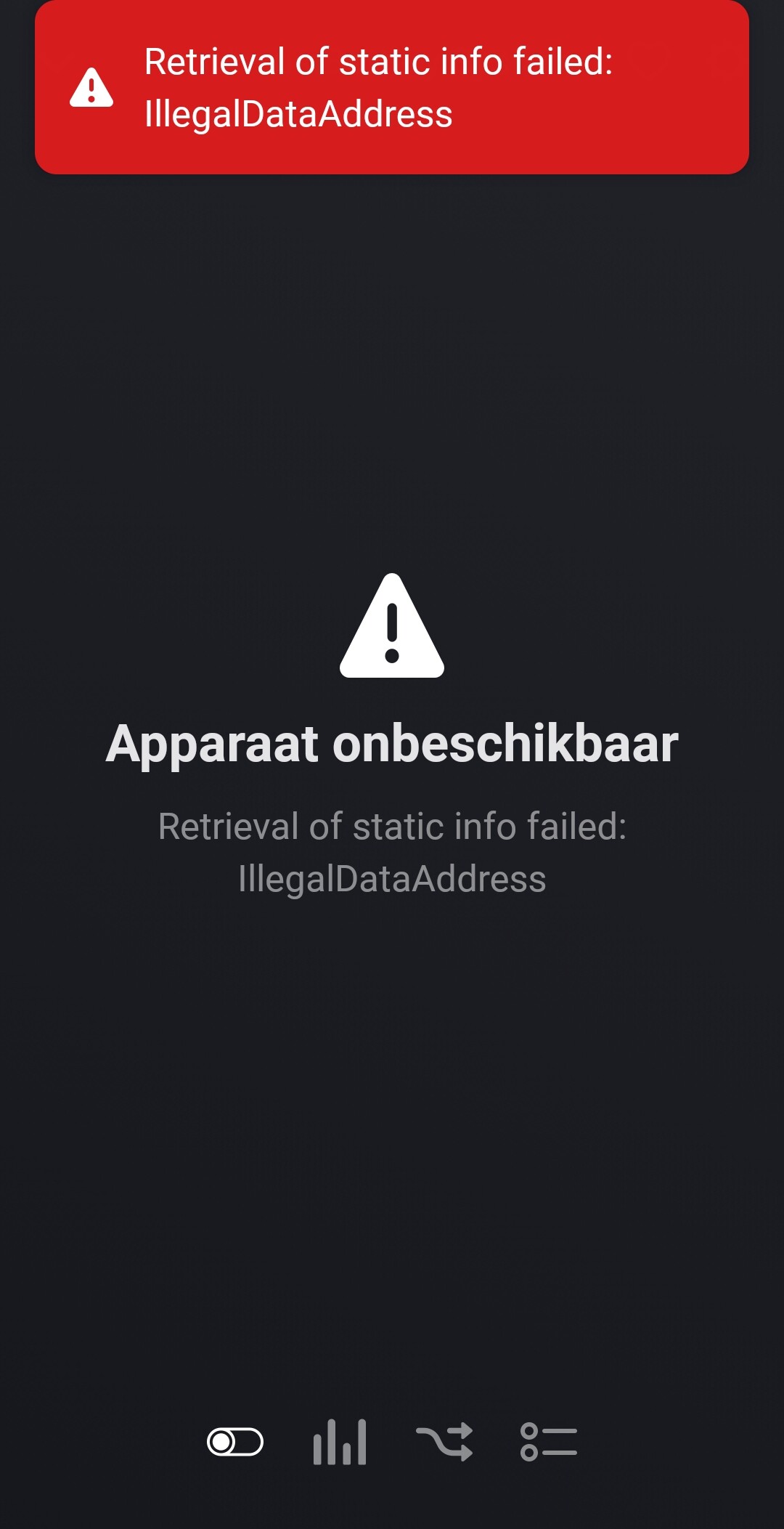
Okay, I will try that. However, I think two systems cannot control the battery with Modbus, as they may conflict, right?
When I try to set modes I get the following error
Can you post me your marstek device name from the settings in Homey? The read only version.
I hope it indicates if it is a v3 device so I can make the scaling dynamicly.
If you have a tcp modbus gateway, that is in effect doing all the controlling. So from that perspective I do not see why the gateway would not allow multiple connections to receive requests from. In the end its just requests to the gateway (read or write) and the gateway send it up teh serial port.
But I did enforce you switching the device to force control mode before you can use the force controls. The modbus requires that, so I put that in, the error you see might ust be that, switch it to force mode first in the ‘Work mode’ into ‘Use force controls’, only than you can use the ‘Force charge modes’ control.
@Kaoh
“I wanted to bring the following cloud API from Marstek to your attention
I get error gateway path unavailable
Than your gateway connection is not possible. Check if you setup your ew11 properly and set the device settings to match
Hi @Kaoh
Amazing work! I waited so long for this!! Your a hero!
Just a question do we need to follow every steps from the tweaker page?
@Kaoh en nog een vraagje. Is het dit dat ik nodig heb want er staat wel geen ElfinEW11 in de naam
I ordered this one and it works.
That’s the same page. Only the device version isn’t there in my case.
What version did you install now? 1.0.4? There was a 1.0.3 version last night that had this problem, so check that first, else send me a diagnostic report
Any should work, but setup and debugging is harder if it is not one documented in the community.
But looks like an ew11 so it probably is one anyway.
Thanks! And for the steps at tweakers. Do I need to follow each step at for the option with the ElfinEW11? Because I saw in the code they write at some point. Home assistant
Back to 1.0
Thats ok.
I’ll try 1.4 now.
1.0.4 makes the device unavailable
b43d8f1d-def9-46e4-9434-dcbfb96fd523
Serial Port parameters on Elfin EW11:
    Baud Rate = 115200
    Data Bit = 8
    Stop Bit = 1
    Parity = None
    Buffer Size = 512
    Gap Time = 50
    Flow Control = Half Duplex
    Cli = Disable
    Protocol = Modbus
Comunication Settings on Elfin EW11B:
    Protocol = Tcp Server
    Local Port = 502
    Buffer Size = 512
    Keep Alive(s) = 60
    Timeout(s) = 300
    Max Accept = 3
    Security = Disable
    Route = Uart
1.  Create the connector for your Marstek Venus E.
    Note: Beware of the Wiring schema.
2.  Connect the Elfin to the Marstek Venus E Modbus connector, it will power up.
3.  Confiugure the network settings of the Elfin. Preferable a fixed IP address.
    Note: Choose STA as settings
    Note: The Public IP address is the address what is in your Wifi network.
4.  Configure Serial Port (see above)
5.  Configure Communication settings (see above)
6.  Reboot the Elfin.
this is enough.