Hi everyone,
I have published a test version of ID Lock Next a new community app for ID Lock smart locks on Homey Pro.
Install test version:
ID Lock Next is a ground-up, independent app for ID Lock smart door locks. It supports both Z-Wave and Zigbee through the same app, so the same settings, flows and user management should work no matter which module your lock uses.
Supported locks
- ID Lock 101 - Z-Wave
- ID Lock 150 - Z-Wave or Zigbee
- ID Lock 202 - Z-Wave or Zigbee, using the same module/driver approach as ID Lock 150
Main features
- Lock and unlock from Homey
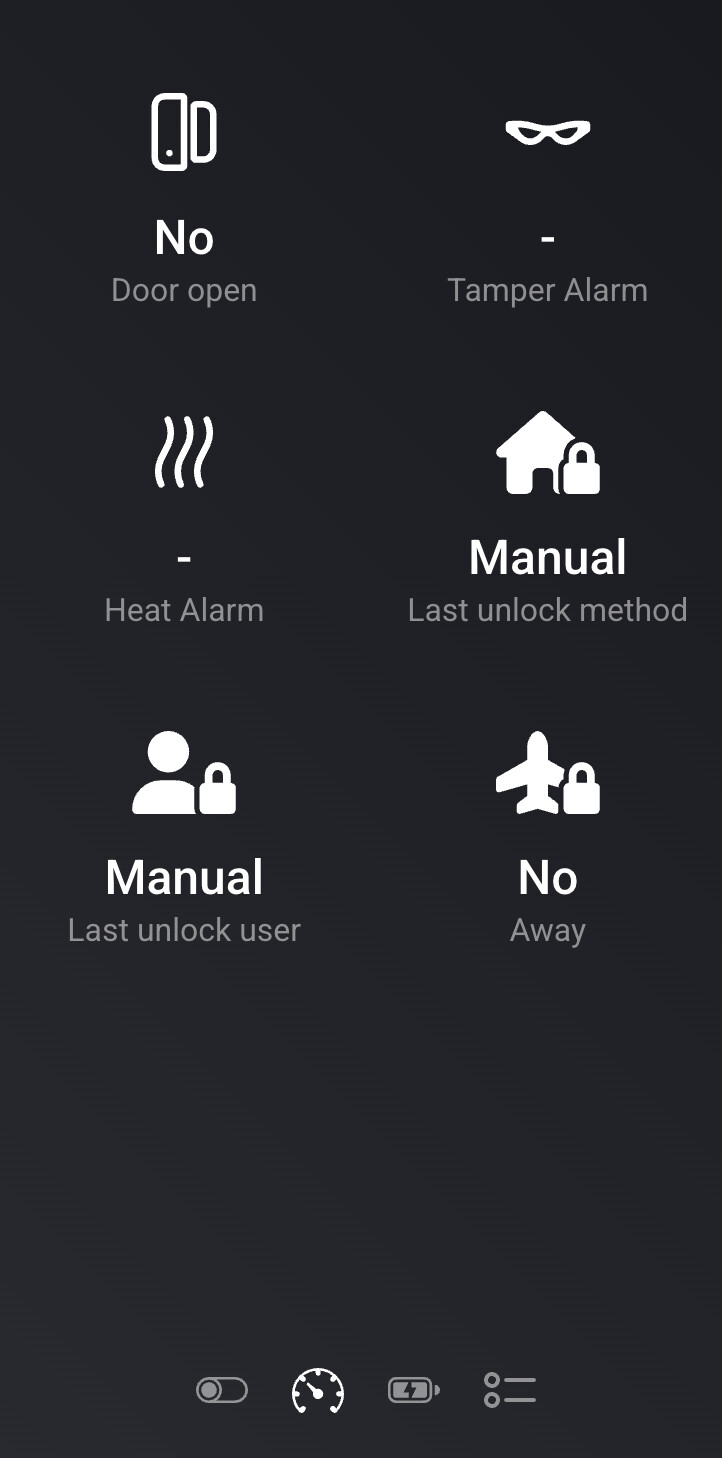
- Door open/closed, battery, tamper and heat alarm status
- See who unlocked the door and how, for example PIN, RFID, manual, app or auto
- User and PIN management from the app settings
- Add, change and clear PIN codes
- Master PIN support for Z-Wave
- Import/export user list
- Queue-based PIN synchronization with synced, pending and failed status per user
- Notifications for lock events
- Activity/audit log
- Diagnostics page with health overview and downloadable report
- Flow triggers for locked, unlocked and jammed events
- Flow actions and conditions for away mode, auto-lock, service PIN, refresh and last user checks
- Away mode support, including keypad sync using code + *
- Advanced lock settings such as auto-lock, relock, sound volume and hinge direction
- Z-Wave firmware update support through Homey
- English, Norwegian and Swedish translations
Test status
This is currently a TEST release.
The main feature set is implemented. The ID Lock 150 Z-Wave and Zigbee modules have been developed against real hardware. ID Lock 101 and ID Lock 202 use the same command classes/module behavior, but I would especially appreciate feedback from users with those models.
Important note about Z-Wave firmware updates:
The app includes embedded official ID Lock Z-Wave firmware files for different lock models, but the OTA update feature has not yet been tested or verified by me. Using this feature is NOT ADVISED at this stage.
If you choose to try it anyway, you do so entirely at your own risk and responsibility. I take no responsibility whatsoever for failed updates, broken firmware, lock malfunction, loss of functionality, re-pairing issues, or any other problems caused by using the Z-Wave OTA firmware update feature.
Please report:
- Pairing issues
- Missing or wrong lock status
- PIN/user sync problems
- Flow cards that do not behave as expected
- Translation mistakes
- Anything else that looks unstable or unclear
Known roadmap item:
- Codes added directly on the lock keypad are not yet fully reconciled back into the user list.
This is an independent community project. It is not affiliated with, endorsed by, or supported by ID Lock AS. Since this controls a door lock, please test carefully and use at your own risk.
Thanks for testing and for any feedback.


 im gonna test it an reply