[APP][Pro] ID Lock App (v2.0.0)

Could you try to toggle the triggers for Code and Tag on and off in the app settings? I think there’s an issue with them being default off while the UI is showing them as default on. I thought I had already fixed if, but I guess not.

I have a similar flow as Tore, but your flow should work as well

Unfortunately the Z-wave module have limited support for IDlock 101, so setting PIN codes is not possible

Understand. But i would be happy just to be able to lack and open it.. Would that work ?

Yes, that should work. You can see all the features here: no.IDLock/README.md at master · joymyr/no.IDLock · GitHub

Tack

Did a reinstall of my IDlock 150 and it shows like a IDLock 101 in the app

what would you know. After toggle it now works! Thanks!!

1 Like

Is it possible to update the zwave module firmware thru Homey pro ?

My guess it that it’s not updated to the latest version. Updating needs to be done with the ID Lock Updater – ID Lock

i did update the lock yesterday with the updater app. I am thinking about the firmware in the zwave unit.. seams to have 1.0 only in firmware

No, you need another zwave controller that supports OTA. I used an Aeotec Z-stick.

1 Like

Ok thanks. then this might work SLUSB001A Silicon Labs | Utvecklingskort, satser, programmerare | DigiKey

Bought a new zwave module to mi 101 lock. Got this. And it thinks it is a 150. My 150 on firmware 1.0. Thinks it is a 101

workaround found.. I installed the zwave module with the 1.0 firmware in my 150 lock and added it to homey.. Then i just took it out and installed it in my 101.and it’s working. and used my new module with firmware 1.6 in my 150 lock.

1 Like

Since update 17 november. It is draining the battery in just a few days. Probably the polling. Can you remove the polling? Or make it optional?

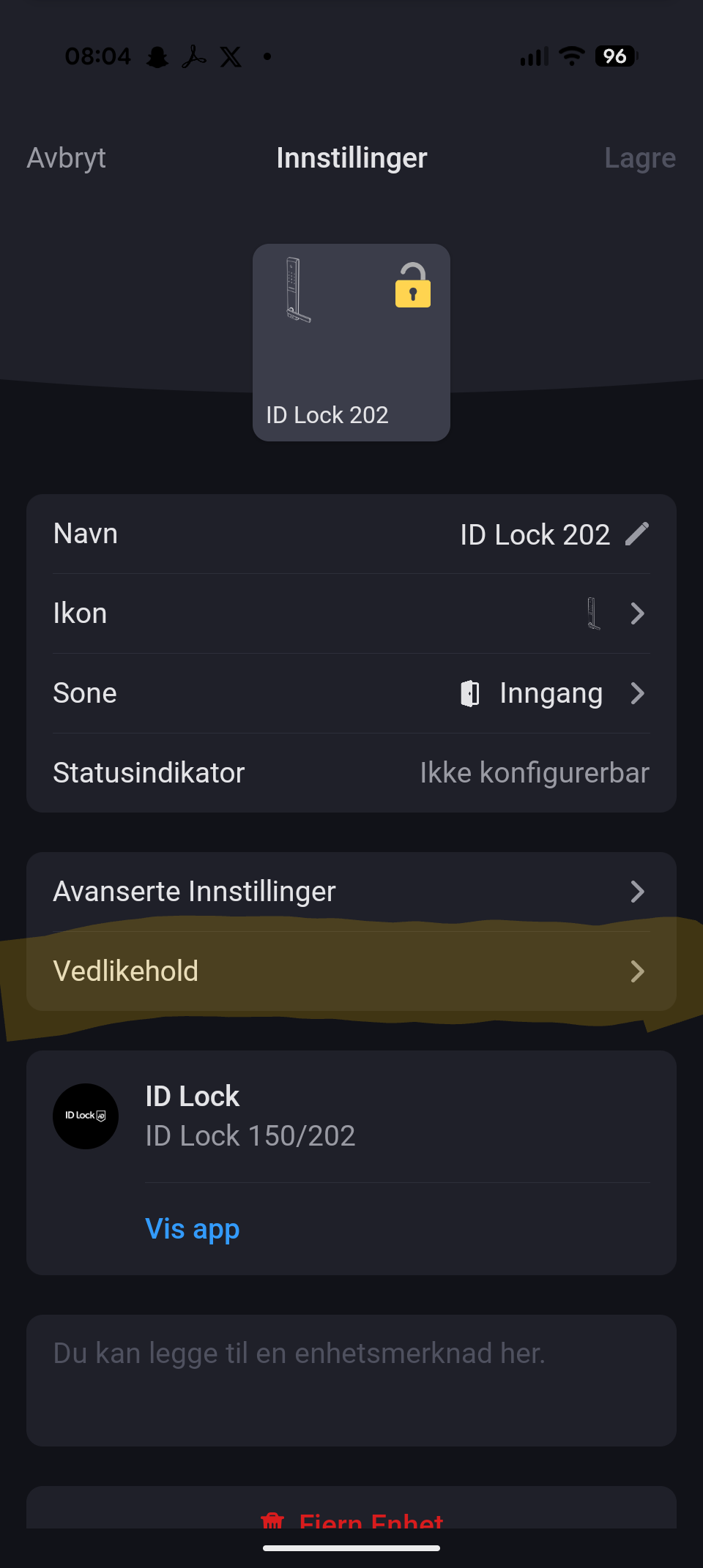
I have the same battery drainage issue. Also I don’t seem to have the maintenance button on my device settings (150) so not able to update pin codes from the app, any fix on this I’m not catching?

I also have battery drainage issue

There’s a setting for polling interval in advanced settings. Could you try to just set it to 60 or something, instead of the default 5 minutes?
My battery reports have always been very unstable (drains a lot for some days, then it stops draining for some days), and I’m not yet sure if I’m seeing any difference.

Do you have this maintenance button below the advanced settings button?


If not you might have to remove and add the device again for it to appear

Nope, will reinstall and check