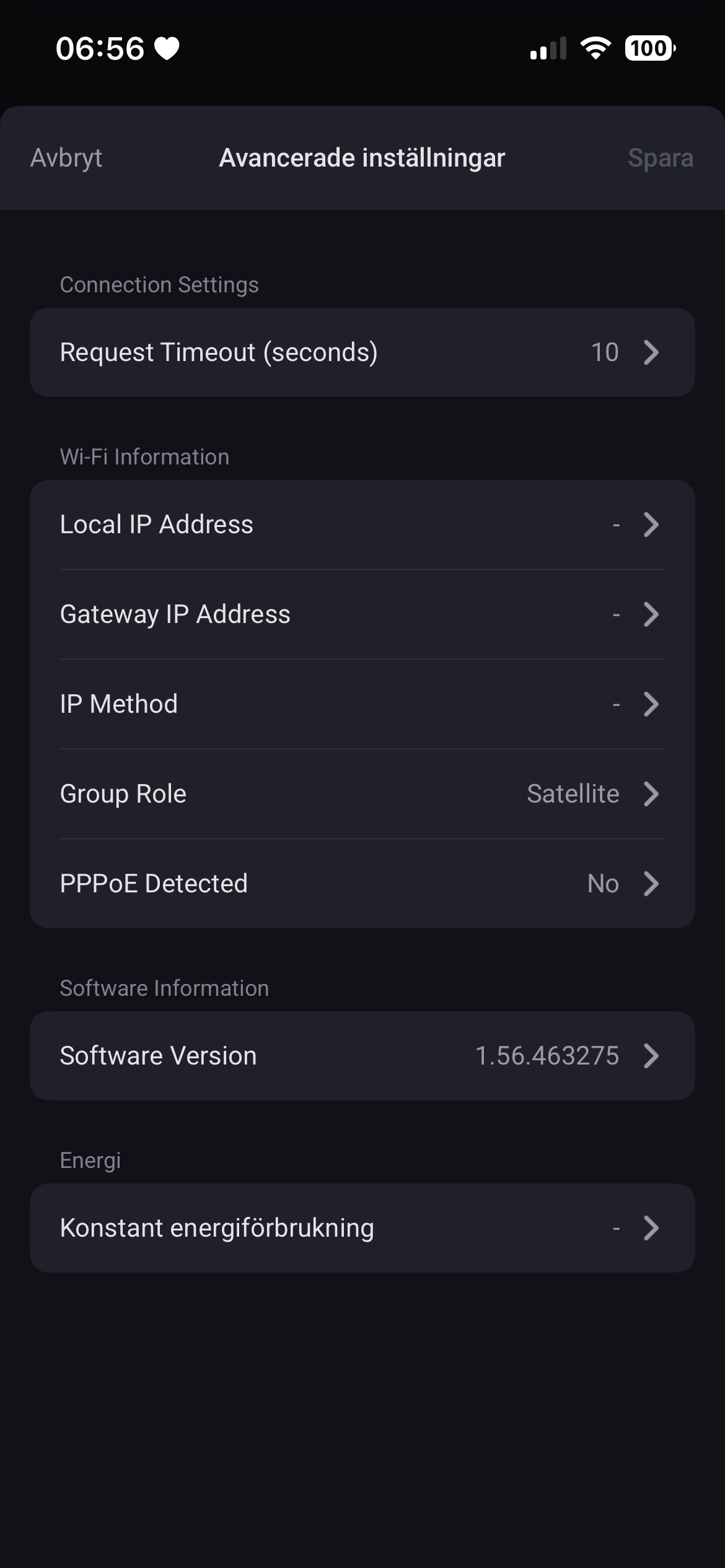
Hi Doekse,
I think I’ve found an issue with satellite/leaf devices in Google Nest Wifi app v0.2.0 on Homey Pro 2026.
All my Nest Wifi satellite access points are online and working normally, and Homey also reports Device Offline = false.
However, Homey shows their uptime as “Offline”.
For example, “Nest tvättstuga” currently shows:
-
Device Offline = false
-
WAN disconnected = true
-
Uptime = Offline
But its local /api/v1/status response clearly reports:
So the device is a connected mesh leaf and has an uptime of about 6 days 12 hours 12 minutes, despite Homey displaying “Offline”.
The main Nest Wifi router does not have this problem. It currently reports its uptime normally in Homey.
It therefore looks like the uptime capability may still be conditional on wan.online. For a leaf/satellite, wan.online = false appears to be normal and should not make its uptime display as Offline.
Full /api/v1/status response:
{
“dns”: {
“mode”: “automatic”,
“servers”: []
},
“setupState”: “GWIFI_OOBE_COMPLETE”,
“software”: {
“blockingUpdate”: 1,
“softwareVersion”: “1.56.514310”,
“updateChannel”: “stable-channel”,
“updateNewVersion”: “0.0.0.0”,
“updateProgress”: -1.0,
“updateRequired”: false,
“updateStatus”: “idle”
},
“system”: {
“countryCode”: “NO”,
“groupRole”: “leaf”,
“hardwareId”: “vento-b4”,
“lan0Link”: false,
“ledAnimation”: “CONNECTED”,
“ledIntensity”: 100,
“modelId”: “VENTO”,
“oobeDetailedStatus”: “OOBE_COMPLETE”,
“uptime”: 562322
},
“vorlonInfo”: {
“migrationMode”: “weave_all”
},
“wan”: {
“captivePortal”: false,
“ethernetLink”: false,
“invalidCredentials”: false,
“ipAddress”: false,
“online”: false,
“pppoeDetected”: false,
“vlanScanAttemptCount”: 0,
“vlanScanComplete”: false
}
}
I have four leaf devices showing the same behavior.
The app should automatically detect the correct model of your Google Nest Wifi device and adjust the device icon and power usage accordingly. If it doesn’t, please generate and submit a diagnostic report.