This is the Eufy security app, I don’t expect support for the lights. But maybe I’m wrong.
If I google it, its a WiFi lamp so I expect it to work differently.
Hi @martijnpoppen, I have noticed in the last days that the snapshots on my eufy s340 stopped working. Every time I tried to take a snapshot It sends me the Place Holder.
This Is the diagnostic report: 0a91a2d0-08aa-43ef-9949-eec1e20f9fa7
I already tried to restart the app.
On the other cameras (like the 2C) It’s fine.
I think it is an issue related with the S340.
Let me know PLS
Have a nice day
Luca
HI @Luca_Lorenzi
There are some more issues with snapshots. @Sharkys made a PR for it which i’m checking. Hoping to have a update soon.
What might help sometimes is a restart of the camera.
Thank u Martijn! I’ll wait no problem 
Meanwhile, I also want to report that the livestream for me is not working quite well.
Every time I try to see the live feed from the compatible cameras, there is the error “video stopped”.
So I restart the app and I can see the livestream correctly.
The issue is that after a few seconds (or if I close the app and reopen it later) it shows me the “video stopped” error again. IDK why
I am on the same network and enabled rstp from app.
Did this happen to someone else?
@Luca_Lorenzi thanks for your kind donation!! 
Yes unfortunately that’s a Eufy limitation, it has to start the stream manyally everytime, I did put a fix in a while ago, but seems like that’s not proper working yet, will check!
This has helped, thank you. I was using the ‘Motion detected’ ‘When’ card, whereas the timeline is full of ‘The motion alarm turned on’ events.
Apologies, should have been an easy diagnosis on my part but pretty new to Homey as you can tell!
I have to restart the app when it shows me the video stopped error. If I click refresh It goes in error … and It happens an all cameras, also the ones that I have not opened.
Example:
I restart eufy app and then check the live stream of one of my 5 compatible cameras with live stream. The live starts but after a while (even if i closed the app or do whatever on Homey) all the live stream goes in error. It’s strange. Then if I want to check again I need to restart the app. The re fresh button seems not to work.
Let me know if you find a solution
Enjoy the beer 
@BigSniffer no worries, glad it works!
@Luca_Lorenzi thanks for the extra info! will check
Dear
I cannot connect my Eufy Doorbell E340 to Homey app. It gives the error message “ERROR”. While adding my new Homebase 3, it works without any problem !
I have created a new account ( mail + password ) in de Eufy app, and added my devices. I saw that in my other account these are dissapearing. So I was supprised that this was mentioned in the comments of the home page of Eufy seurity (https://homey.app/en-us/app/com.eufylife.security/Eufy-Security/ ). On this new account the ERROR was also getting triggered for my doorbell, why also the Homebase was added without any problem.
I am trying to add the 2K-wired doorbell for my E340 Eufy doorbell.
Very happy if you can help me !!
Hi everyone,
I am currently setting up my Eufy S340 (PTZ) with Homey Pro and I have a question regarding the Flow possibilities:
-
Presets: Is it possible to trigger the camera to move to a pre-saved position (Preset) that was previously defined within the official Eufy Security App?
-
Neutral Position: Is there a way to command the camera to return to a fixed “neutral” or “home” position?
-
Relative Movement: Can I use the “Rotate the lens to…” card reliably, or is it better to stick with presets for consistent results?
I want to use this to point the camera at specific triggers (like a door opening) and then return it to a default view afterwards.
Thanks for your help!
@Werner_Janssens the E340 is not a wired doorbell but a dual batery doorbell. So add it as a dual battery doorbell and it should work. (connecting the doorbell to 12v doesn’t make it a wired doorbell. Wired doorbells are connected to 230v)
- no not possible via Homey.
- no not possible via Homey.
- the movement is based on steps so it should be reliable, but better to do multiple cards with small steps than a lot, otherwise the camera might get overloaded with commands and sometimes that fails.
I will look into presets btw, but currently it seems not possible to trigger.
Thank you for the explanation! That makes sense – I will use multiple cards with smaller steps then to keep it reliable and avoid overloading the camera. It’s great that you’re looking into the presets; that would be a very helpful feature for the future!
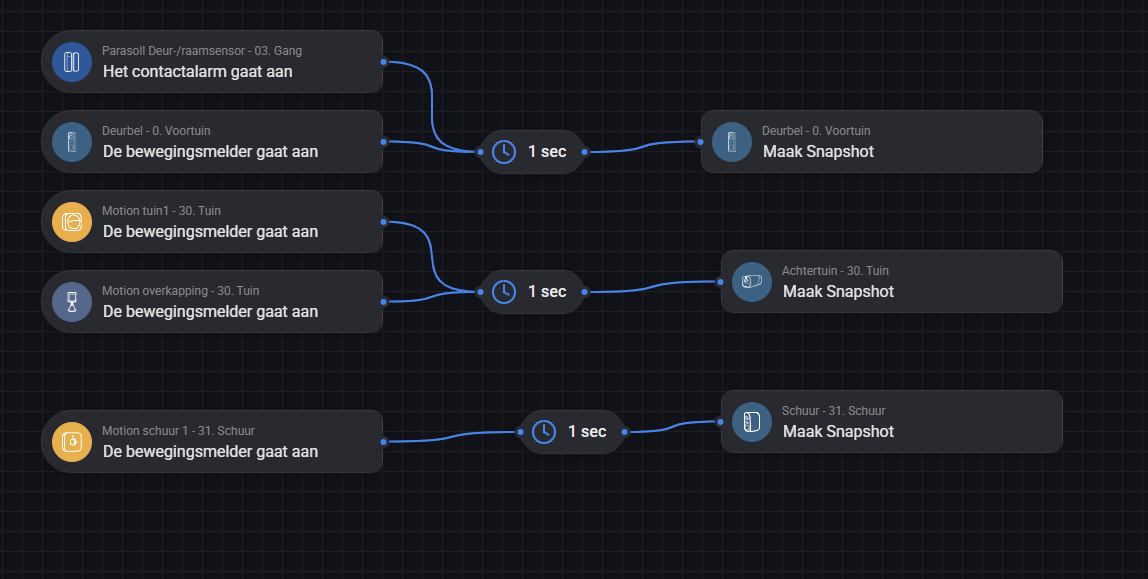
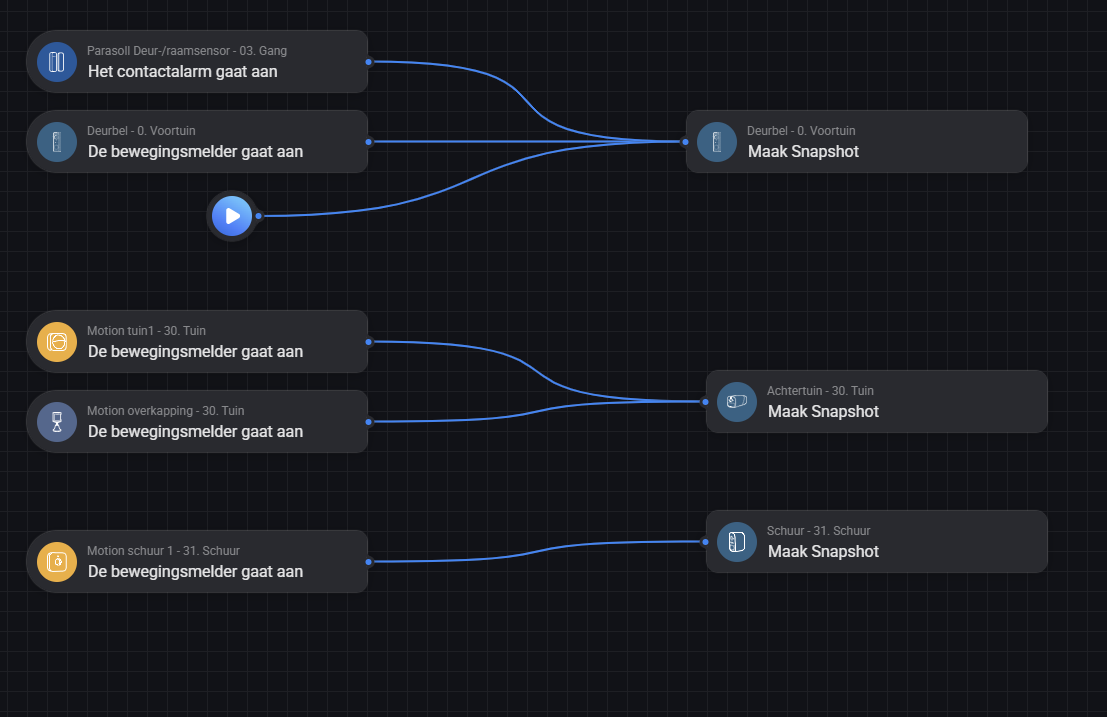
@Avi_de_Winter please send a report after reproducing the issue
@martijnpoppen : Snapshot with a standalone E340? Should it work? I only receive the placeholder image.
e9556f95-3b9a-45a6-86f5-0c60415fe958
Create Snapshot and send

Thanks - I have experimented a little this afternoon, and maybe there´s just something else wrong…
- Tried to connect the camera to a different SSID => error
- Flows and using the device toggle on/off button in your app cannot turn this camera on…
- However, this works just fine for all other cameras….
- Just readied the camera, same result…. maybe it’s broken….
@GertCorstjens no without a Homebase the e340 doesn’t work for snapshots inside homey
