I wish you all the best, my dear. I hope you have a wonderful holiday season and an amazing year ahead.
What I meant is that my purchase of the Homey Pro and the Homey Bridge was conditional on my accessories working within the Homey app. In this case, the Eufy SoloCam S220 cameras do not have live streaming inside the Homey app.
My dissatisfaction is that I was told these cameras are compatible with Homey, but when it comes time to set them up, it’s not possible.
Hi guys, this comment is for @Bruno_Lopes1 and @martijnpoppen as I am having, I think, similar issues. I have been able to identify the HomeBase 3 as the culprit since my live feed was going wonderfully on my E30 indoor camera the moment until I connected the HomeBase 3 back onto the network and connected the camera to it.
I don’t know about Bruno’s camera but the indoor cameras have that RSTP protocol I recently learned about. I didn’t have to do a virtual camera or anything, the Eufy camera worked just fine out of the box. But the moment you share the connection with the HomeBase 3, linking the camera to its’ connection rather than directly to the home internet, the feed cuts.
It’s a pain considering the only way to disconnect the camera from the HomeBase 3, as far as I can tell, is to remove the HomeBase 3 from the system altogether.
Anyway, removing the HomeBase 3 from my network is bittersweet considering there’s a lot of things to gain from it. Localized storage from all my cameras in one place and their local AI that distinguishes between people.
I imagine this is something Eufy can sort out soon enough. Either by allowing us to store videos on the HomeBase 3 without direct connection and allowing us to still have our cameras connected to the regular network or having a dedicated HomeBase 3 RTSP feed.
This was my first post on this forum, having just received my Homey Pro Mini last week, and I’m excited to see where this goes. Thanks and have a Merry Christmas!
@Vinni_Mata that’s correct. You can’t use RTSP when it’s connected to the Homebase
It’s btw easier to remove the camera and re-add it than removing the Homebase.
@Bruno_Lopes1 Looking at the fact that live streaming only got added in Q3 this year makes it that a lot of cameras are compatible with Homey without steaming. Next to that this Eufy app runs the same software as homebridge and home assistant. I even helped building for those integrations. But the homey hardware is not powerful enough to run local streams. That’s why only RTSP cameras can be used for live streaming
The disappointment you have is mainly because you expect certain features which are simply not possible. Yes the camera is compatible with homey, but not all feature that is
Thank you for the clarification! Didn’t expect the answer to come so quickly. I was scouring different websites for way longer than I want to admit yesterday just for you to say it so succinctly today. I will remove the camera instead! Good thinking!
I do hope that they sort that out. Not trying to beat a dead horse but I am annoyed because I bought the HomeBase 3 and the Homey Pro within the same week. LOL.
Have a great day!
Follow up question: If I don’t have the camera connected directly to the HomeBase, does the HomeBase serve any purpose on my network? In case you know…
Hello, I’m pretty new in the Homey Pro world and I have managed to get a lot of things working only I’m struggling with my Eufy camera’s. I see all my camera devices but none of them return movement to Homey Pro. The camera’s are (also) connected to Apple HomeKit and there I see the detected motion.
When I look at the info from the camera I see no updates after initial setup. Am I missing something?
Thanks in advance for the help!
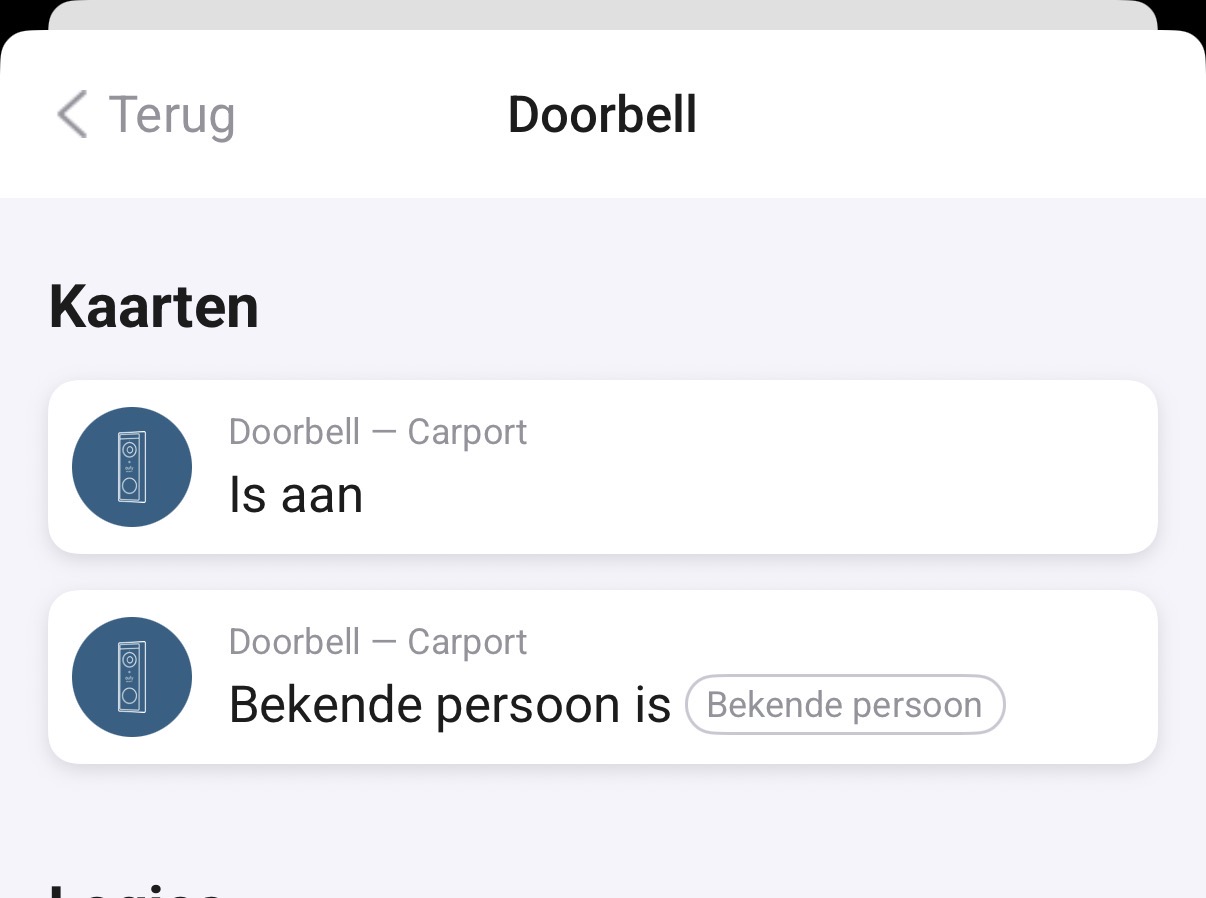
I get notifications immediately in the Eufy app, but in Homey I don’t get updates or notifications. When I look in the doorbell events in Homey, I see events from a few hours back, but not events that just happened: