Aww, I see that now. Thank you.
had to reset homey due to zwave problems . put a backup in but cant get my doorbell (2k/homebase2) press to show back up in homey . second admin on the phone everything works. switching on/off the doorbell through homey works so connect is ok .
any pointers ?
5f934e48-0aa2-4800-ae34-fac3b74d9302
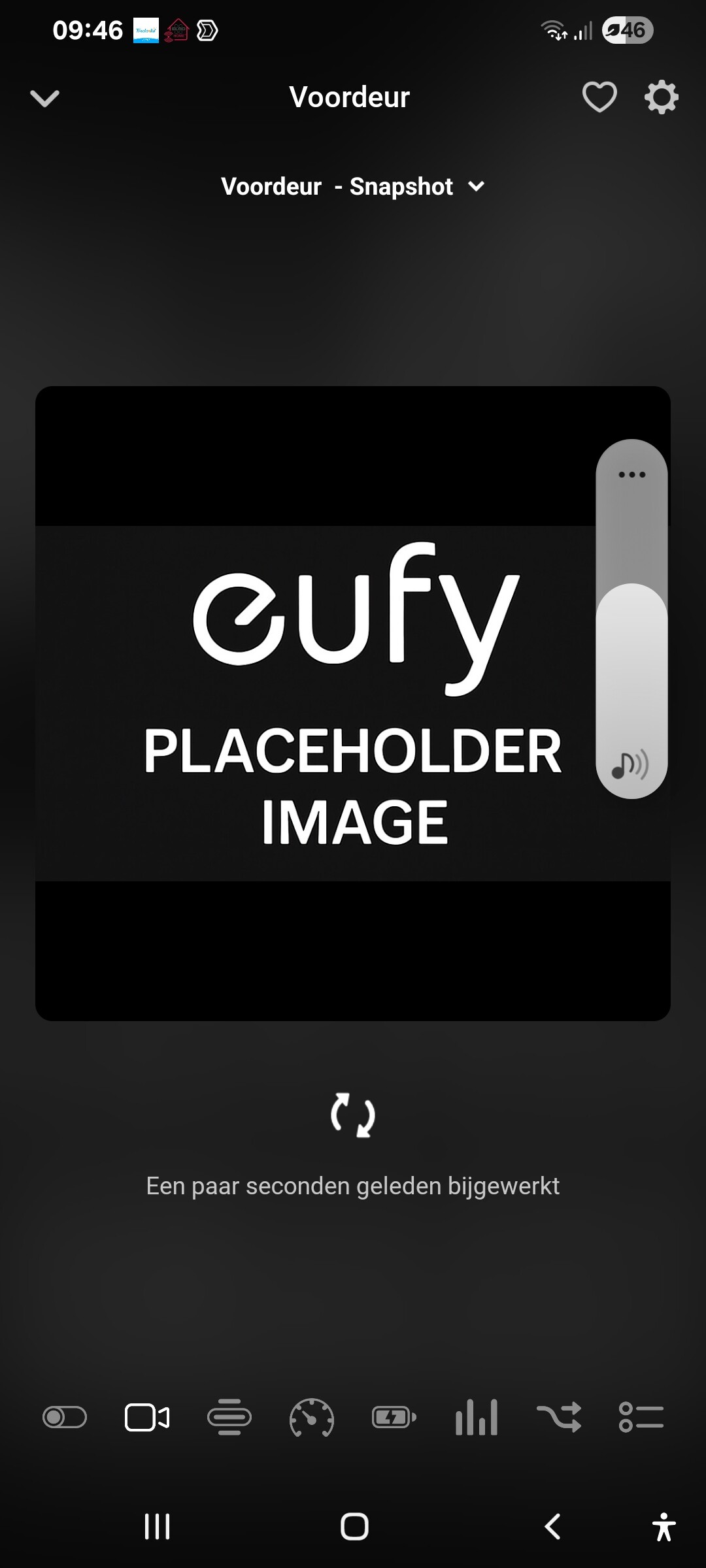
It also didn’t work, see image below
I don’t know if you also could see in a log file movement detections times generated in eufy?
Because today i had a movement detection of a known person, but eufy security didn’t recognise it. (Because the official eufy needs some time to recognize it i think).
I had a lot of movement detections today, so if you can’t see the times in a log i wait till i have a better log for you. Otherwise it’s a mess to find the issue i think.
@Erik_Batenburg yes start with FAQ Q1 [APP][Pro] Eufy Security - #4 by martijnpoppen - Apps - Homey Community Forum
@M_J I don’t see any issue on the report for the snapshot.
Which device is this? Did the snapshot work before
Same goes for person detection, which device
I have a homey early 2023 pro, a eufy e340 2k frontdoor cam and three eufy e330 camera’s, all connected to a homebase 3. All the devices has the same problems.
When someone is in front off the camera, i got a nice snapshot from the first moment.
But manually it’s not working. I tried a few months ago to set it up, but due the lack of time and because it didn’t work, I stopped working with the flows.
Person detection problems are mostly with the e330 cam’s. (the frontdoor camera is just a few weeks in operation, so i didn’t tested it that much).
@M_J yes there’s a difference between event images and snapshots
Event images are fetched via push notifications
The snapshots are taken with P2P commands
As it doesn’t work on any of your cameras. Do other commands work? Like changing the security mode (home / away / etc). Does on/off work for cameras?
And yes the known person is kinda broken due to changes in eufy and actually the person name never shows up in the API
Ah that’s explaining why these are working and persons not.
I tested it today and all other commands are working perfect.
tried all settings still no doorbell push . did a full reset of homey app and eufy app
@Erik_Batenburg please restart the app and send a diagnostic report
04491f1a-ff23-4693-ac2f-7151f3b57773
@martijnpoppen could you please take a look at 85f62428-eda9-4e6e-b0df-55f7292660f0
I have to restart the eufy integration/app very often as things stops responding at least once a week.
@Marius_Jakobsen , already replied to your report, but please try a restart of Homey and your Homebase 2.
Also do you use a separate account for Eufy in Homey? Or is it the same as on your phone?
Hello @martijnpoppen how are you ? My name is Bruno, I’m from Brazil. Over the last 6 months I built my house and I set up a good part of the security system with Eufy devices, mainly because of the product quality and also because I could buy them on AliExpress for a good price.
Right now I can see everything through the Eufy Security app, but I’d like to bring all this into an Apple-style ecosystem. Since direct HomeKit support is not available without using Homebridge or Home Assistant, I discovered Homey, which seems to integrate these devices natively.
My goal is to use my iPad Air 13 as a “control panel” to view all cameras (including the Aqara G4 doorbell) and manage my two smart locks (Aqara A100 and Eufy Smartlock C30).
What I have from Eufy today:
[5] Solocam S220
[4] Solar Wall Light Cam S120
[3] Indoor Cam Pan & Tit
[3] Homebase 3
[1] Smartlock C30
What I have from Aqara is:
[1] Aqara Doorlock A100
[1] Aqara Doorbell G4
The two devices I couldn’t find on the Homey compatibility list were the Eufy Smartlock C30 smart lock and the Solar Wall Light Cam S120.
What I’d like to do is:
When someone rings the Aqara Doorbell G4, I want to see it on the Homey dashboard (on the iPad) and be able to unlock the gate/door from Homey using the Eufy Smartlock C30.
My question is:
Is this flow currently possible with the existing Eufy + Homey integration, even though the Smartlock C30 is not on the official compatibility list? Has anyone here done something similar?
Thanks!
Hi @Bruno_Lopes1 welcome!
Just to clarify a few things:
-
Automatic showing of a camera feed on Homey Dashboard is not possible at the moment. Homey doesn’t support automatically popping up a live camera view when the doorbell rings you can only open the stream manually from the dashboard.
-
The Eufy Solar Wall Light Cam S120 is supported, so that one will work fine inside Homey.
-
Eufy smart locks are not supported in Homey. Those models aren’t available in the EU, so they aren’t implemented and unfortunately can’t be controlled through the Homey Eufy app.
Because of that, the flow you want:
Doorbell (Aqara G4) rings → Camera shows on dashboard → Unlock gate/door via Eufy Smartlock C30
is unfortunately not possible with the current Homey + Eufy integration.
You’ll still be able to integrate most of your cameras into Homey, but the smart-lock part won’t work, and Homey can’t trigger a camera pop-up on dashboard events.
Hope this clarifies things!

Welcome @kimc88
It’s important to understand that Eufy and Ring work completely differently, so comparing them doesn’t make sense. Ring uses its own cloud-based livestream method, while Eufy requires RTSP for local streaming, and that comes with very different limitations and behavior.
So the fact that Ring works in Homey doesn’t mean anything for Eufy, technically they are not comparable.
Since you’re seeing an error when opening the camera, please check FAQ Q17, which explains exactly how Eufy livestreaming works and what each error message means
Hi @martijnpoppen,
Any updates on when the Eufy Entry Sensor will start working again? Several of my sensors haven’t reported anything in Homey for about a month. The latest information I saw about a week ago was that there are issues due to changes made by Eufy, and that you were planning to update the app.
Do you have an update on the current status?
Thanks!
@mow87 yes still working on it  I expect somewhere this week. I had a working version last weekend but due to work no time for homey development
New app update ( TEST: 3.40.0):
Changelog:
NEW:
1: NEW: rewrite of event handling
2: NEW: update battery / temp / motionsensor / contactsensor without push notifications
3: NEW: improved performance (reduce event listeners)FIXES:
1: FIX: Door sensor was not updating anymore
 If you find any issues, send a diagnostic report
Note: Before sending a report make sure to reproduce the issue so the issue will be visible in the report
Via Homey Mobile app:
More - apps - Eufy Security - settings wheel right top - send diagnostic report (add your email to the description)
Via Homey Webapp:
Settings wheel bottom left - Select Eufy Security - Click on send diagnostic report (add your email to the description)
You can install this version by clicking the link (version number) above and press install
Don’t want to be part of a test version? Install the live version → Eufy Security | Homey
