@TammeMagal doorbell snapshots have never been reliable. So can happen
Please check other cameras
I’ve got the same issue. Snapshot placeholder image on my E340 doorbell as an event snapshot, since the update. Previously worked without issue. Is there something I need to change in my flows?
824cd3a2-db56-4204-a262-c093a7a6fa75
Same here. Since the latest update (3.39.7) the camera snapshot and event images are not working anymore. Only seeing the Eufy placeholder image. Before this release it worked fine.
Would appreciate it if you could take a look at it.
d31e4251-fd7f-423e-ae30-d99ccf96460c
@Daan_Dagevos to clarify. Snapshot or event images ? Event snapshots don’t exist
@Robin_Schuurman there’s nothing in your report which indicate you took a snapshot
Please do so before sending a new report
Hi Martijn,
I can indeed force a snapshot via a flow. Was not aware of this action.
But the event image which I was using is not working anymore.
@Robin_Schuurman Ok thanks! Was already afraid also the snapshot was broken 
Making a fix as we speak 
New app update ( LIVE: 3.39.8):
Changelog:
NEW:
1: ADDED Explaination to: [APP][Pro] Eufy Security - #3 by martijnpoppenFIXES:
1: FIX: Event images not updating
 If you find any issues, send a diagnostic report
Note: Before sending a report make sure to reproduce the issue so the issue will be visible in the report
Via Homey Mobile app:
More - apps - Eufy Security - settings wheel right top - send diagnostic report (add your email to the description)
Via Homey Webapp:
Settings wheel bottom left - Select Eufy Security - Click on send diagnostic report (add your email to the description)
You can install this version by clicking the link (version number) above and press install
Don’t want to be part of a test version? Install the live version → Eufy Security | Homey
@ExtraKim @Daan_Dagevos @Robin_Schuurman See above
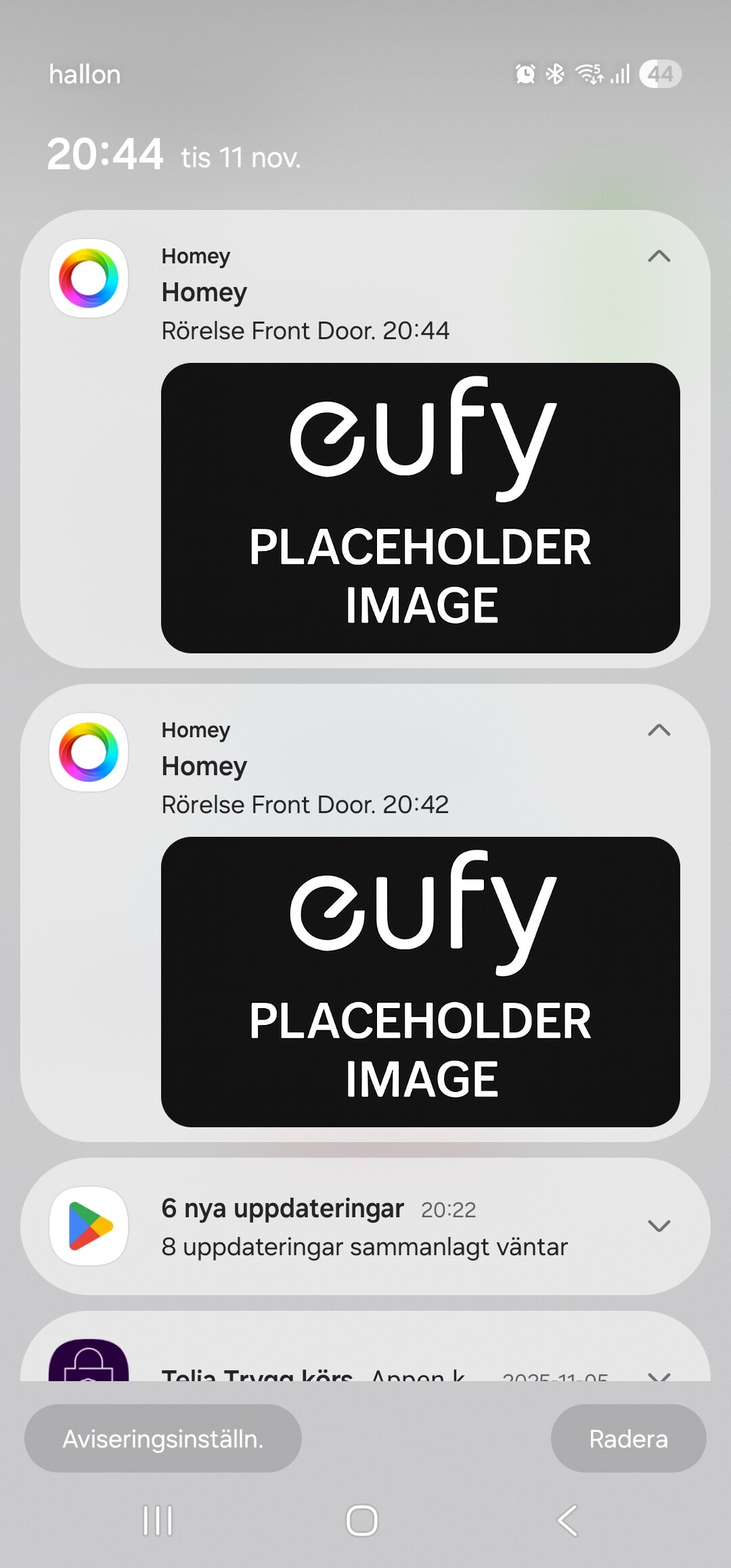
@ExtraKim please follow the instrunctions:
Thanks Martijn!
I can confirm it is working again on my side
Added the report in the edit of the post.
@ExtraKim you didn’t install the latest version. You’re still on 3.39.7
Updated the app, re-started the app but still no picture.
47b8aa58-cdd7-4505-a98d-c02fa0b89bac
@ExtraKim as per instructions, please reproduce the issue before you send a report. there’s no notification in the report, so can’t check anything
I did. But I use both the App and the web at the same time and the web are acting up. Not sure if there’s something strange going on with the web app. I will give it a new try.
6164c422-b33a-4827-8ee2-ad0354a2bedd
@ExtraKim nothing to see, you did trigger detection on your camera?
I added a Start button and used that to start the flow. Does that mess up the troubleshooting?
