Hi Martijn, sadly the placeholder still doesn’t get refreshed.
f3910d18-bca3-414b-a2ae-5ec163f47eb5
Hi Martijn, sadly the placeholder still doesn’t get refreshed.
f3910d18-bca3-414b-a2ae-5ec163f47eb5
@Andy_Henderson strange because I reverted the SDK to be I line with the live version
That would mean there’s something else going on
I really don’t see the relation with that but nevertheless will check. This is really keeping me from putting trough the test version to live
@Glenn_Dijkstra there’s nothing in your report stating that you tried a update
Please reproduce your issue and then send a new report
New 665f243e-d934-48c7-9a4b-f5ad0f542b6e
@b1ue3AGLE can you provide context to your message?
Edit: saw your message.
As already mentioned before, the Eufy app in Homey doesn’t do anything with the stream it’s just fetching the url from the camera and putting that into the Homey live stream.
So there’s nothing i can see/do/change to make your live stream work. This is something in your network or something else, but i can’t do anything
@Andy_Henderson I searched everything but i don’t see why the battery difference would be there.
Can you install the TEST version and send me a diagnostic report? Maybe there’s something in the logs
Feel free to go back to the live version after that
@martijnpoppen Of course. As it happens, I’m running 3.39.0 having changed ‘Use generic motion alarm?’ to ‘Yes’ to see if it made a difference. I don’t think it has.
e8c6ed19-5639-4b36-aac8-fad528be8e38
I see the original option to enable snapshots no longer exists in the post 3.37.0 versions. I had that set to ‘no’. Could that account for the difference?
Andy
@Andy_Henderson that shouldn’t matter as snapshots are now locally on Homey, but only when you trigger the snapshot card. It’s not drawing any data from your camera
 TEST: 3.39.2):
Changelog:
NEW:
1: NEW: Local snapshot capture (more reliable snapshots) - This removes the limit of cloud snapshots (Snapshots will be made with FFMPEG which runs on your Homey)
2: NEW: video streaming for RTSP supported devices (Make sure to enable RTSP in Eufy app first)
3: NEW: Start RTSP stream when requested, should prevent the auto RTSP kill because of the Eufy firmwareFIXES:
1: FIX: memory leak in library
2: FIX: memory issue with snapshots (this caused app crashes)
3: FIX: removed duplicate snapshot updates
4: FIX: improved error handling in snapshot capture
5: FIX: revert battery saving fixes which actually didn’t save battery
6: FIX: check if device has streaming capability to prevent crashes on non camera devices
7: FIX: eufyCam E330 Professional (T8600) didn’t have RTSP in the Eufy SDK
8: FIX: snapshot not updating (occured in 3.38.4)
9: FIX: battery drain (occured in 3.38.0)BLOCKED: (Not Testable yet)
1: video streaming for Battery devices via ffmpeg (which do not support RTSP natively) (maximum 5 minutes per stream due to Eufy limitations)
 If you find any issues, send a diagnostic report
Note: Before sending a report make sure to reproduce the issue so the issue will be visible in the report
Via Homey Mobile app:
More - apps - Eufy Security - settings wheel right top - send diagnostic report (add your email to the description)
Via Homey Webapp:
Settings wheel bottom left - Select Eufy Security - Click on send diagnostic report (add your email to the description)
You can install this version by clicking the link (version number) above and press install
Don’t want to be part of a test version? Install the live version → Eufy Security | Homey
@Andy_Henderson I found the issue 
See above
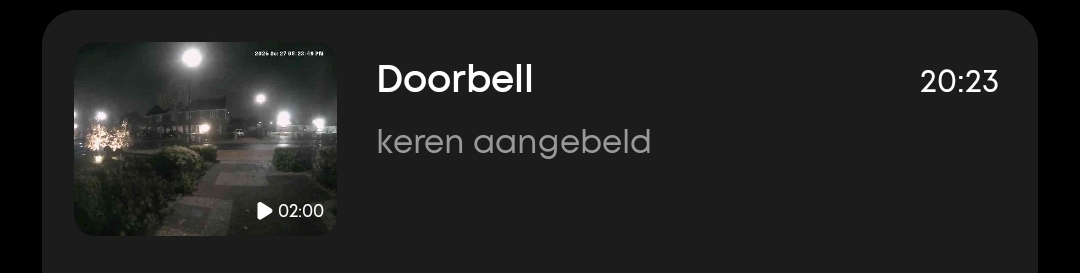
@Glenn_Dijkstra doorbell press almost never has a picture. Also seen in the FAQ. But in the logs I see that the picture was updated properly
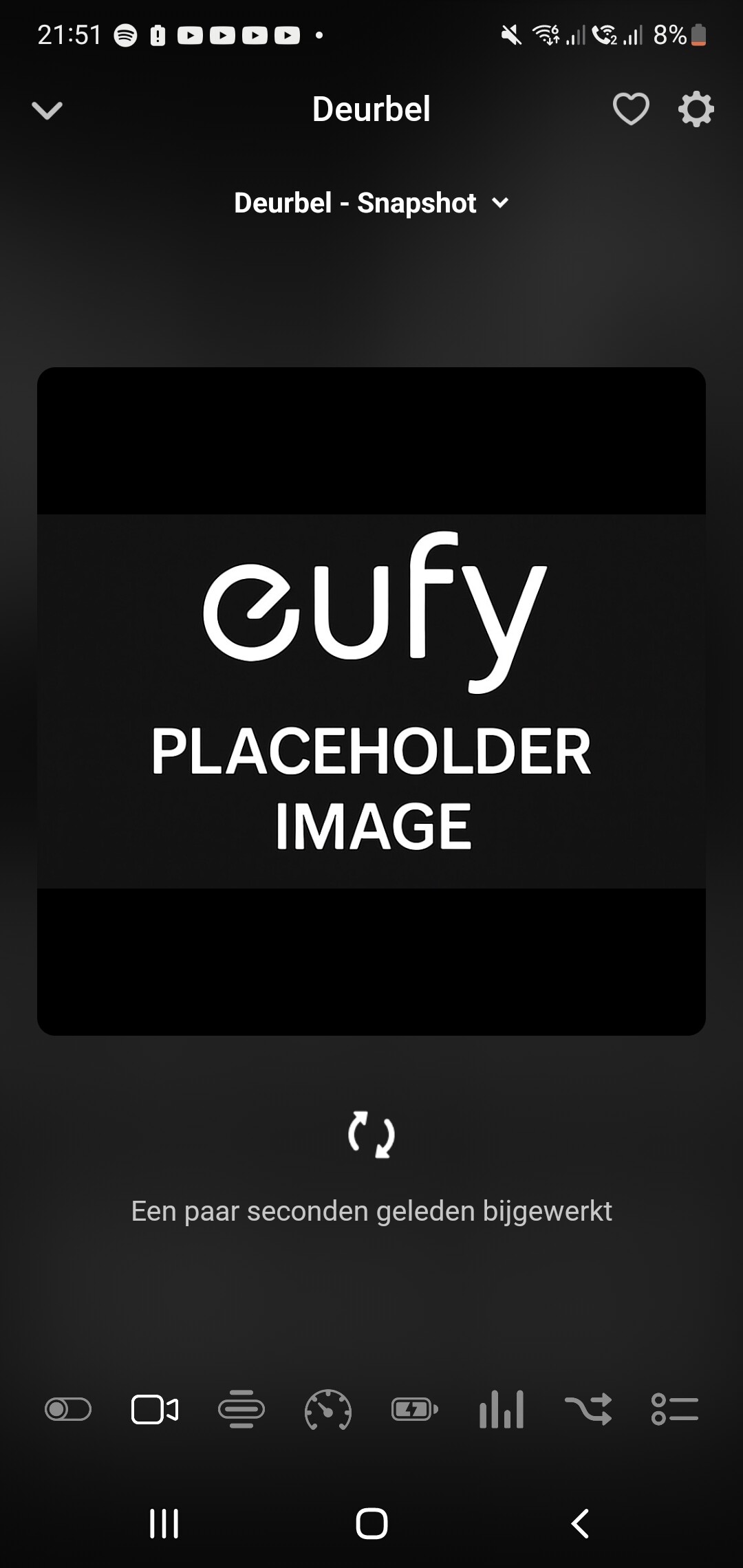
@Glenn_Dijkstra well, you are making a screenshot of the snapshot, but you expect to see a event image. Can you change the dropdown to event? click on the dropdown of Deurbel - Snapshot
@Glenn_Dijkstra can you restart the app and send a report?
53a0e84d-26cb-4fca-b34a-39dfdc77046a
@Glenn_Dijkstra strange, everything looks just normal…
Can you try to create a snapshot with a flow? Just to check if that’s also not working
@Glenn_Dijkstra yes if you could test that would be great!